Section 4 Control Denitions H85A Manual
www.rottlermfg.com
4-10
Operation Buttons
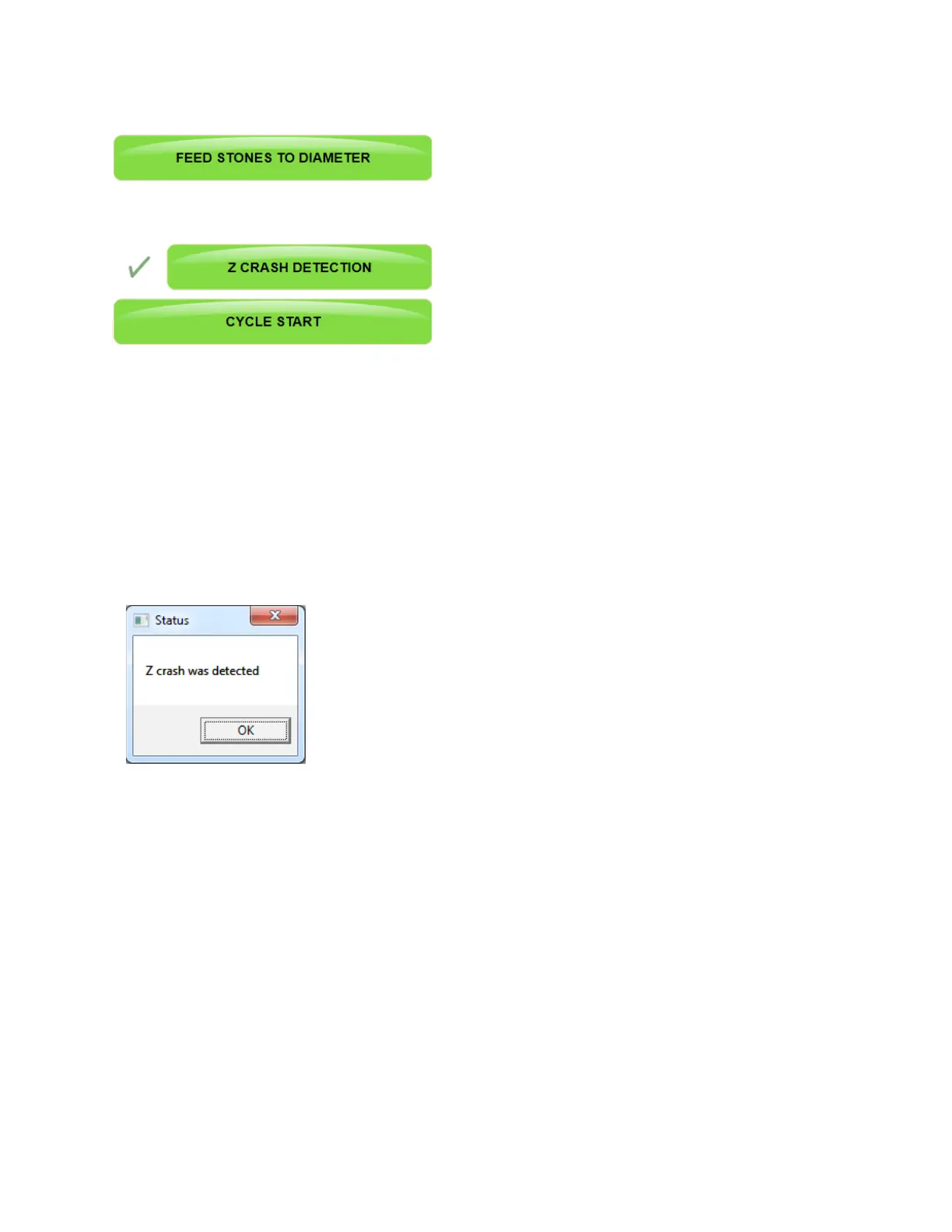
FEED STONES TO DIAMETER Button
When this button is active touching it will cause the spindle motor to start and the stones to feed out until
the nish load setting is reached. When that occurs the spindle motor will shut off. This is the zero point
for the stone diameter. The operator will touch the Zero Stone Diameter button to set the zero point for the
stones. This button is active only if the check mark is visible next to the button. The check can be turned
on or off by touching the check mark box.
Z CRASH DETECTION Button
When this button is active the machine will automatically detect and interference points that will come in
contact with the bottom of the stones. When auto cycle is started the machine will run a test to determine
if there is any interference points on each cylinder before honing begins. If an interference point is
detected the machine will stop. When the machine is moving from cylinder to cylinder the machine will
detect if the stones are not properly entering the bore and stop before damage can occur.
If there is an occurrence of an interference point being detected the
machine will stop and a pop up screen will appear on the screen.
CYCLE START Button
This is the button that is touched to begin the auto honing cycle process.
The machine will complete the entire process of honing all the cylinders that have been tagged to hone.
The machine can be stopped mid cycle by touching the Stop Machine button. If an emergency arises or if
the screen does not respond to touch commands the E-STOP can be used to stop the machine.



 To Next Page