Section 5 Operating Instructions H85A Manual
www.rottlermfg.com
5-15
Getting Started
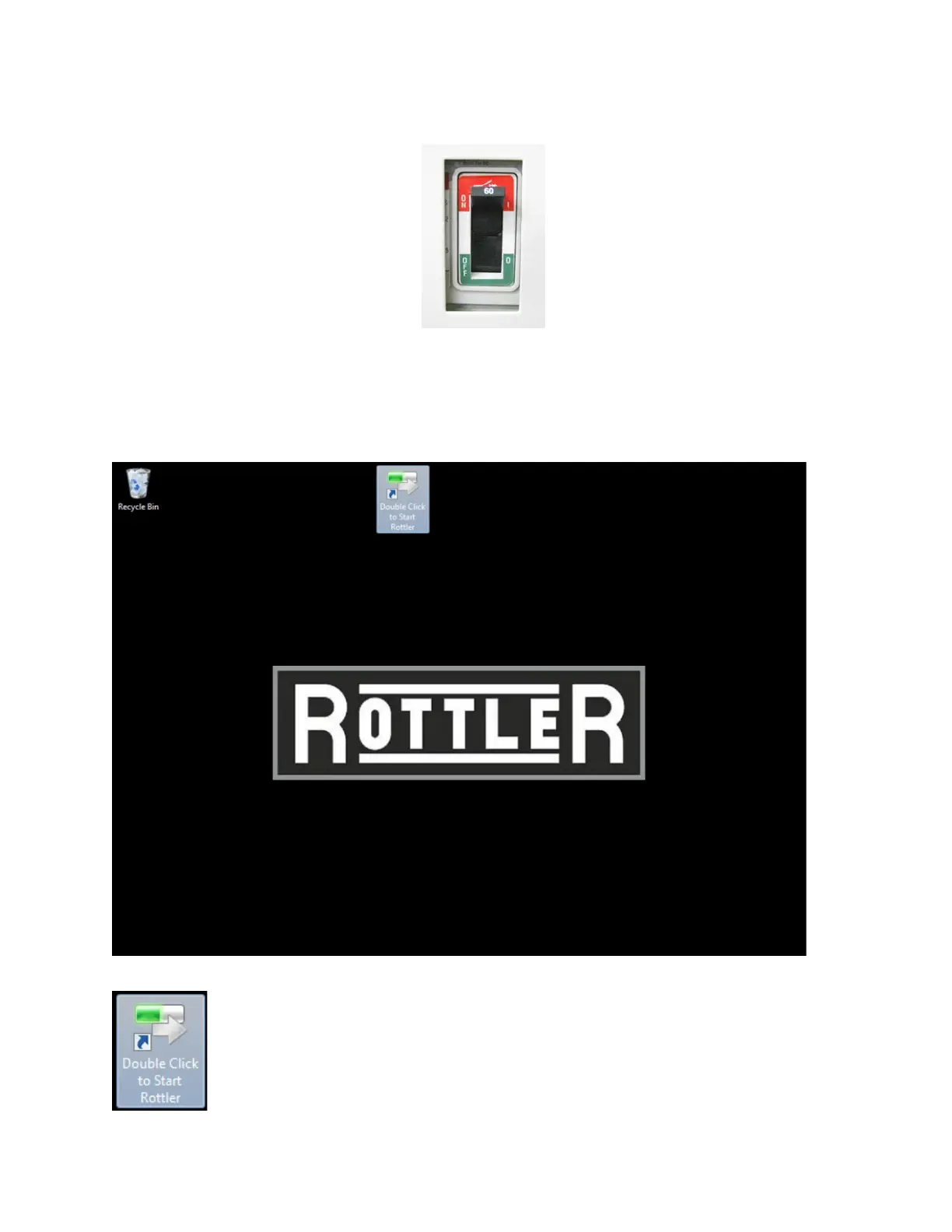
Once the machine is set up and ready to
run turn on power to machine by ipping the
power switch to the on position.
It will be assumed that the machine is being operated without a keyboard or mouse attached.
The computer will start up and boot screen will appear on the monitor. This may take a few minutes if
operating system is doing an update.
Double Touch the Start Rottler icon. The HOME screen will appear on the monitor.



 To Next Page