Section 4 Control Denitions H85A Manual
www.rottlermfg.com
4-6
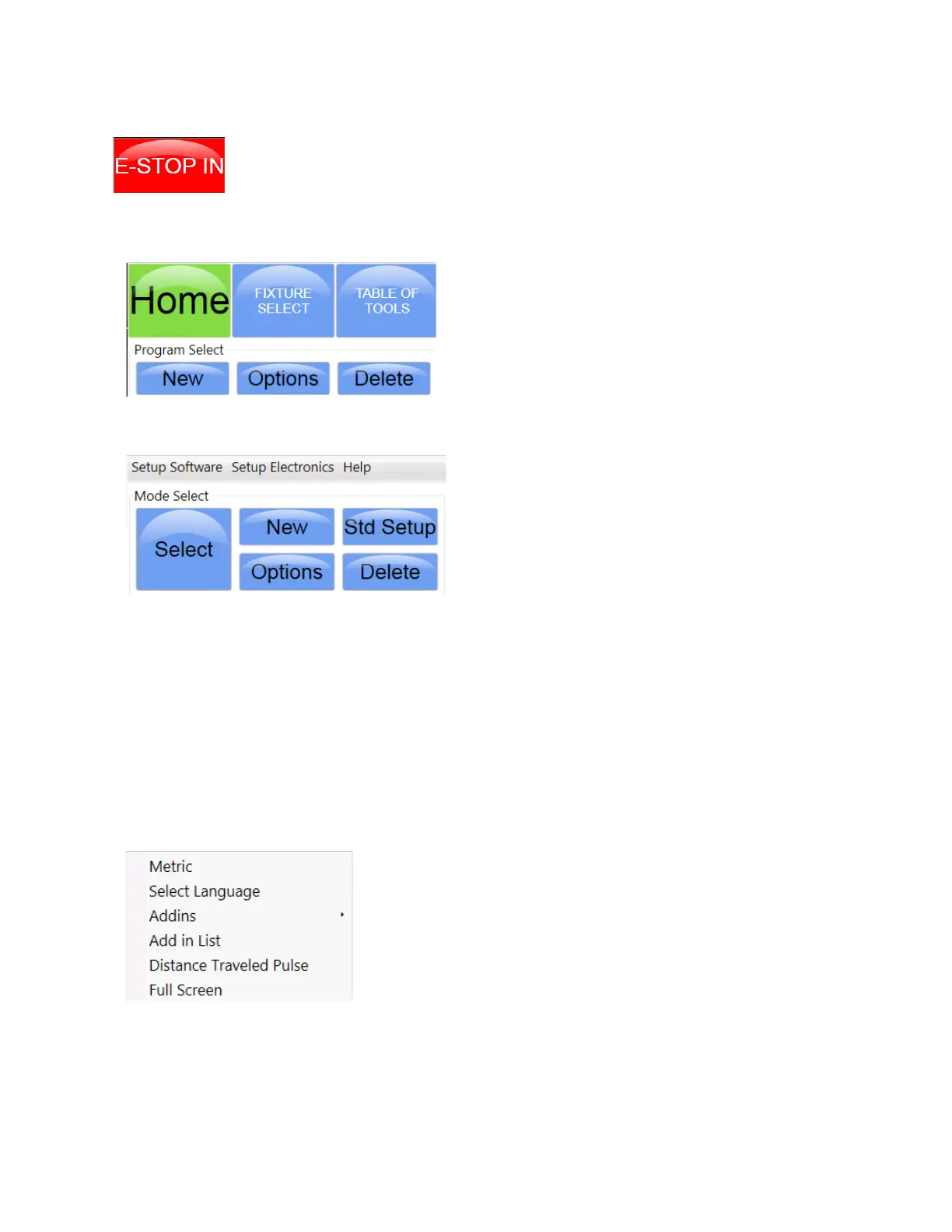
When this icon replaces the Stop Machine button it indicates that the E-STOP switch is
engaged and all motions buttons on the screen are disabled. The E-STOP switch must
be released before any of the motion buttons on the display screen will respond.
Program Select Section Buttons
The Home button is use to index the hone head when it
is installed on the machine. FIXTURE SELECT, and
TABLE OF TOOLS buttons are not used on the H85A.
The New and Options, buttons are used for creating
new engine block proles that will be saved for later use.
The Delete button is used for removing a block prole
from the Program Select list.
Mode Select Sections Buttons and Menus.
Setup Software and Setup Electronics menu titles will
open new options menus. These are mostly used for
machine setup at the factory or for service. There are 2
options that an operator can select if needed and will
be explained further on.
The Help menu title will open the help and instruction
les for the machine.
New Button: This button is used to bring up a pop up screen where a machining process will be chosen
for use. The process will appear below the Mode Select buttons.
Std Setup Button: This button will insert all processes that are available for this machine in the area
below the Mode Select buttons.
Options Button: This button will bring up a pop screen that will allow the operator to change the name of
the process that was highlighted.
Delete Button: This button will delete any process that has been highlighted.
Select Button: This button will bring up the Operation Screen once a block program and a process have
been highlighted.
Software Setup Menu
This is the menu that appears when the Setup Software title is
touched. Here the operator can choose to change to metric display
readings by checking the Metric title. Inch display readings can be
restored by unchecking the Metric title box.
A different language can be used by touching the Select Language
title and choosing for the languages that appear.



 To Next Page