Configuring Wireless Settings
Configuring Wireless # (WLAN Number) Settings
Ruckus Wireless Outdoor AP 100.1.0 User Guide, 800-70863-001 Rev A 100
Setting Threshold Options
The following options allow you to fine-tune the Protection Mode behavior, set
previously on the Configuration > Wireless > Advanced > Common page. After
activating a Protection Mode, you can open each Wireless tab and customize the
threshold settings, which determine what is put into effect and when.
NOTE Do not customize these options unless you are an experienced network
administrator or are under the guidance of an IT/support professional.
1 Go to Configuration > Wireless/Radio 2.4G/Radio 5G. The Configuration >
Wireless > Common page appears.
2 Click the tab for the Wireless # (WLAN number) that you want to configure. The
selected Configuration > Wireless > Wireless # (WLAN number) page appears.
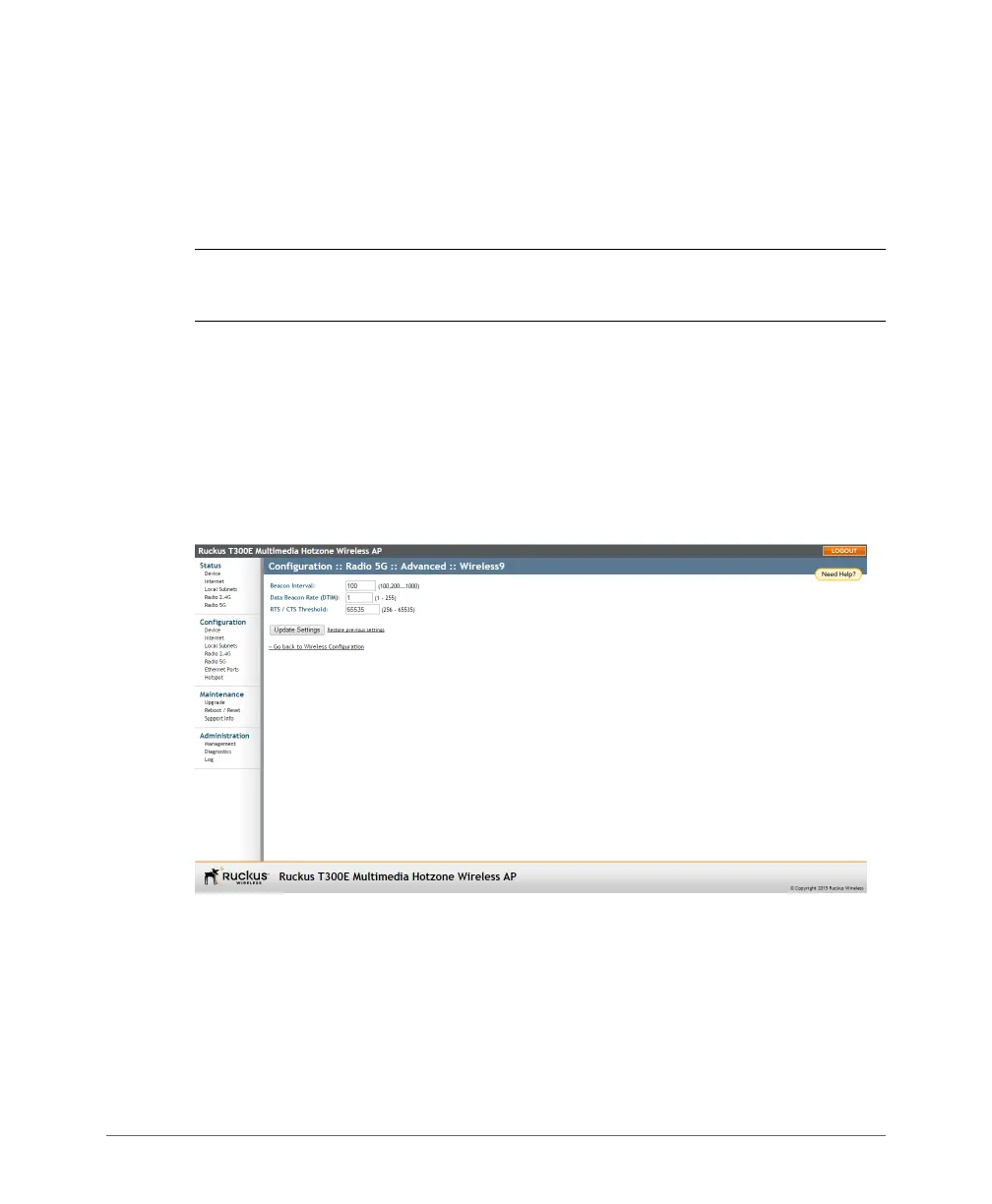
3 Look for Threshold Settings, and then click Edit Settings. The Configuration >
Wireless > Advanced > Wireless # (WLAN number) page appears.
Figure 39. Threshold settings













 To Next Page