Configuring Hotspot Service
Creating a Hotspot Walled Garden
Ruckus Wireless Outdoor AP 100.1.0 User Guide, 800-70863-001 Rev A 116
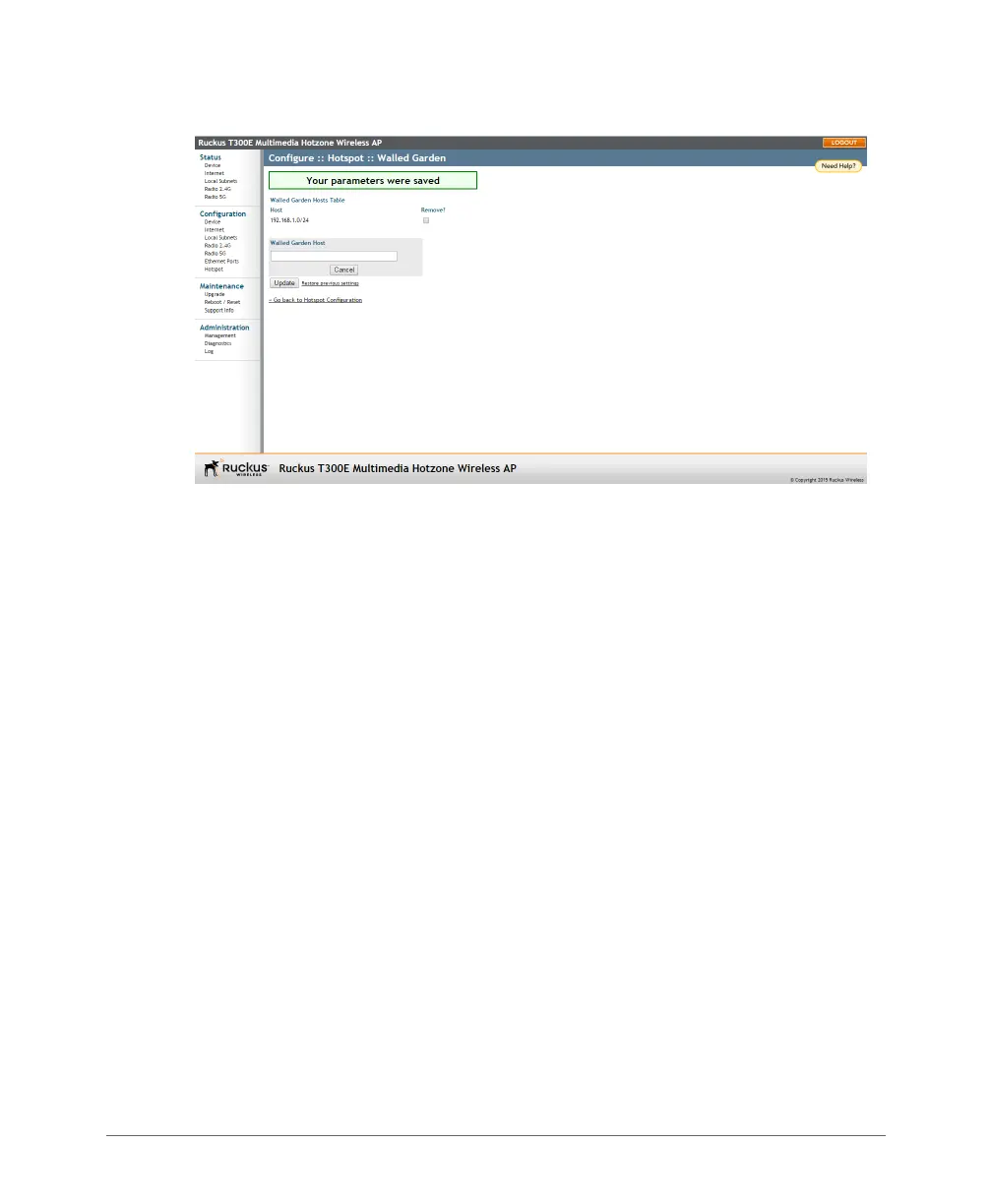
Figure 45. The Walled Garden hosts table
4 In Walled Garden Host, enter a host name, IP address, network segment (for
example, 192.168.1.0/24) or a domain name. If a domain name is entered,
it is resolved every five minutes.
5 Click Update to save your entry.
You can create up to 64 entries in the Walled Garden Hosts table.
Removing Entries from the Walled Garden Hosts Table
1 Click the check box next to the entry you want to remove, under the Remove?
column.
2 Click Update. The entry is removed from the list.













 To Next Page