Running Diagnostics
Scheduling Automatic Upgrades
Ruckus Wireless Outdoor AP 100.1.0 User Guide, 800-70863-001 Rev A 140
Running Diagnostics
Two network connection diagnostic tools, ping and traceroute, have been built into
the AP to help you check network connections from the Web interface.
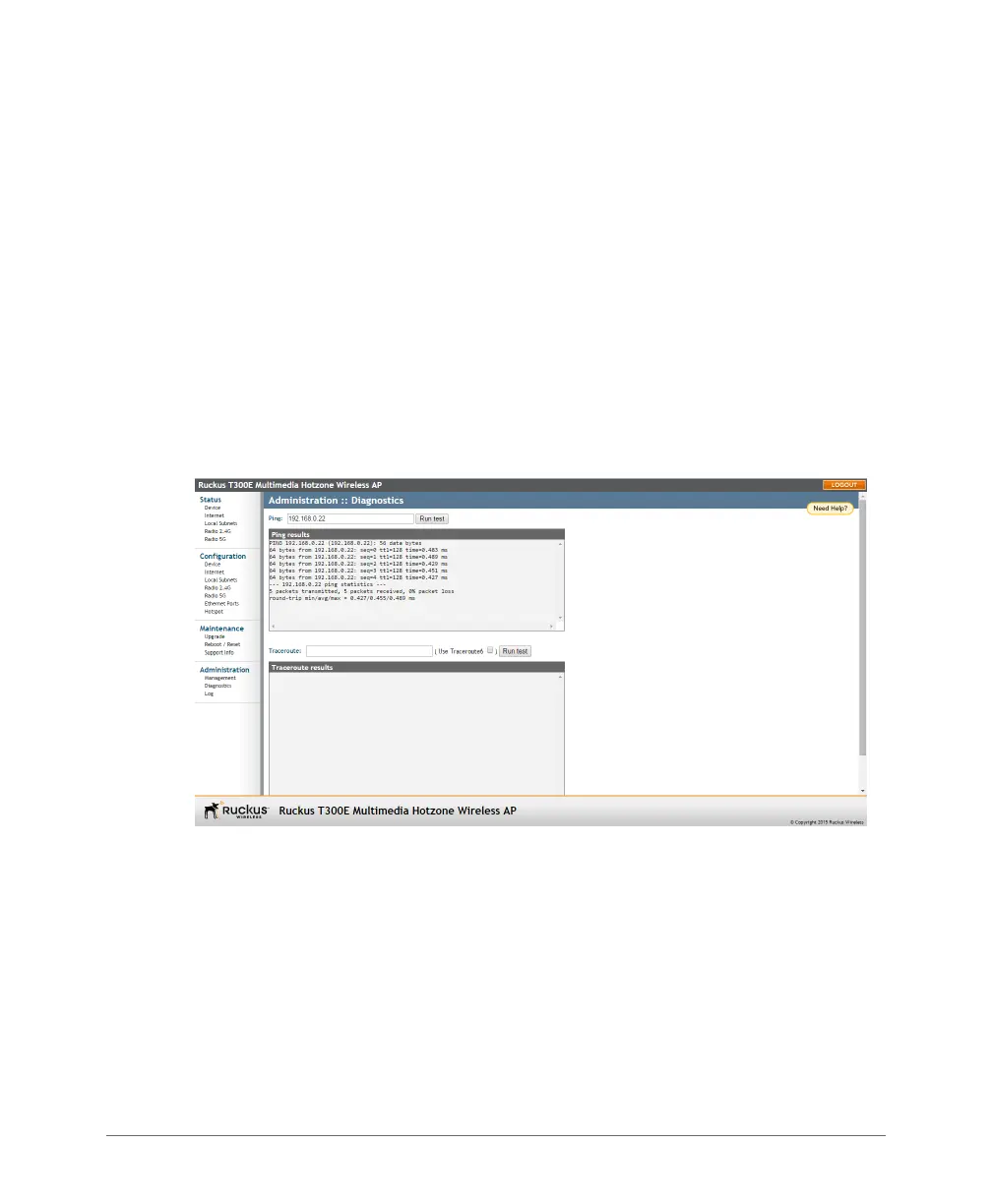
1 Go to Administration > Diagnostics. The Administration > Diagnostics page
appears. Two options are available:
•Ping
•Traceroute
2 Click the text field by the option you want to activate, and type the network
address of a site you wish to connect to.
3 Click Run test.
The results appear in the text field below each option.
Figure 58. Pinging an IP address













 To Next Page