Getting to Know the Access Point Features
ZoneFlex 7781CM Access Point with Cable Modem
Ruckus Wireless Outdoor AP 100.1.0 User Guide, 800-70863-001 Rev A 35
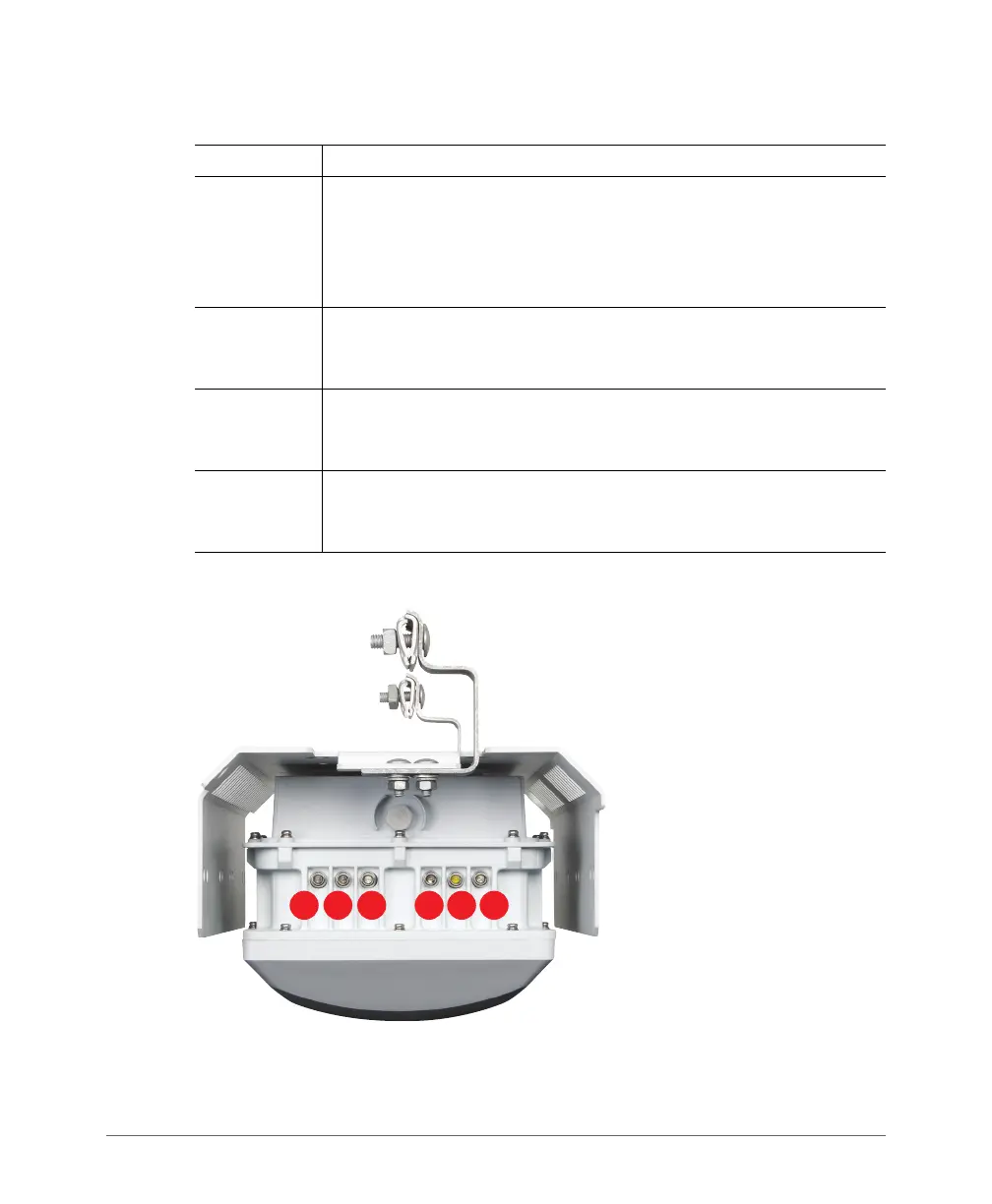
Figure 15. 7781CM LEDs
Table 11. 7781CM connectors
Label Description
Ethernet Port
(under
blanking cap)
RJ-45 port that supports 10/100/1000Mbps connections and provides
802.3af-compliant (15.4W) Power over Ethernet (PoE) output power to
external devices. PoE output (and internal CM heater, if equipped) are
only supported when the 7781CM receives Power Over Cable (POC)
from the HFC cable plant.
Reset Button
(under
blanking cap)
Refer to the
ZoneFlex 7781CM Cable Modem Access Point
Installation Guide
to access the reset button and either reboot the AP
or reset the AP to factory defaults.
DC Connector
(under
blanking cap)
In addition to the power supplied by the coaxial cable from the cable
modem termination system (CMTS) equipment, the 7781CM can also
be DC powered for configuration before field deployment.
Coaxial Cable
Connector B
Connects to the CMTS at the headend using a tap on the plant, and
provides AC POC to the 7781CM. For more information, refer to the
ZoneFlex 7781CM Cable Modem Access Point Installation Guide.













 To Next Page