Configuring Wireless Settings
Configuring Wireless # (WLAN Number) Settings
Ruckus Wireless Outdoor AP 100.1.0 User Guide, 800-70863-001 Rev A 91
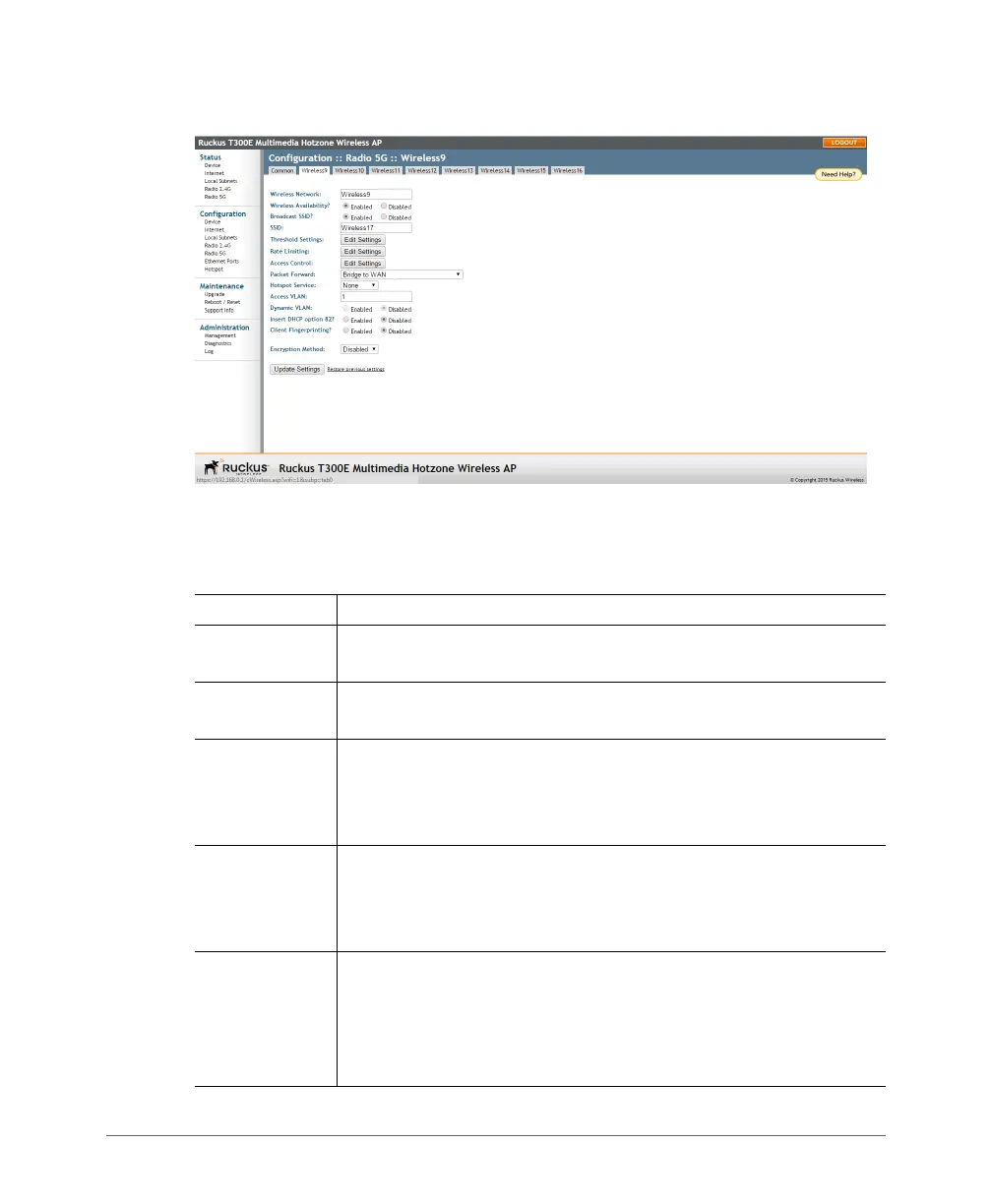
Figure 35. Typical Configuration > Wireless > Wireless # (WLAN number) page
3 Review the WLAN options listed in Tabl e 2 6, and then make changes as required.
Table 26. WLAN options
Option Description
Wireless
Network
This wireless network name is only used for management, and is not
visible to wireless clients.
Wireless
Availability
This option controls whether or not the wireless network is available
to users (
Enabled or Disabled).
Broadcast SSID This option controls whether or not (
Enabled or Disabled) the
WLAN SSID is visible to anyone looking for wireless networks.
Disabling (hiding) the SSID requires the user to use the correct SSID
before they can connect to your network.
SSID This is the publicly-broadcast name of your wireless network. SSIDs
can contain up to 32 alphanumeric characters and are case-sensitive.
The maximum SSID length can only contain between 2 and 32
characters, including characters from ! (char 33) to ~ (char 126).
Threshold
Settings
This button opens a page where you can configure the Protection
Mode you activated on the Configuration > Wireless > Advanced >
Wireless # (WLAN number) page. If Protection Mode is not active,
ignore this option.
For more information, refer to
Setting Threshold Options.













 To Next Page