Configuring Wireless Settings
Configuring Wireless # (WLAN Number) Settings
Ruckus Wireless Outdoor AP 100.1.0 User Guide, 800-70863-001 Rev A 94
NOTE Using WEP encryption limits the performance of this WLAN to 802.11g
rates, and other WLANs are unaffected. If you select WEP encryption for a WLAN,
wireless devices that are capable of faster 802.11n transfer rates are limited to
802.11g rates.
1 Go to Configuration > Wireless/Radio 2.4G/Radio 5G. The Configuration >
Wireless > Common page appears.
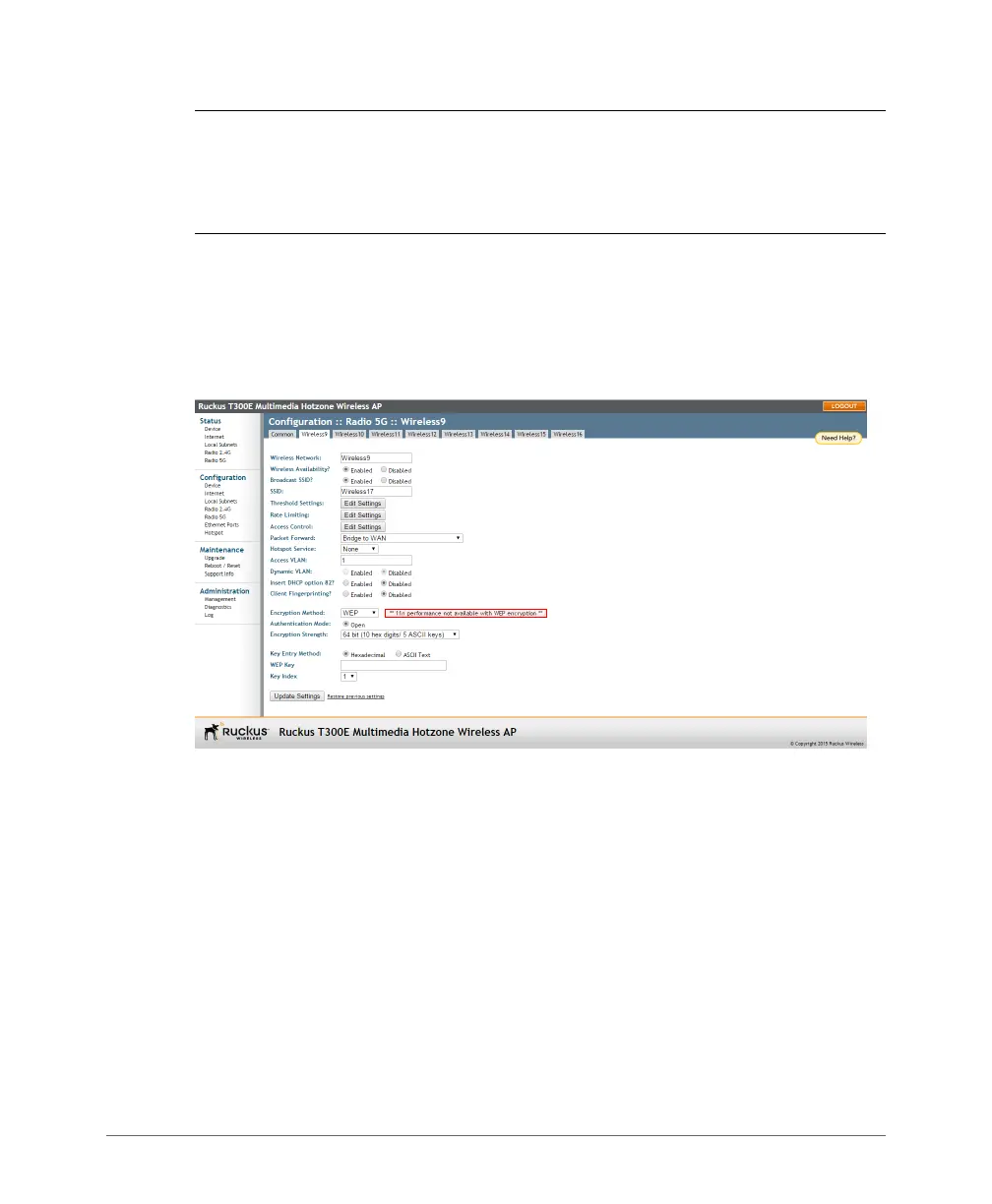
2 Click the Wireless # (WLAN number) tab that you want to configure. The selected
Configuration > Wireless > Wireless # (WLAN number) page appears.
Figure 36. WEP settings
3 In the Encryption Method menu, select WEP. An additional set of WEP-specific
encryption options appears.
4 Review the encryption settings listed in Table 2 7 , and then make changes as
required.













 To Next Page