MCA-C3 Test Procedure
Page 42 of 77
13. Look for RDS information on any MDK-C3 Keypad display.
Note: RDS stands for Radio Data System.
Messages sent from the Radio Station are displayed
on your equipment (MDK-C3 Keypad).
Note: If there are no station transmitting RDS information
skip Steps 13, 14, and 15
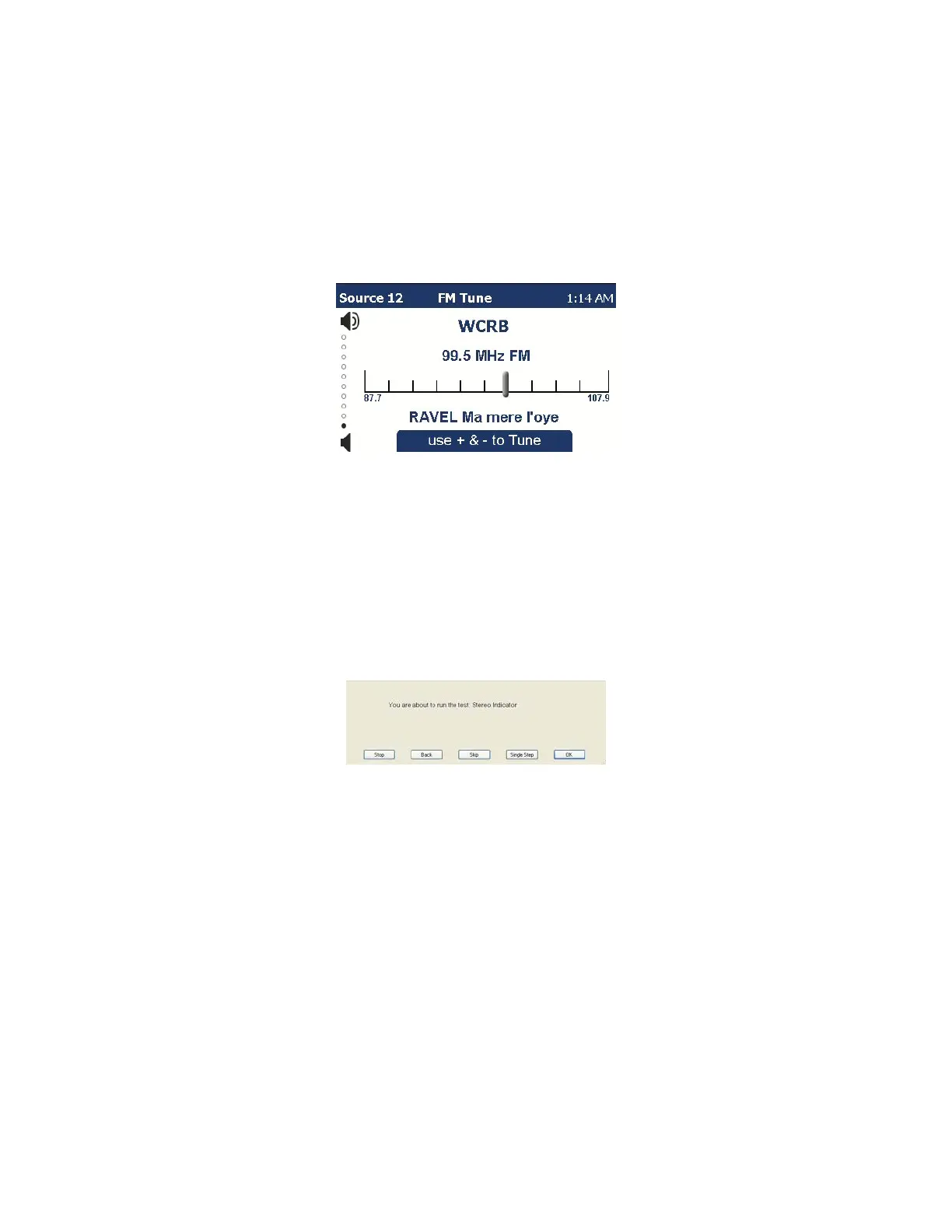
Sample KLK-E6 with RDS info
The MDK-C5 Keypad will show similar info
14. Observe that the station being received call letters may be displayed above
the tuning dial. There could also be other information below the tuning dial.
15. RDS reception is confirmed when something else besides the tuning dial is
present that represents the station or what is being transmitted. This could
also be traffic related information.
16. The following dialog will display.
Read the description below before pressing the space bar.
Once you begin this test,
The command to detect Stereo reception is displayed in the Logging Window.
Line number 1 will return a value of 1 indicating Stereo reception is received.
Immediately remove the antenna after observing Stereo is received.
The command to detect Stereo reception is displayed again.
Line number 3 will return a value of 0 indicating Stereo reception is no longer
available.
Note: You have 1.5 seconds to remove the antenna before the Stereo
reception command is sent a second time.



 To Next Page