MCA-C3 Test Procedure
Page 41 of 77
Note: Whenever RVCLIScritper crashes and requires it to be closed and
reopened you will need to perform Step 7 before continuing.
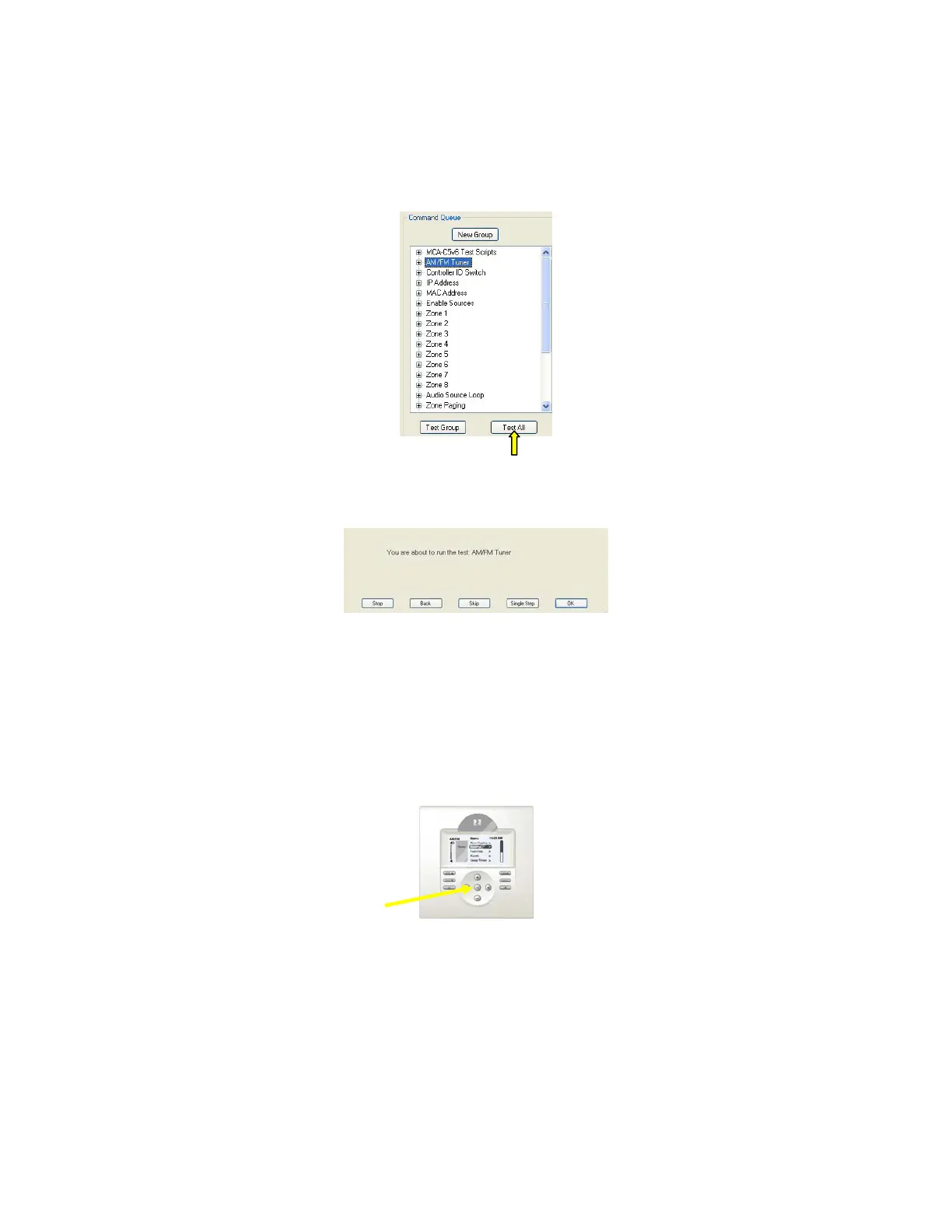
8. Left click once to select the “AM/FM Tuner” script.
Click the “Test All” button.
9. The following dialog will display.
Press the space bar.
10. All MDK-C3 keypads will illuminate and display “Press Select to Begin”.
Press the “OK” button on each MDK-C3 Keypad.
Each Keypad will then display the “Tuning Dial” screen.
You must confirm the FM dial displays on each keypad.
Note: After pressing the “OK” button on the MDK-C5 and seeing the
Tuning Dial display you have confirmed the Keypad Ports of the
MCA-C3 can communicate properly with each Keypad.
11. All MDK-C3 Keypads with then automatically dial an FM station.
Note: The script set for 99.5Mhz FM.
Inform Russound Engineering if another frequency is desired.
12. Zone 1 MDK-C3 volume will increase to a reasonable level.
Listen for clean undistorted sound from both speakers
The oscilloscope should display clean undistorted audio.
OK button



 To Next Page