64
Member of Exel group
DRT582165110
A - 2023/03
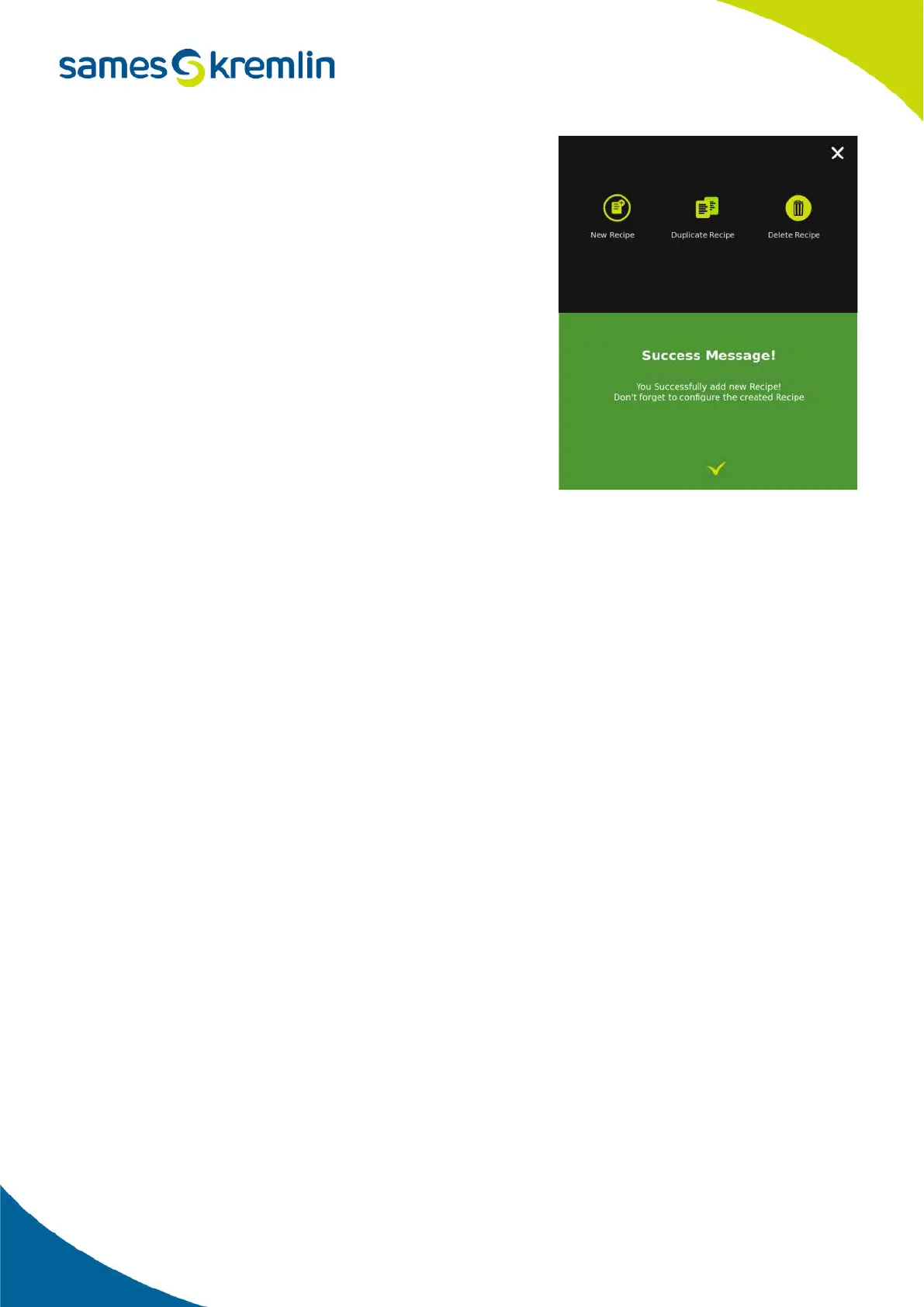
Pressing this button opens the following screen:
• The New recipe button allows you to create a new recipe.
You will have to fill in all the parameters.
• To simplify the creation of a recipe, it is possible to duplicate an
existing recipe and have only a few parameters to modify.
• The Delete recipe button allows you to delete the selected
recipe.
• Result: regardless of the action performed, a message will
appear to confirm the completion of the action.
2.5.5. Put in product
The use of the product should only be done after the first cleaning as described in the section.
The filling of the circuits from the pump to the Cyclomix® Evo can be done using the Calibration function.
The use of the Calibration function will first fill the circuit and then calibrate the flowmeters.
The circuit is filled via the test socket using the priming function.
After ensuring that the sampling valve is closed:
• Press the priming button to open the color changer valve and the sampling valve.
• Position a container under the test sockets (using a 4mm outer hose if necessary).
• Then gradually open the tap to circulate the product until it has reached the container.
It is then possible to calibrate the product as indicated in the section Calibration of a product or to move on to the
next product.


 To Next Page