Chapter 3. Installing the Product 3 - 27
- Adding a word
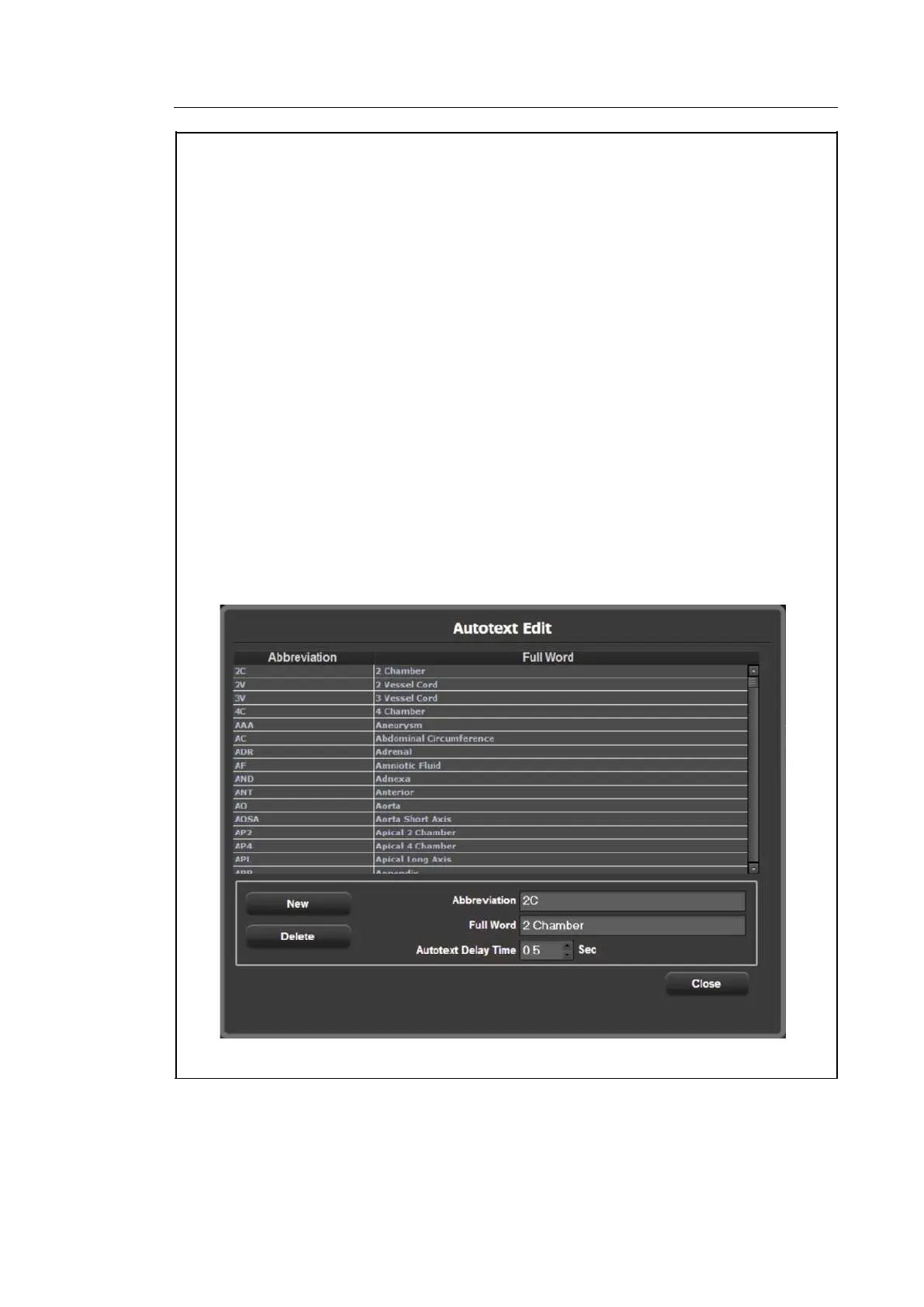
1. Press the New button.
2. Enter the terms you want to add into the Abbreviation and Full Word fields at the bottom
of the screen. The word will be added to the abbreviation list.
- Deleting a word
1. Use the trackball and the Set button to select a word to delete from the list. In the
Abbreviation and Full Word fields at the bottom of the screen, the abbreviation you have
selected and the corresponding full term are displayed.
2. Press the Delete button. A warning message will appear.
3. To delete the selected word, click OK. The word will be deleted from the abbreviation
list. Press Cancel to cancel.
- Selecting Autotext Delay Time
Specify the time taken by the system to automatically convert an abbreviation into a full
word and display it on the screen. Set the delay time from 0.1 to 5 seconds in Autotext
Delay Time at the bottom of the screen.
[Figure 3.14 Autotext Edit]



 To Next Page