Chapter 2. Introduction 2 - 9
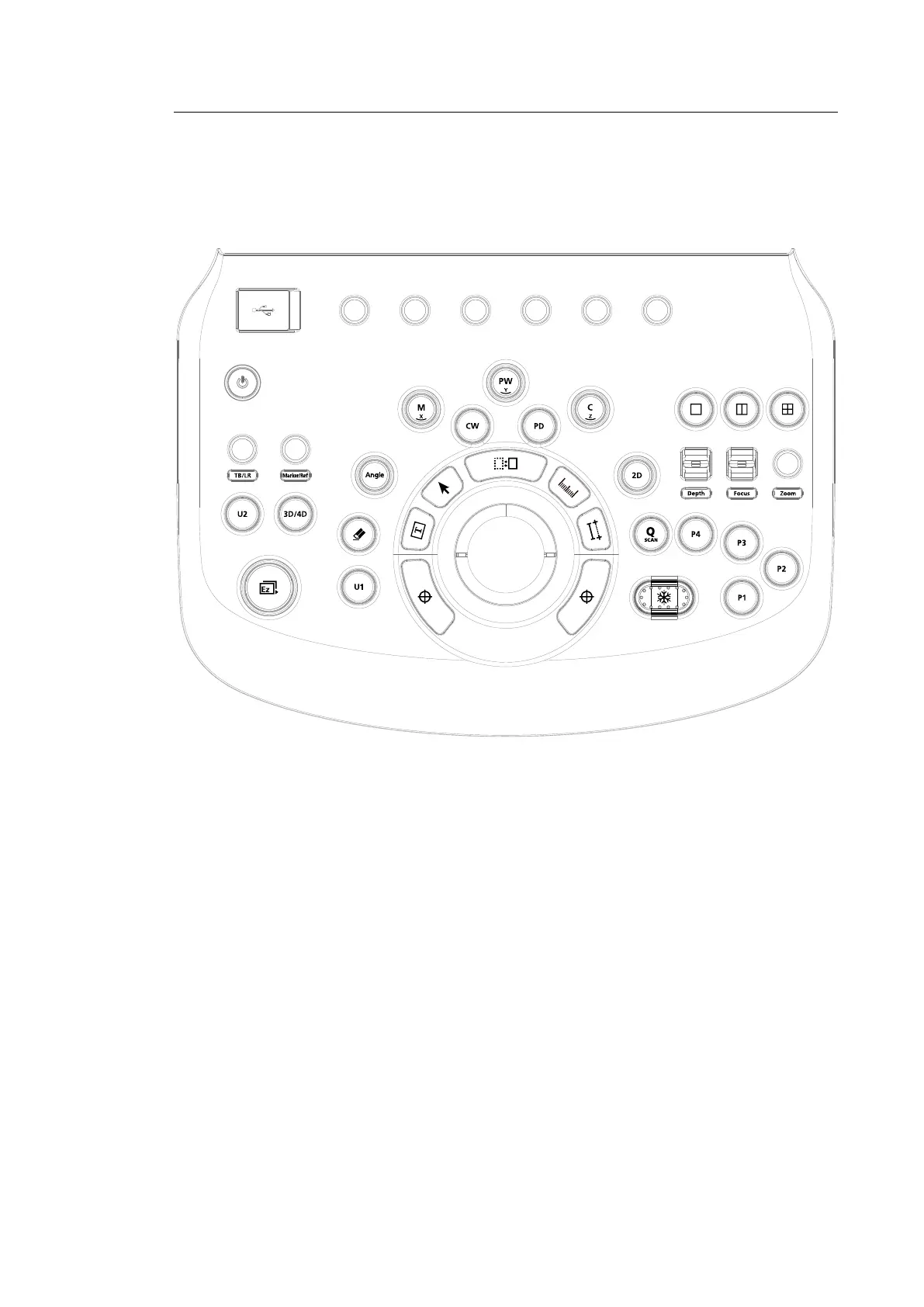
Control Panel
The system can be controlled by using the control panel.
[Figure 2.4 Control Panel]
The control panel consists of a keyboard, soft menus, buttons, dials, dial-buttons, a slider, and a
trackball.
The dial-button can be used both as a dial and a button.



 To Next Page