Chapter 3. Installing the Product 3 - 29
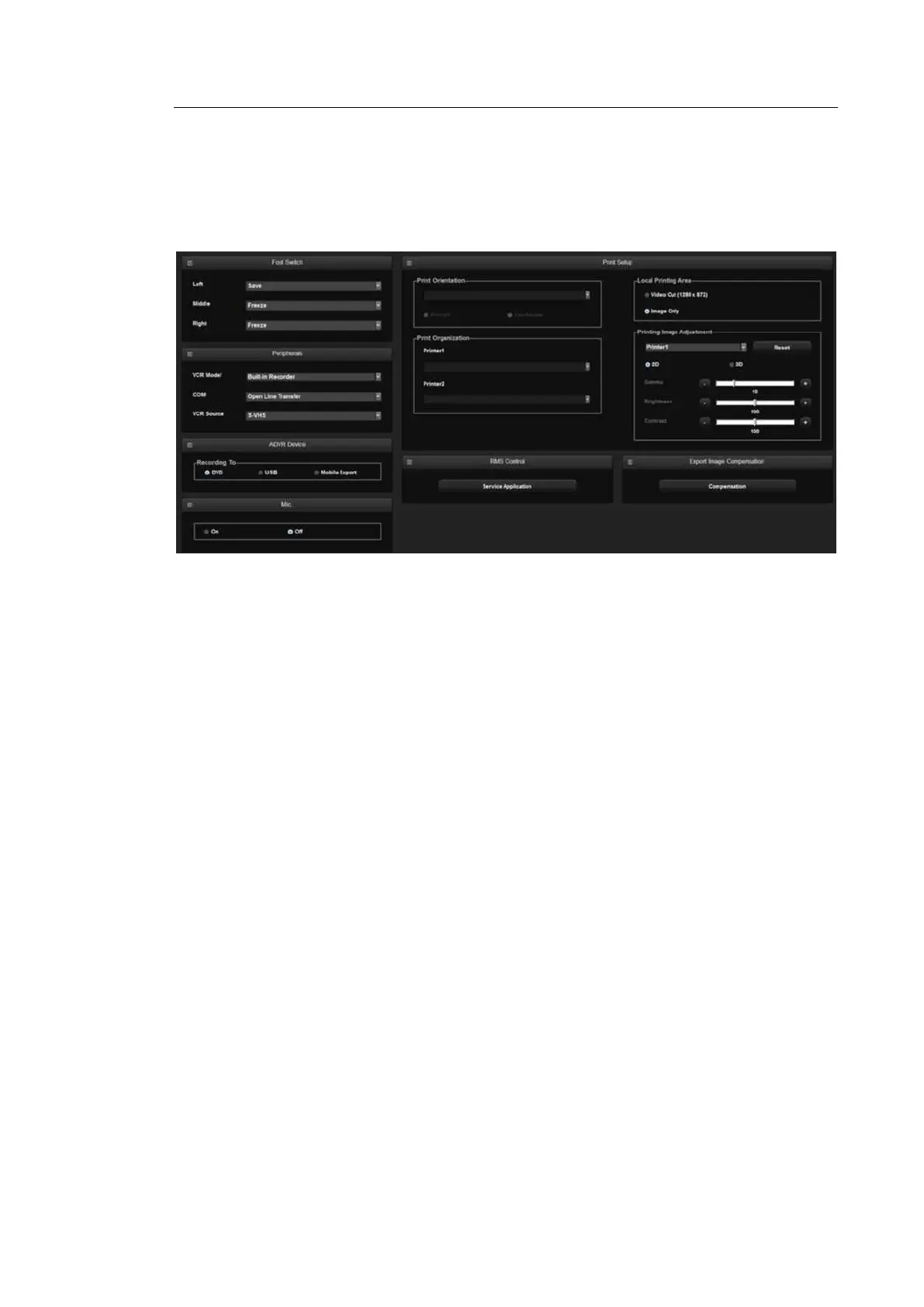
Peripheral Device Settings
Select the Peripherals tab on the Setup screen. Or tap Peripherals on the touch screen. You
can configure keys, buttons, and the peripheral devices connected to the product.
[Figure 3.15 Setup - Peripherals]
▐ Foot Switch
Set the functions of the left and right pedals of the foot switch. The functions that can be set
are shown below. Freeze, Update, Record, Printer 1, Save, Store Clip, Volume Start, EZ
Exam+, PD Mode, Color Mode, M Mode, PW Mode, CW Mode, Elastoscan Mode, TDI
Mode, TDW Mode, Biopsy.
▐ Peripherals
VCR Model
Set as Built-in Recorder. The user cannot change this setting.
COM
Configure a device to connect to a serial port. Choose between Open Line Transfer and
Reserved. If you select Reserved, the COM port will not be used.
To complete the device connection after selecting Open Line Transfer, you need to
reboot the system.



 To Next Page