Chapter 6.
Service Mode
6 - 7
Admin Mode Functions
▐ General
■ Multi Language, Input Language
Select the language to be used by the product. Supports English, German, French, Spanish,
Italian, Russian, and Chinese.
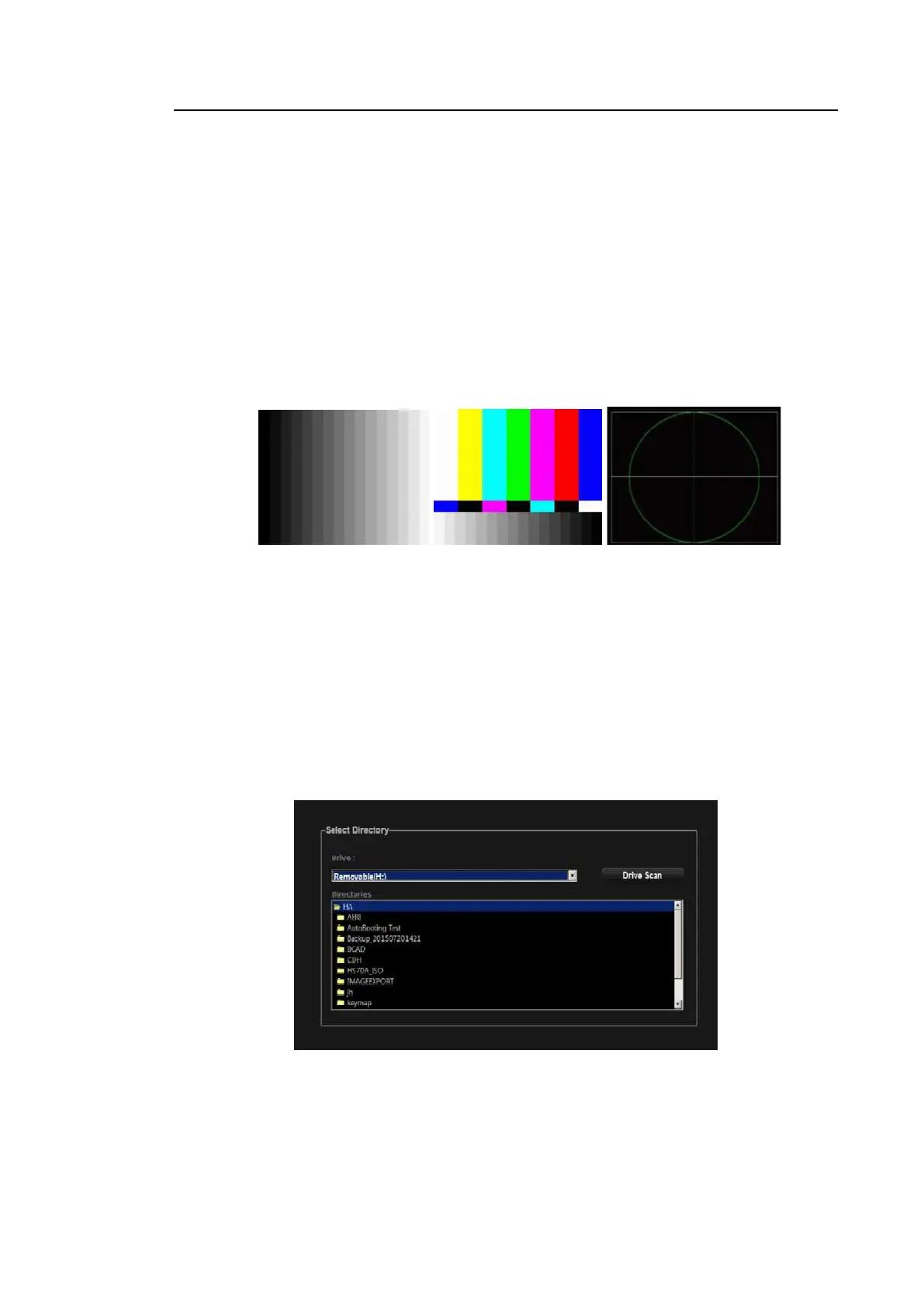
■ Test Pattern
You can test the properties of the monitor. Three different types of test pattern are displayed
and pattern changes every time you press the Set button on the control panel.
[Figure 6.5 Test Pattern]
■ Restore
This function restores the system with backed-up user settings.
1. Press Restore to exit the ultrasound system and start Restore function. Select OK
when you are asked whether you want to exit the ultrasound program before starting
Restore.
2. In the Restore screen, you can select user setting items and backup media.
3. Press Next to perform the Restore function.
4. The system will reboot when the restoration is complete.
[Figure 6.6 Restore]



 To Next Page