6 - 8 HS70A Service Manual
■ Backup
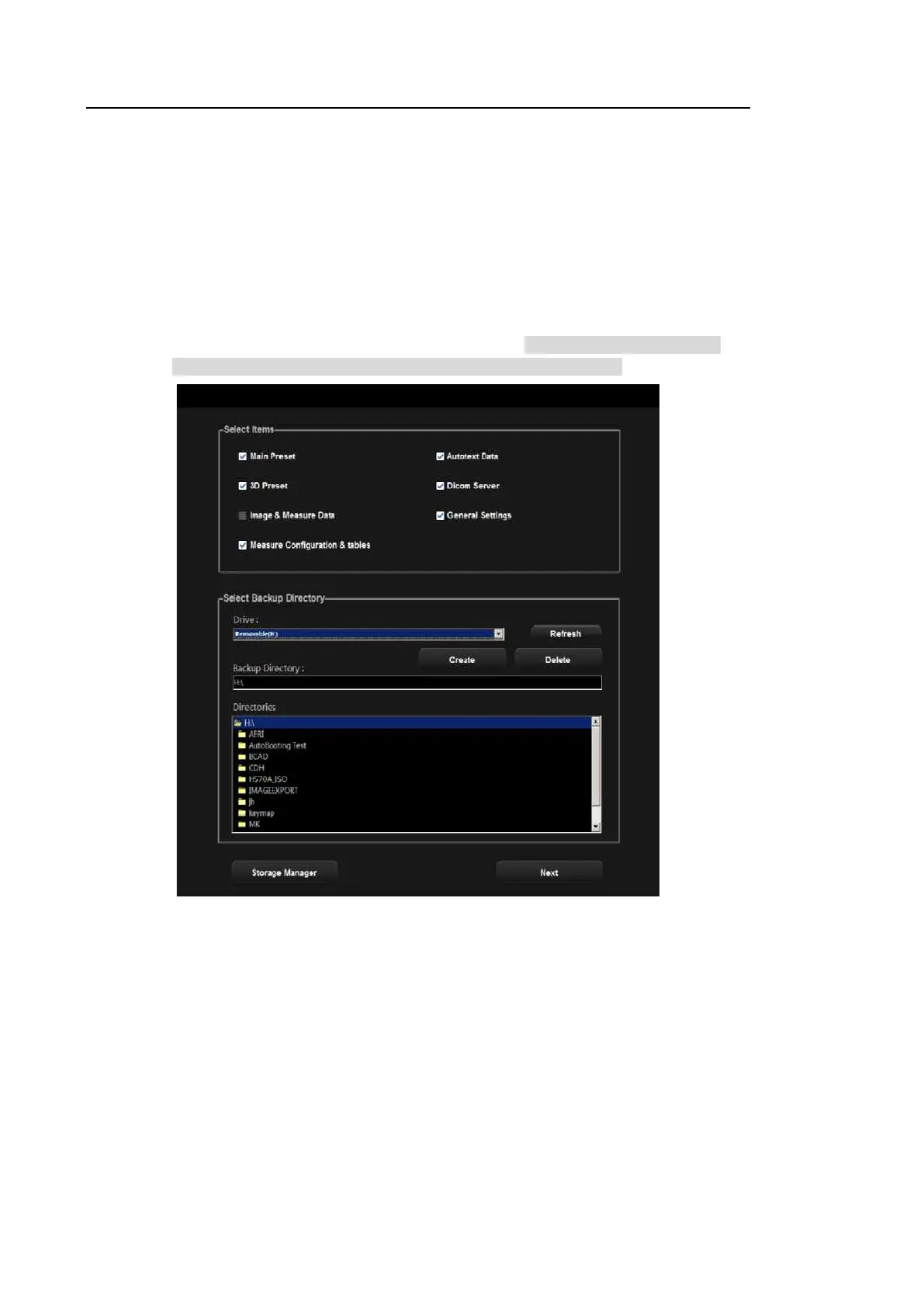
You can export and save user settings to external storage media.
1. When you press Backup, the ultrasound program will close, and the Backup function
will be initiated. Select OK when you are asked whether you want to exit the
ultrasound program before starting Backup.
2. In Backup screen, you can select a user settings item and backup media.
3. Press Next to perform the Backup function.
4. The system will reboot when the backup is complete. In case of failure, format the
USB storage media in Storage Manager and try backing up again.
[Figure 6.7 Backup]



 To Next Page