3 - 24 HS70A Service Manual
Annotate
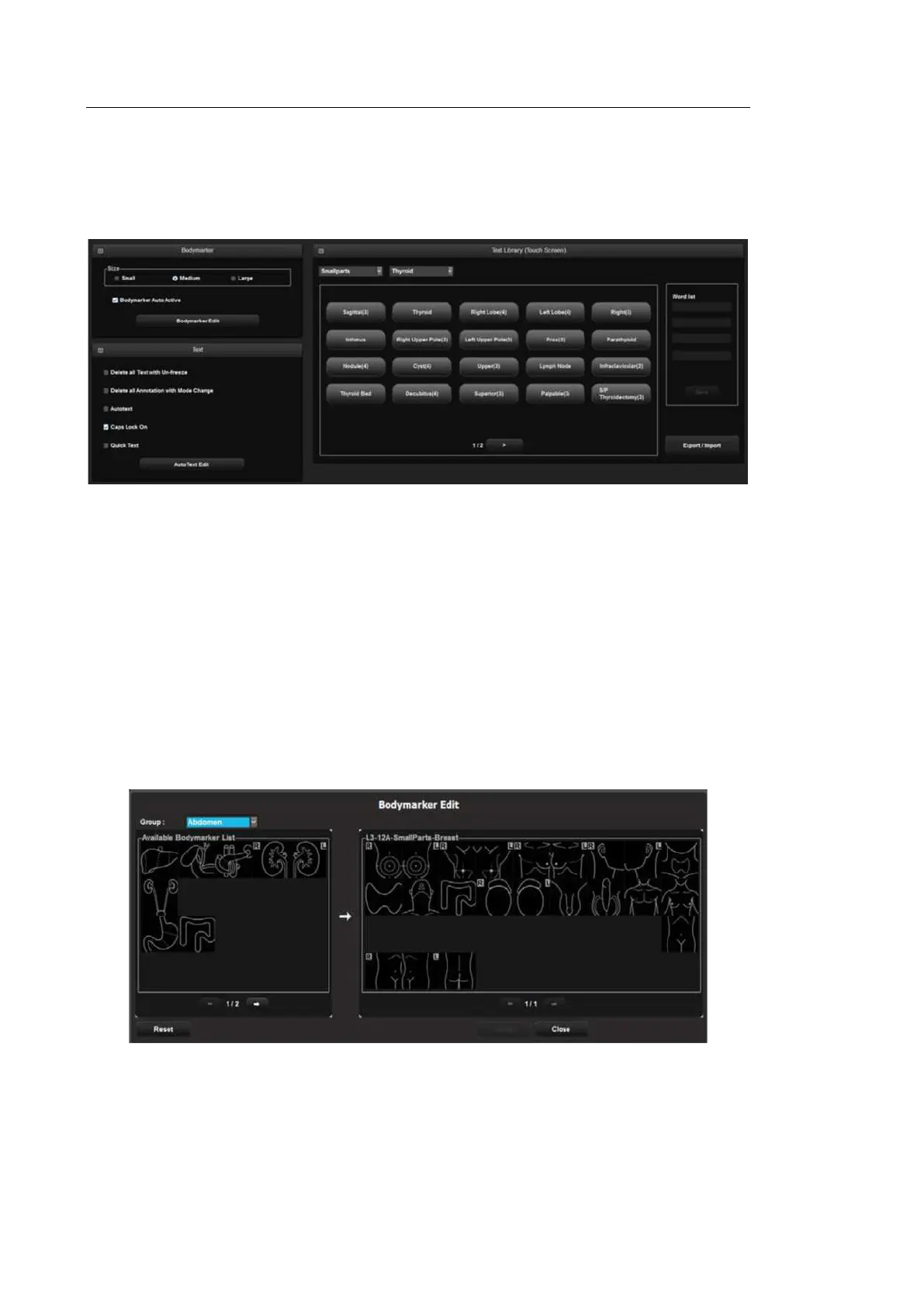
Select the Annotate tab in the Setup screen. Or tap Annotate on the touch screen. Configure
information related to image input.
[Figure 3.11 Setup – Annotate]
▐ BodyMarker
Size
Set the BodyMarker size (Small, Medium, or Large).
BodyMarker Auto Active
Select whether to activate the BodyMarker mode automatically when the active image
area is changed.
BodyMarker Edit
[Figure 3.12 BodyMarker Edit]



 To Next Page