3 - 20 HS70A Service Manual
Display
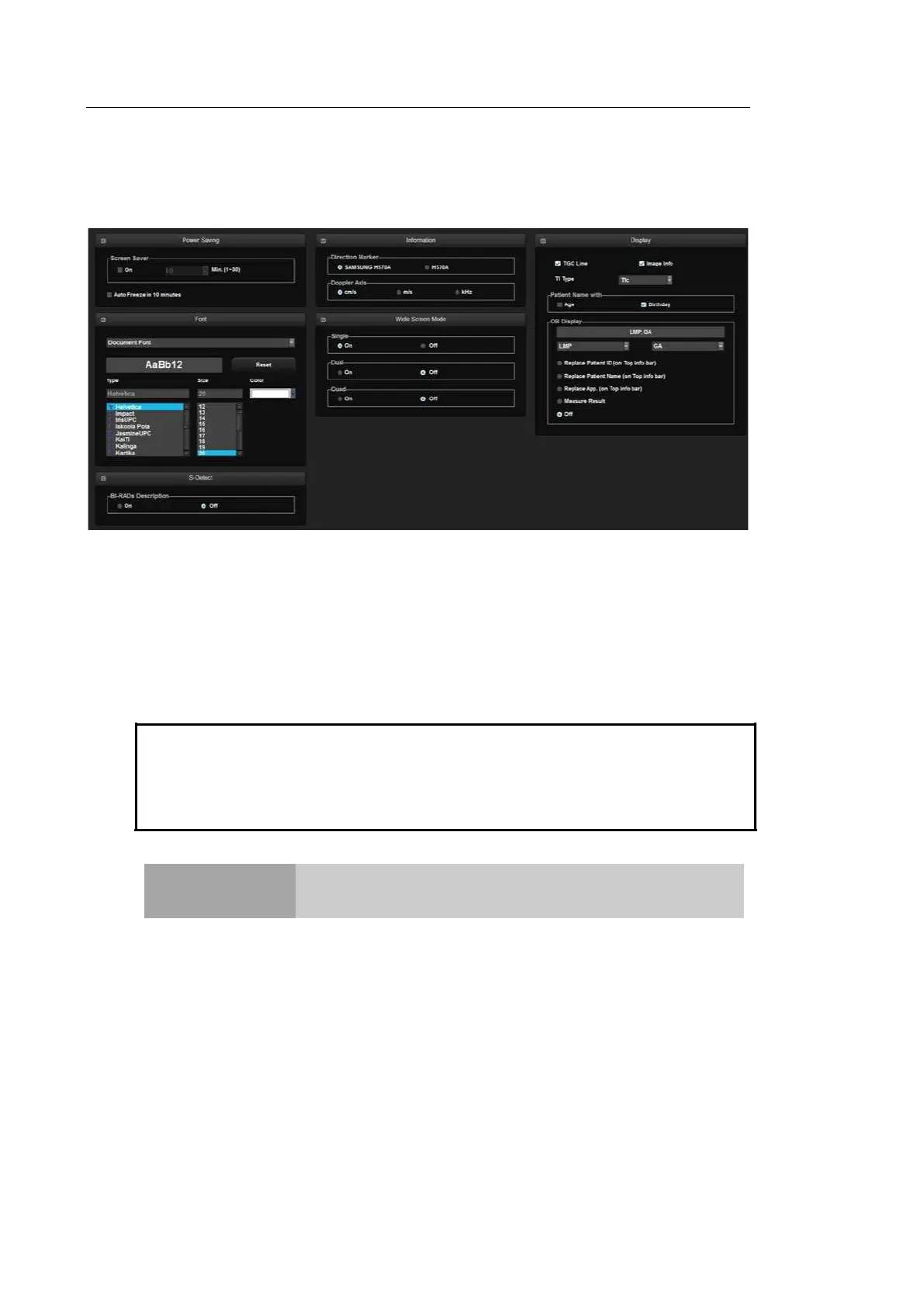
Select the Display tab in the Setup screen. Or tap Display on the touch screen. Configure the
settings for displaying images.
[Figure 3.10 Setup - Display]
▐ Power Saving
Screen Saver: Select whether or not to display the screen saver. When this is On,
you can set the screensaver to be activated in 1 to 30 minutes.
Auto Freeze in 10 minutes: Scan mode is frozen automatically when the product is
not used for 10 minutes.
Tip!
The Scan Mode is frozen automatically, regardless of Auto Freeze setting, when the
product is not used for 1 hour.
NOTE
In 3D mode, Auto Freeze is activated when the product is not
used for 20 minutes.



 To Next Page