3 - 12 HS70A Service Manual
General
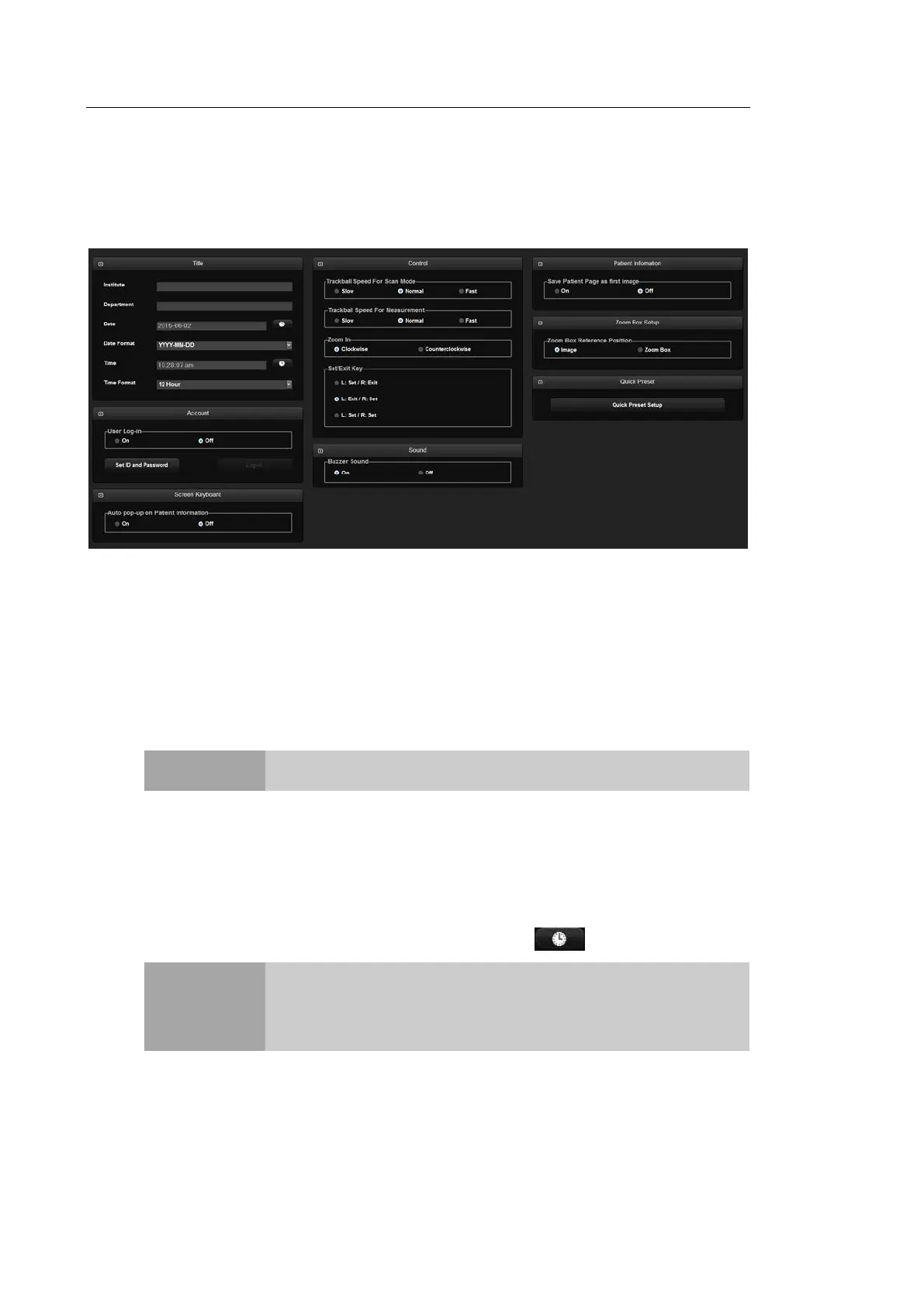
In the Setup screen, select the General tab. Or tap General on the touch screen. You can
specify general settings such as title settings.
[Figure 3.7 Setup - General]
▐ Title
You can specify the information that is displayed in the title area on the screen.
Institution
Enter the name of the hospital/institution where the product is installed.
NOTE
You cannot input the following characters: #, [, ", :, ?, |, \, "
Department
Enter details about the medical institution or the organization. These details are used to
identify information at DICOM transfer.
Date
The current date is displayed. To change the date, press .
NOTE
You cannot change the date and time when a patient ID has been
registered. Before making a change, you should finish the current
diagnosis by pressing the End Exam button on the control panel.
You can select a year from 2006 to 2027.



 To Next Page