Chapter 3. Installing the Product 3 - 13
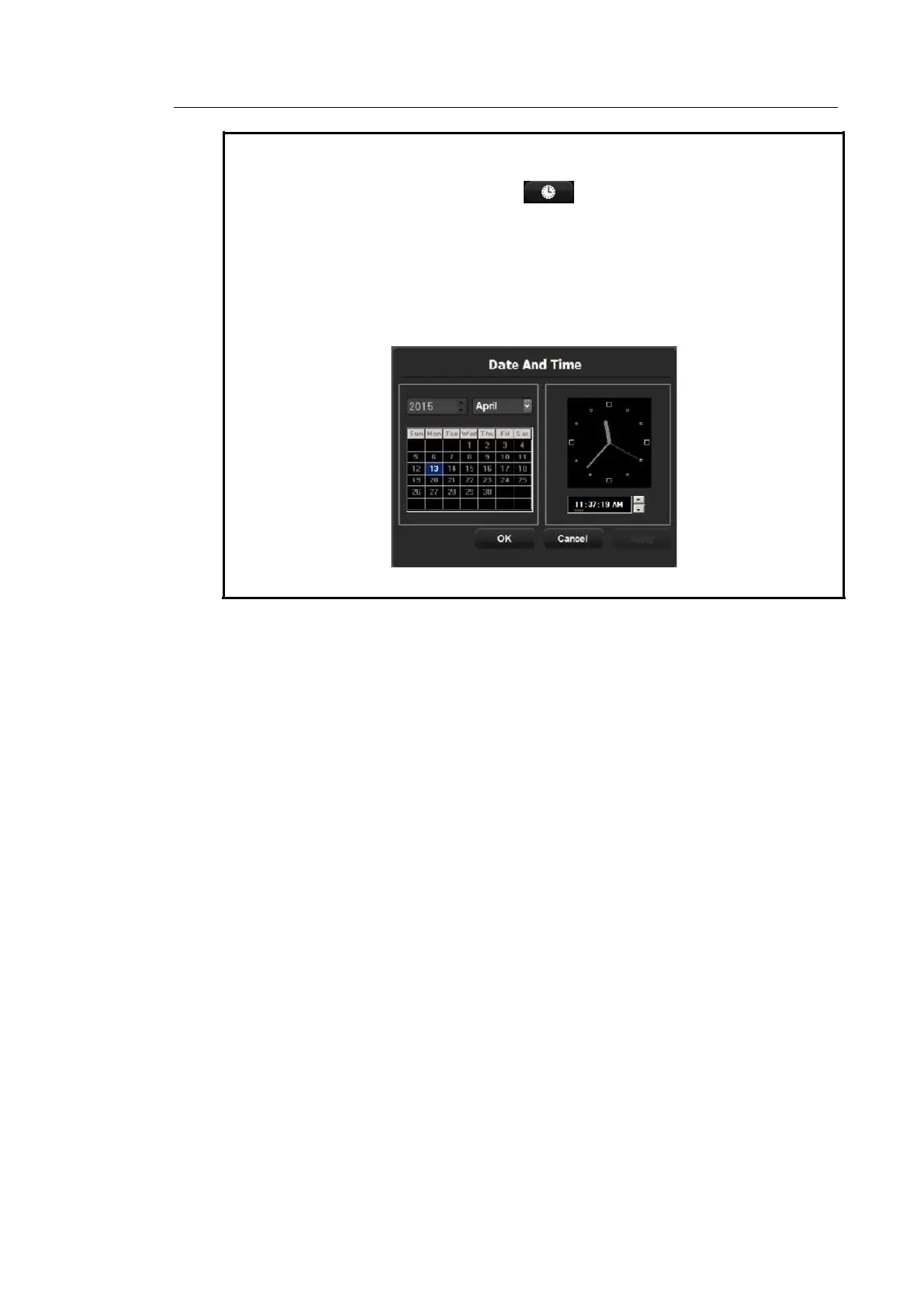
Tip! How to set the date and time
1. In the Date (or Time) field, press .
2. Set the date and time using the trackball and the Set button on the control
panel.
3. When the details are correct, press Apply to apply the changes. To close the
Date & Time window, press OK. To cancel, press Cancel or the Exit button on
the control panel.
[Figure 3.8 Date And Time]
Date Format
Used to configure the date format. Select a format by using the combo button. The date
format that you specify will be applied to various date fields in Patient Information.
Time
The current time is displayed.
Time Format
Select a time display format. Select a desired time format (12 Hour or 24 Hour) by
pressing the combo button.
▐ Account
Register a user ID and password.
User Log-in
Set the user account (log-in) function. If the user log-in is set to on, it can be used for the
following areas:
– Screen Saver



 To Next Page