6 - 6 HS70A Service Manual
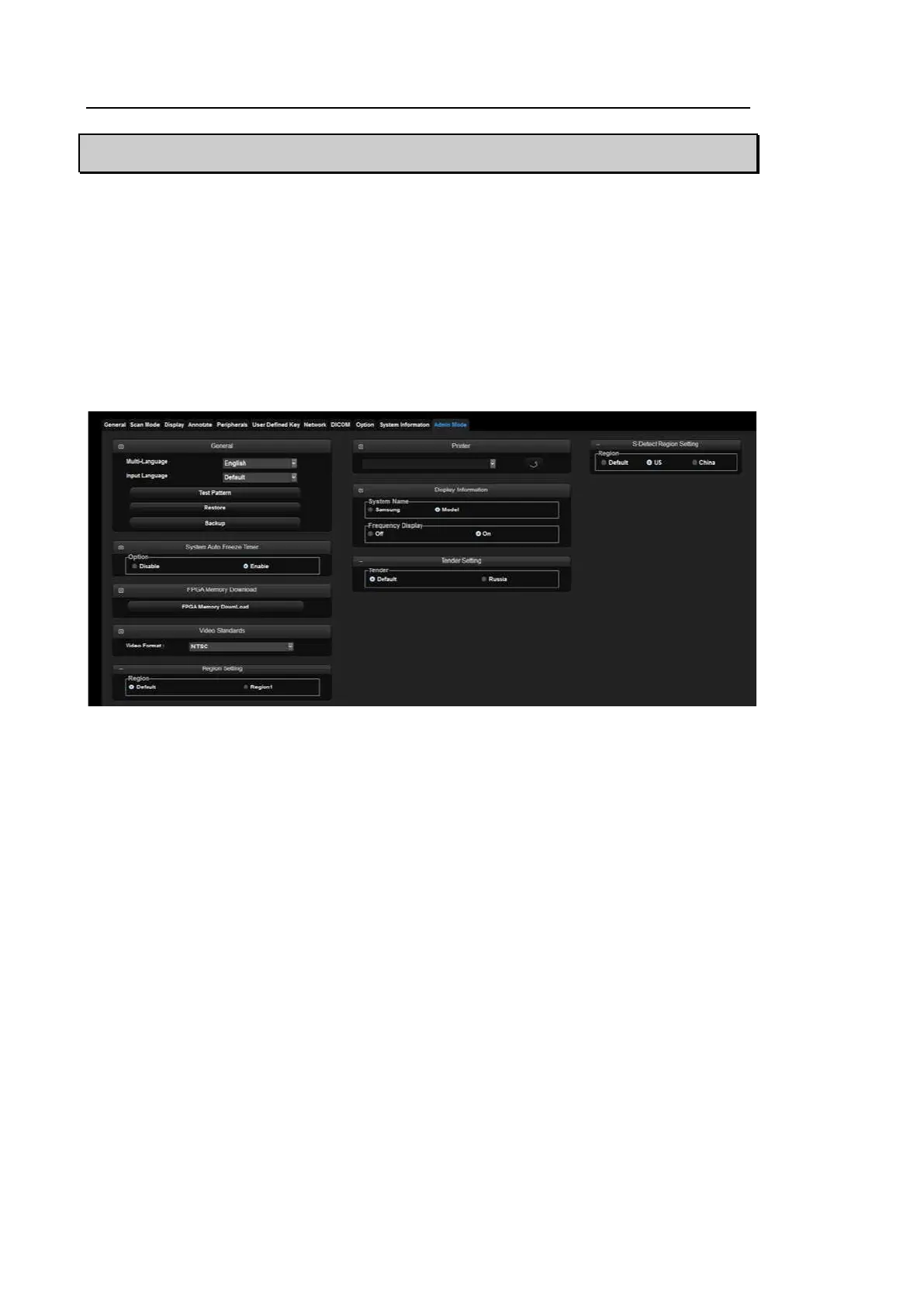
Admin Mode
It is called Service Mode. You can specify major settings for the product by add or delete options.
Accessing method
1. Enter a password while holding down Ctrl key on the keyboard.
2. If the password is correct, the Admin Mode tap appears on the Setup screen.
3. Enter the Admin Mode tab to enter.
[Figure 6.4 Admin Mode]



 To Next Page