Chapter 3. Installing the Product 3 - 17
Scan Mode
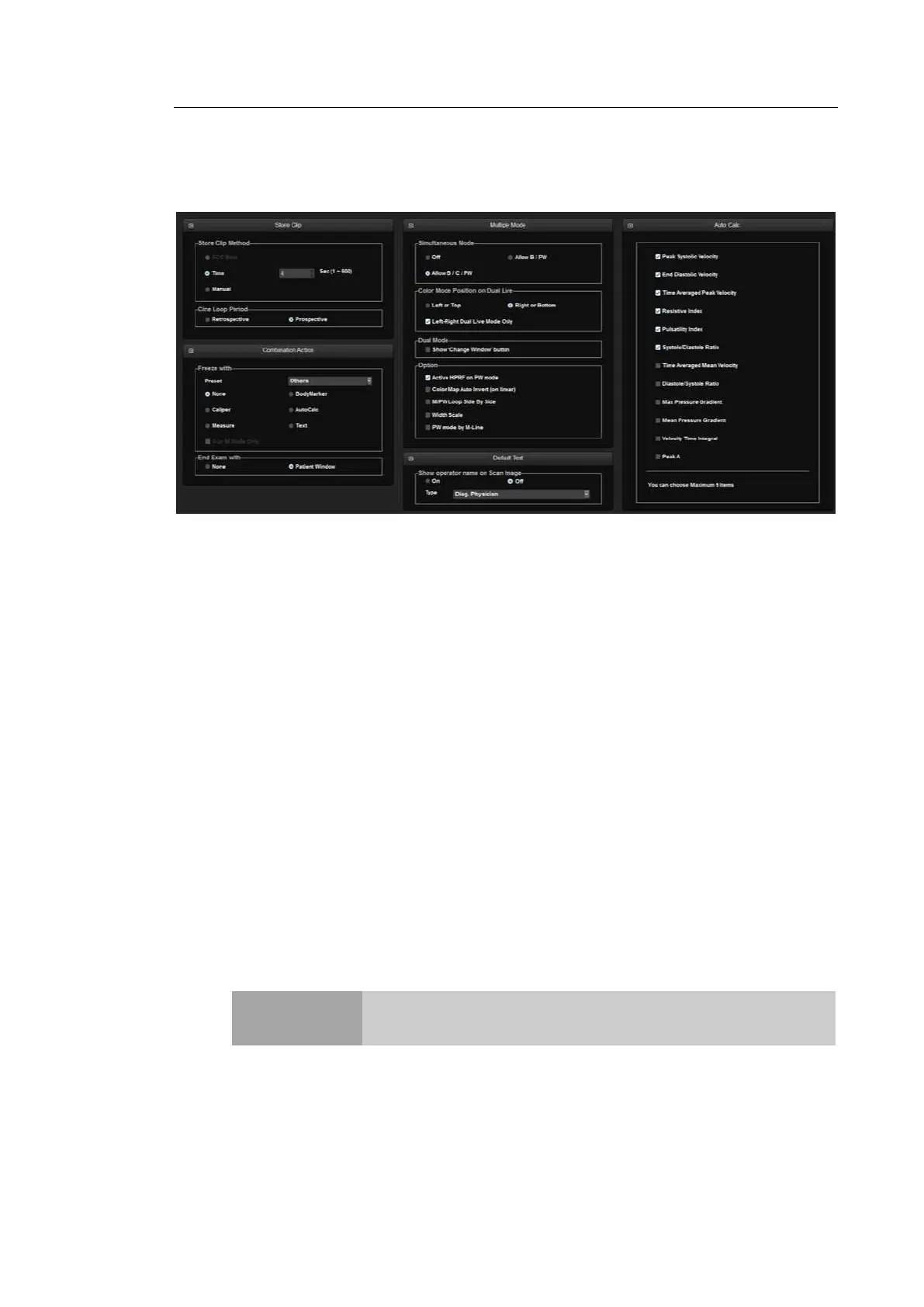
Select the Scan Mode tab on the Setup screen. Or tap Scan Mode on the touch screen.
[Figure 3.9 Setup – Scan Mode]
▐ Store Clip
Store Clip Method
Specify the method and range in which an image is acquired and saved.
You can select ECG Beat, Time or Manual. Note that ECG Beat can be selected only
when ECG is on.
- ECG Beat: Specify the heart beat as 1–8 beats.
- Time: Specify it as 1–600 seconds.
- Manual: Pressing the button on the control panel that has been designated as Store
Clip automatically starts saving the images; pressing the same button again stops
saving.
Cine Loop Period
- Retrospective: When the Store Clip button is pressed during scanning, the previous
images are saved.
- Prospective: When the Store Clip button is pressed during scanning, the subsequent
images are saved.
NOTE
To configure the Store Clip button, go to Utility > Setup > User
Defined Key > User Key Setup.



 To Next Page