Chapter 3. Installing the Product 3 - 3
Unpacking the Product
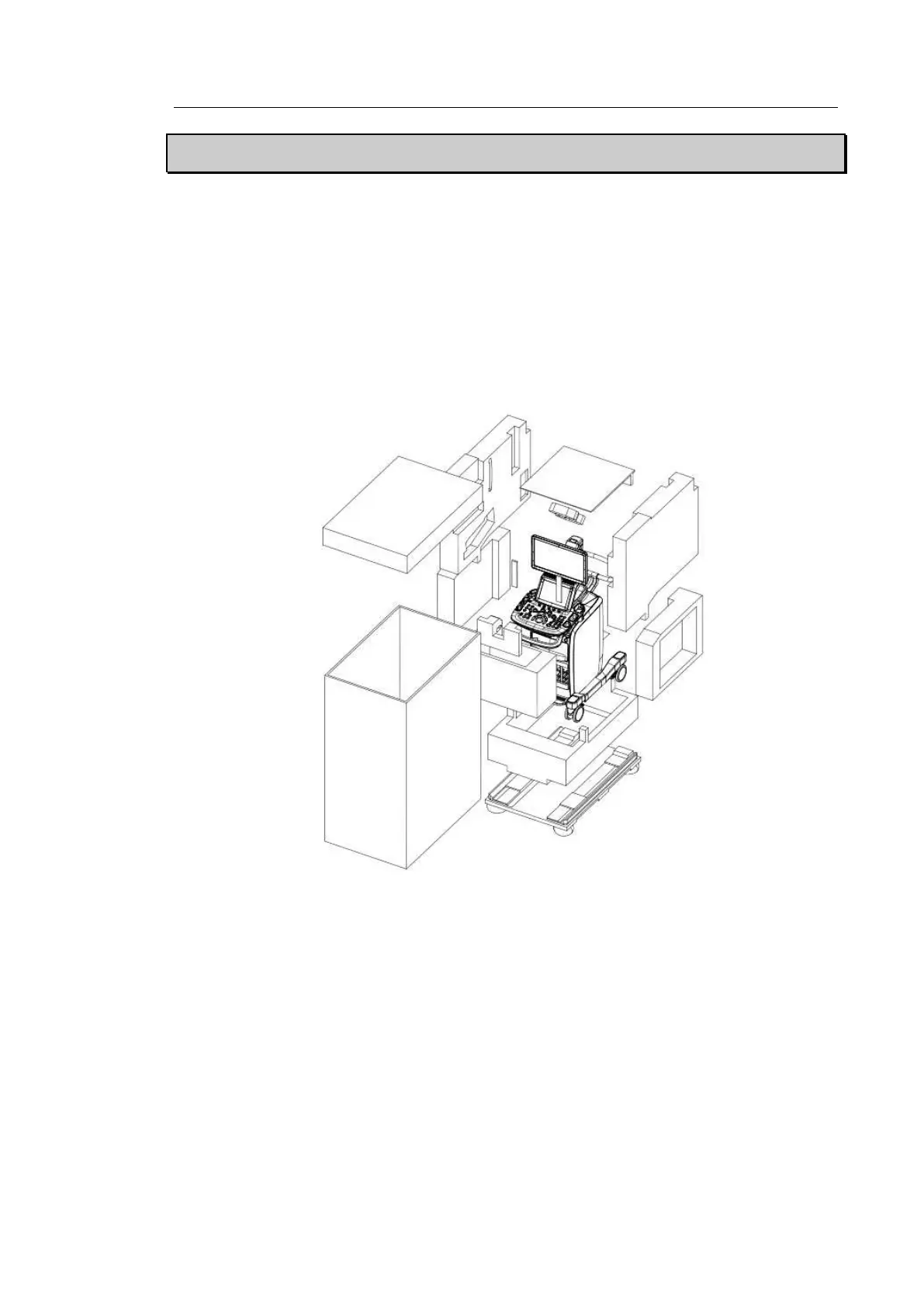
Dismantling the Product Box
1. Open the box.
2. Remove the protection cover.
3. Take out the probe box and accessory box and store them in a safe place.
4. Unlock the brakes on wheels.
5. Grab the rear handle on the product and move it to a place to install.
[Figure 3.1 Dismantling the Product Box]
Accessory
An accessory box containing the items below is supplied with the product. If the items are not
intended for your product, contact the store where you purchased the product.



 To Next Page