Chapter 3. Installing the Product 3 - 37
DICOM Setup (Optional)
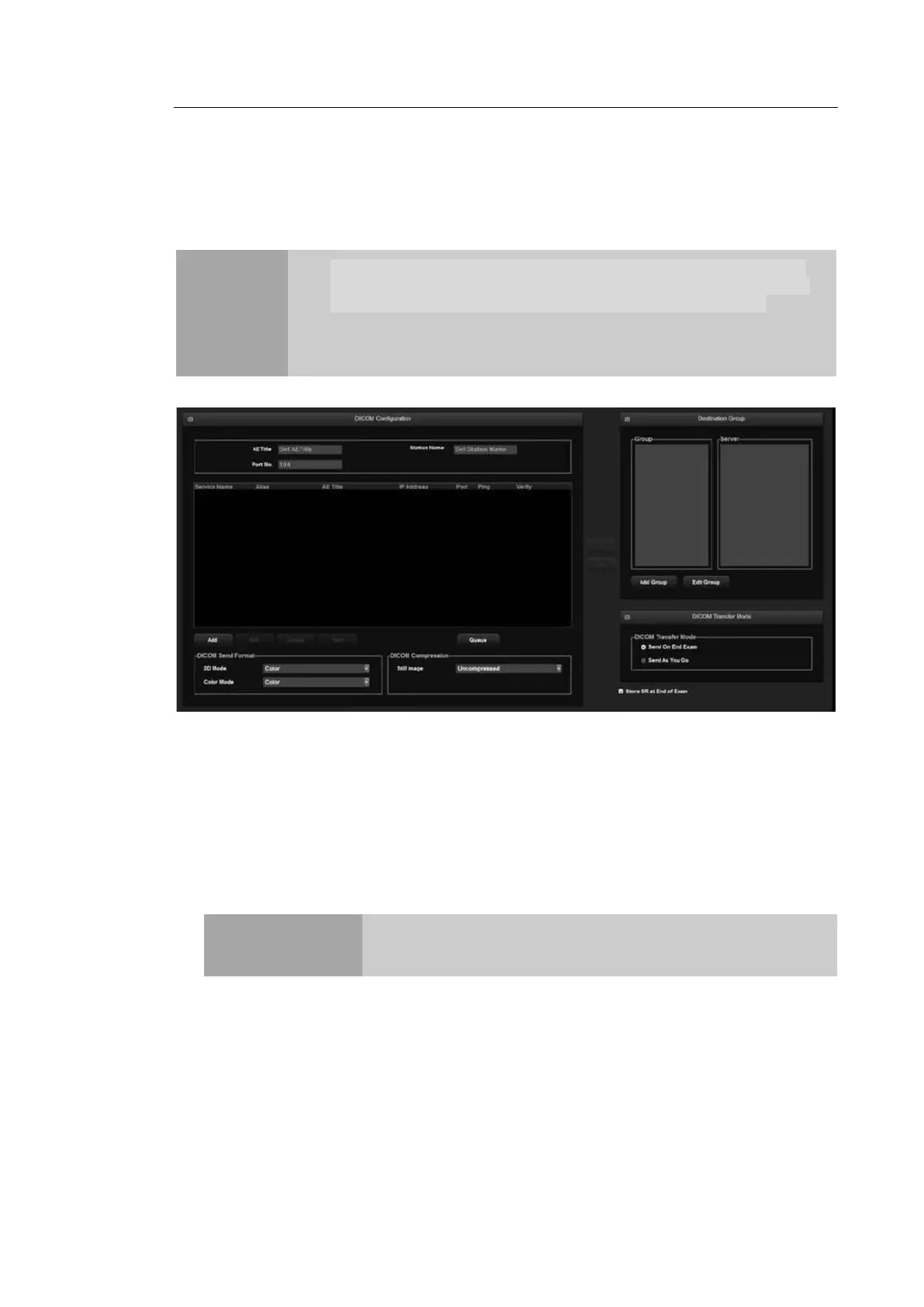
Select the DICOM tab on the Setup screen. Or tap DICOM on the touch screen. You can
configure the DICOM (Digital Imaging and Communication in Medicine) operations and the
DICOM server.
NOTE
You cannot change DICOM settings time when a patient ID has been
registered. To change the date and time, you should finish the current
diagnosis by tapping the End Exam button on the touch screen.
For more information, please refer to the server’s user manual, or the
DICOM Conformance Statement.
[Figure 3.18 Setup - DICOM]
▐ DICOM Configuration
Information about the DICOM server used by the system is displayed.
You can change the information, or add or delete a server. The server information is used to
identify DICOM for the system within a network. It is also used to transfer data between
other DICOM servers.
NOTE
For the 'IP Address', 'AE Title', and 'Port No' settings, contact your
organization’s network administrator.
AE Title
Enter the name of the DICOM AE (Application Entity). Used for identifying the
equipment that uses DICOM on the network.



 To Next Page