Chapter 3. Installing the Product 3 - 7
Connecting Peripherals
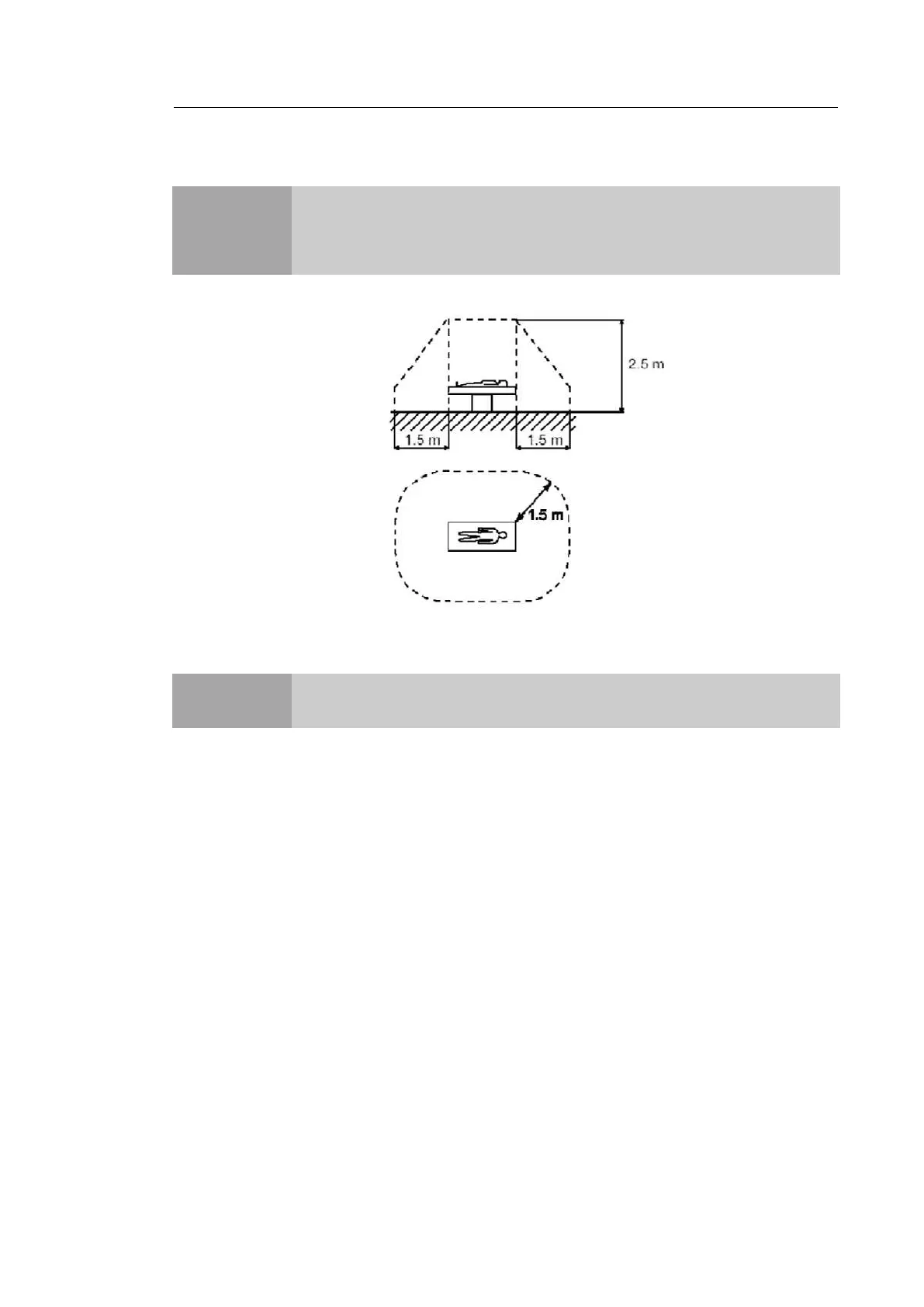
[Figure 3.5 Patient Environment]
▐Internal Peripheral Devices
These are peripheral devices mounted in the system.
DVD-Multi
Hard Disc Drive
CAUTION
Do not place peripheral devices that are not listed in this manual in the vicinity
of the patient. If you place them in the patient environment, it may cause an
electrical hazard.
NOTE
For more information on the recommended peripheral devices, refer to
"Chapter 1. Introduction".



 To Next Page