1 - 22 HS70A Service Manual
▐Monitor Safety Caution
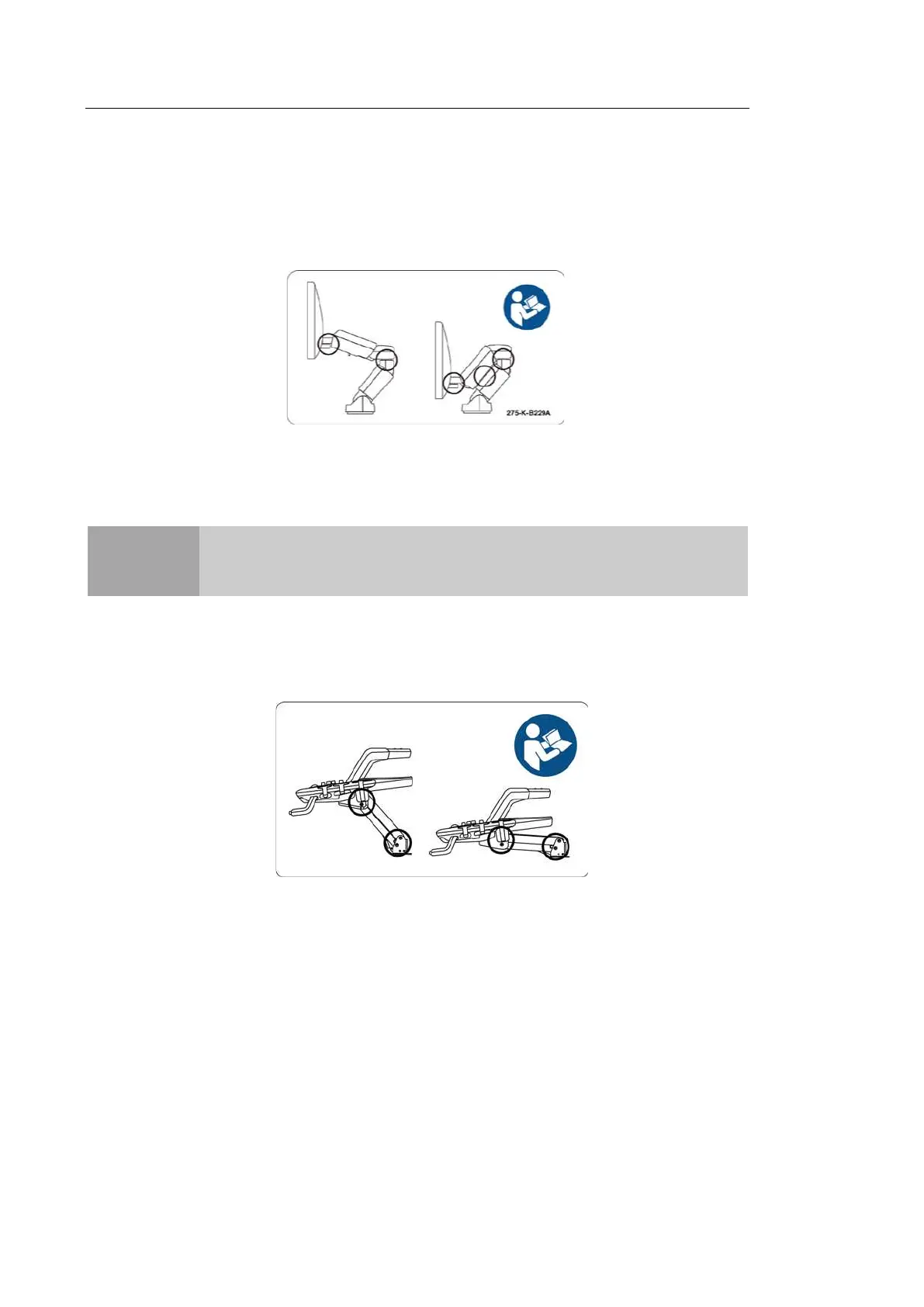
When adjusting the height or position of the monitor, be careful of the space in the middle of
the monitor arm. Having your fingers, or other body parts, caught in it may result in injury.
[Figure 1.2 Monitor Safety Caution]
▐Control Panel Caution
CAUTION
■ Do not press on the control panel with excessive force or lean against it.
■ Do not sit on the control panel or apply too much pressure to it.
When adjusting the control panel’s height or position, be mindful of the space between the
panel and the lift. Having your fingers, or other body parts, caught in it may result in injury.
[Figure 1.3 Control Panel Caution]
When using the handle of the control panel, be mindful of the space between the handle
and the keyboard. The keyboard may pop up and hit your hand.



 To Next Page