Chapter 2. Introduction 2 - 13
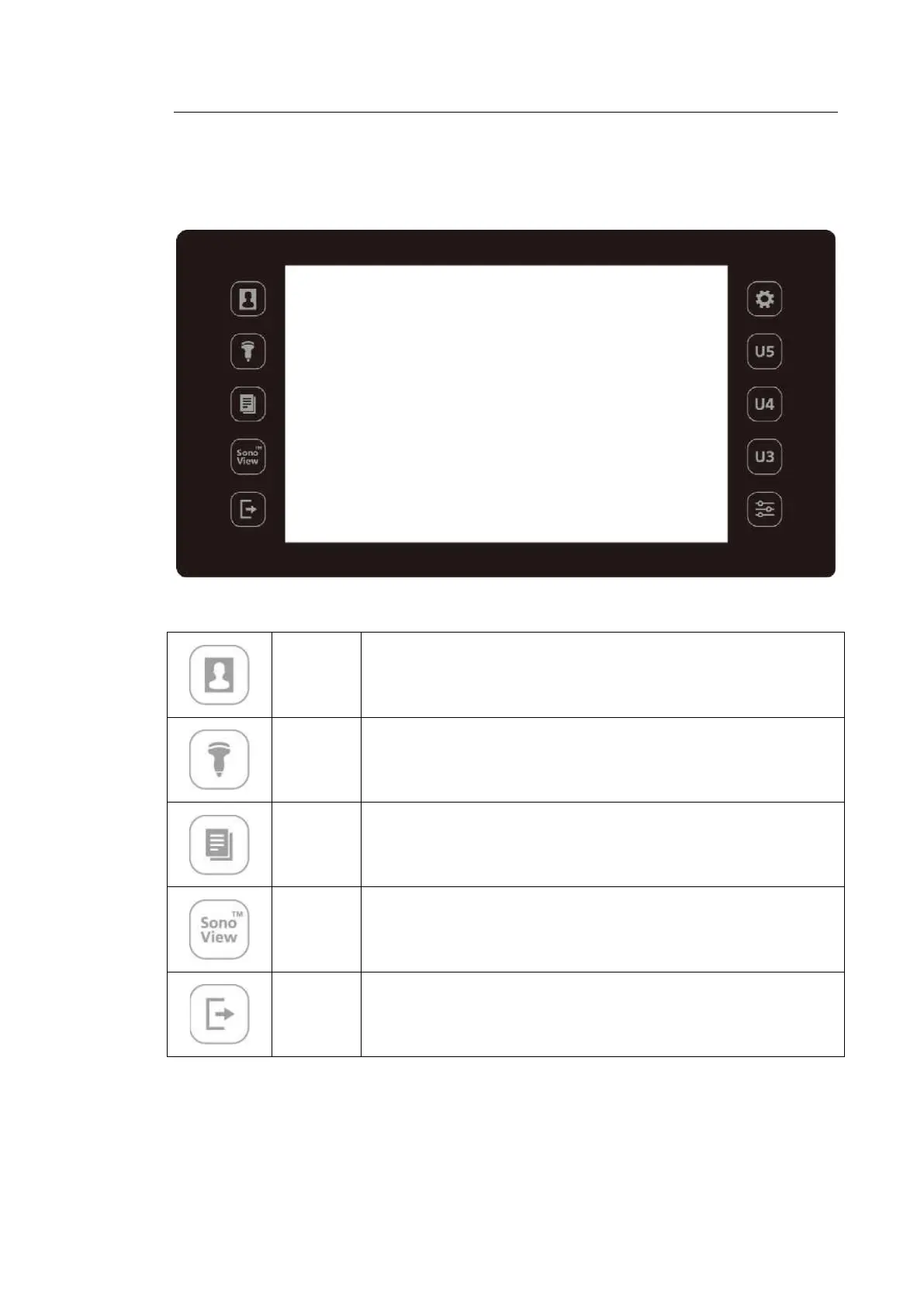
▌ Touch Panel
These control tools are located on both sides of the touch screen. Available buttons are as
follows:
[Figure 2.6 Touch Panel]
Patient
Displays the Patient Information screen, which is used for selecting a
patient ID from the list or entering new patient information.
Probe
Displays the Probe Selection screen to select or change the probe and
application.
Report
Displays the Report screen that shows the measurement results of the
current application and other information.
SonoView Runs SonoView, which is the image filing program.
End Exam
Finishes the exam of the currently selected patient and resets the related
data.



 To Next Page