More precise time unit can be set corresponding to load characteristics as shown below.
In Sinus M, number display is available up to 5. Therefore, if time unit is set to 0.01 sec, Max
Accel/Decel time would be 600.00 sec.
time scale]
0 0.01~600.00 Setting Unit: 0.01 sec
1 0.1~6000.0 Setting Unit: 0.1 sec
2 1~60000 Setting Unit: 1 sec
Accel/Decel time setting based on Operating Frequency
Group Code Parameter Name Setting Range Initial Unit
Drive group ACC
- 0 ~ 6000 10.0 Sec
Function group 2
H70
Accel/Decel time is set at the ACC/dEC.
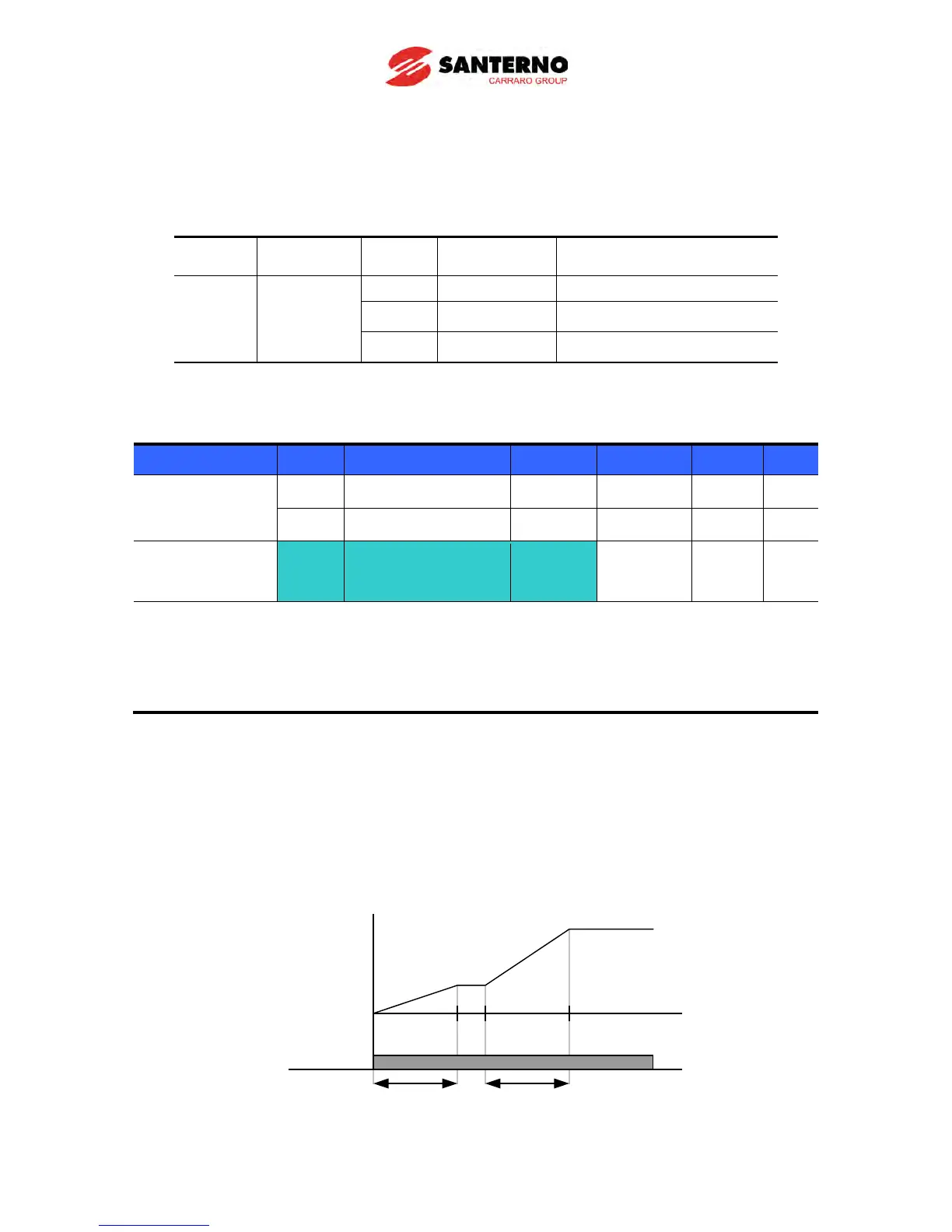
If you set H70 to 1 {Delta frequency}, Accel/Decel time is the time that takes to reach a
target freq from constant run freq (Current operating freq.).
When H70 and Accel time are set to 1 {Delta frequency} and 5 sec, respectively,
The below graph in Section A shows the change in operating frequency when target frequency is set to
10Hz at first and then changed to 30Hz.
Operating
command
Operating
freq.
5 7 12
Time
[ Sec]
5 sec 5 sec
10Hz
30Hz



 To Next Page