Installing the Printer Driver (LAN/Wireless LAN)
134
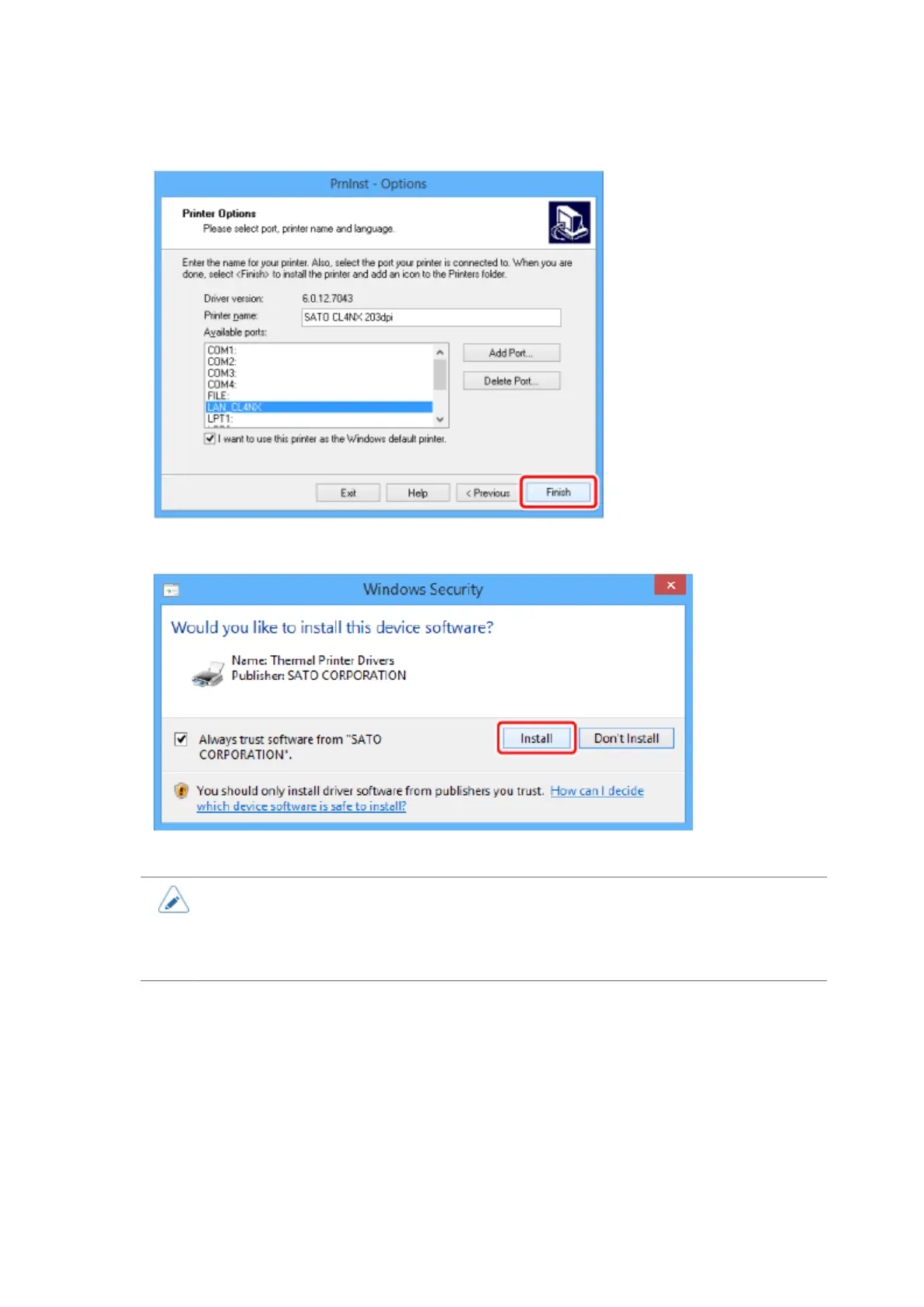
12. Click [Finish].
13. When the security warning screen appears, click [Install].
The printer driver is installed.
• The warning screen above may not appear depending on the version of the printer
driver or your computer environment.
• If a security warning screen indicating that another process is blocking access
appears, follow the steps on the screen, and click [Next].





 To Next Page