87
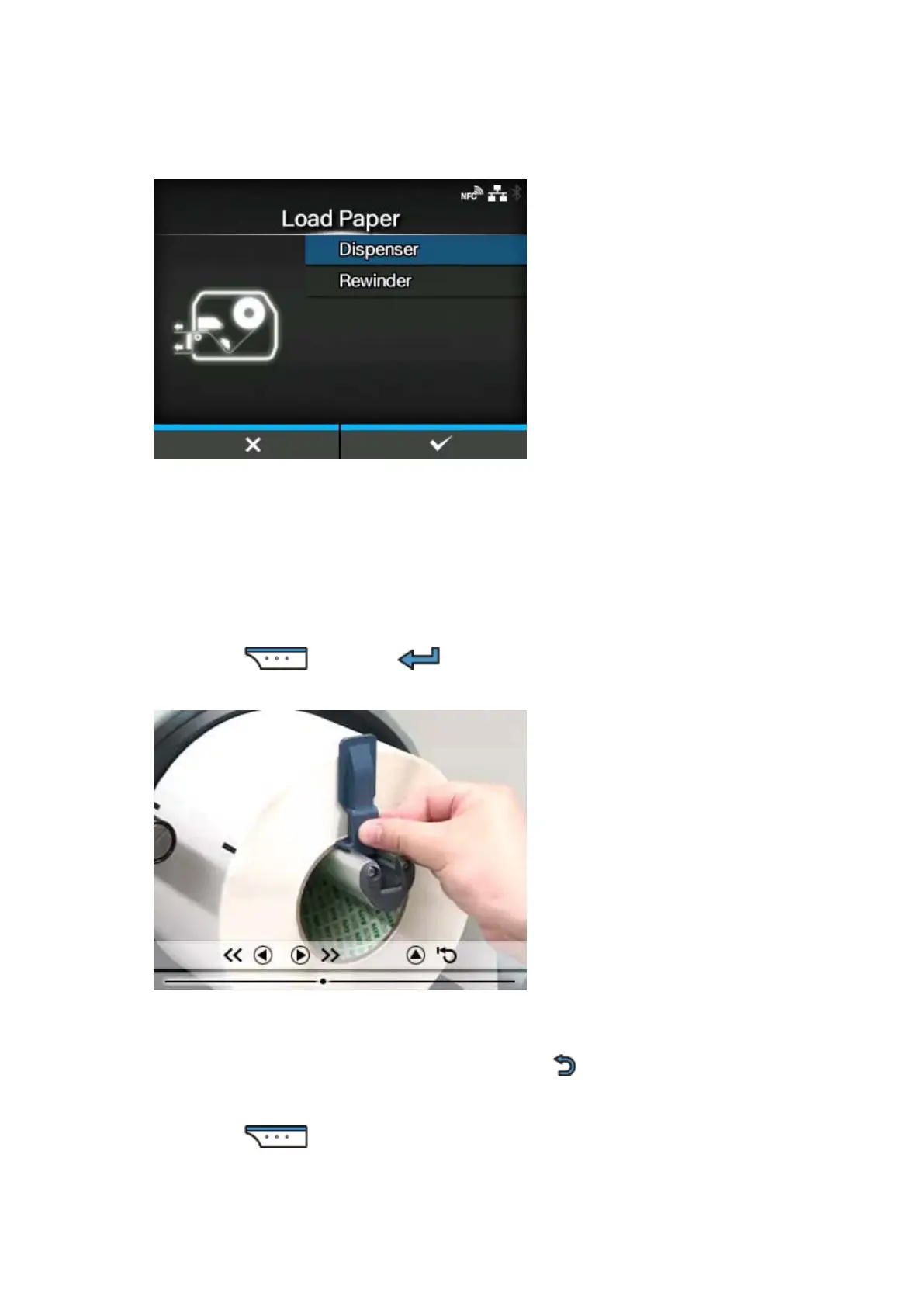
For Dispenser Model
[Dispenser]
Shows the video on how to eject the liner out of the printer.
[Rewinder]
Shows the video on how to rewind the liner in the printer.
3.
Press the button or button.
The video starts.
4. Load the media while checking the video.
5.
After you complete the media setting, press the button to stop the video.
The display returns to the previous screen.
6.
Press the button to go to the next screen.





 To Next Page