PN 9001024
Rev. B Jan. 2000
Page 2-1
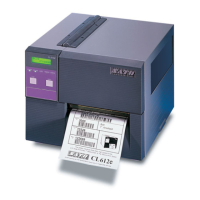
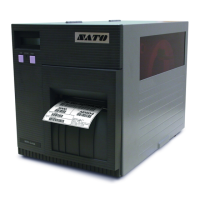
SATO CL608 & CL612 SERVICE MANUAL
Configuration
2-1 Dip Switch Settings
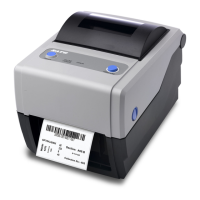
Three Dip switches, DSW1, DSW2 and DSW3 are located underneath a flip-down cover
of the front panel. Dip switch DSW1 on the front panel is marked reserved and is not
used. Serial Interface settings are located on the serial interface board and found in
Section 3. These swiches can be used to set:
2
Section
FLIP-DOWN COVER
DIP SWITCHES
DIP SWITCH TABLE IS
LOCATED ON THE
UNDERSIDE OF FRONT
ACCESS DOOR
•
THERMAL TRANSFER OR DIRECT THERMAL MODE
•
LABEL SENSOR ENABLE/DISABLE
•
HEAD CHECK MODE
•
HEX DUMP MODE
•
RECEIVE BUFFER SIZE
•
OPERATION MODE
FOR THESE
SETTINGS, SEE
SECTION 3



 To Next Page