IPE100 indicator NU-IPE100-IO-USER-E-0212
19
5. SELECTION OF THE SCALE
With various scales connected, press the 2ndF key followed by a key from 0 to 3:
0 >> Selection of remote scale.
1 >> Selection of scale number 1.
2 >> Selection of scale number 2.
3 >> scale sum selection (A+B function).
For example with the 2ndF and the 1 keys, the words “SCALE 1” appear on the display for a few seconds followed by the
value of the Weight if it is on the weighing machine selected.
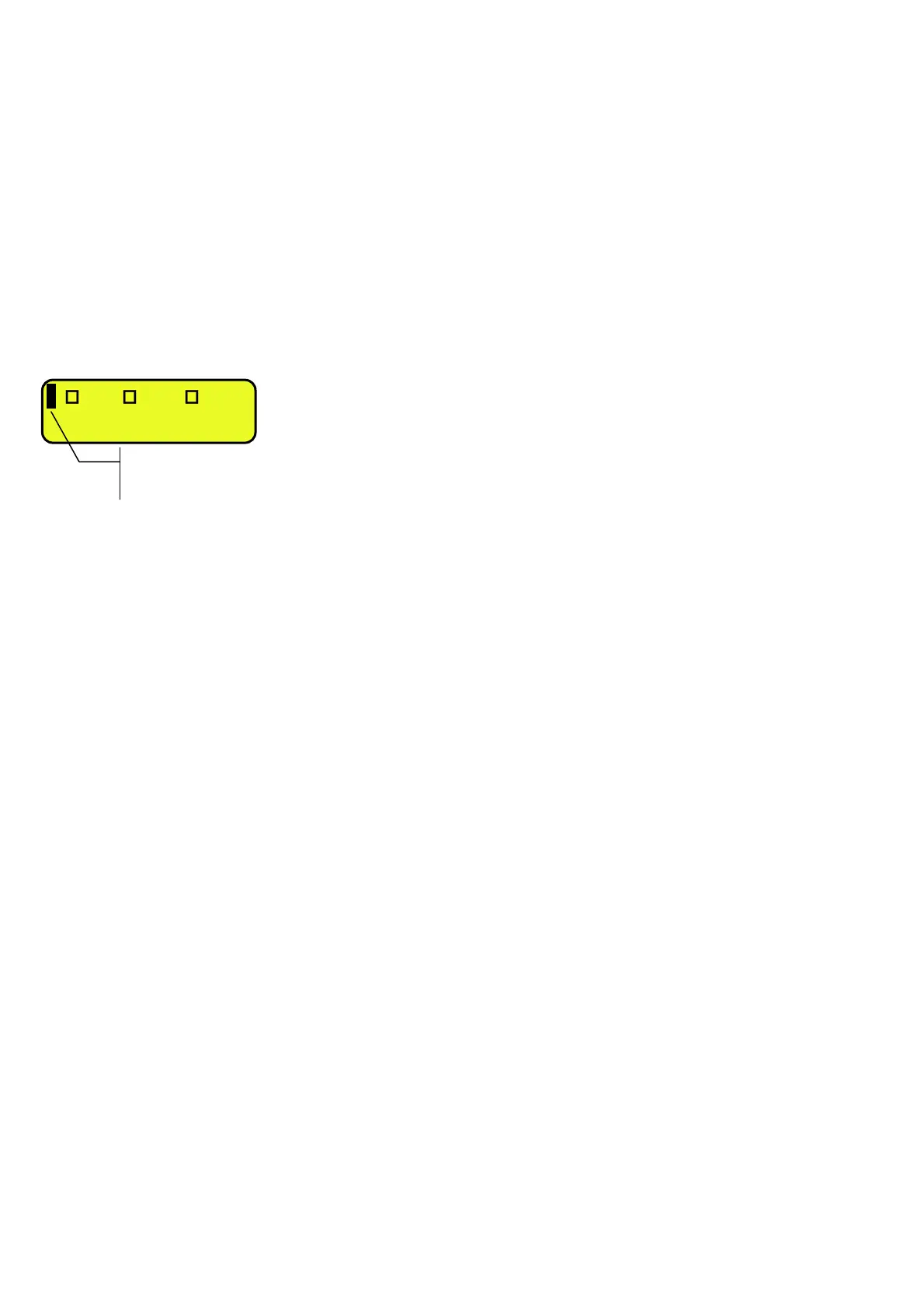
In case of various connected scales, the selected scale is shown on the LCD display of the instrument:
1 CUS MAT VEH
Selected scale:
1 =
l
1
2 =
l
2
R = r
m
l
Σ= A+B f
n
i
n



 To Next Page