IPE100 indicator NU-IPE100-IO-USER-E-0212
37
Enter the license plate number and press ENTER.
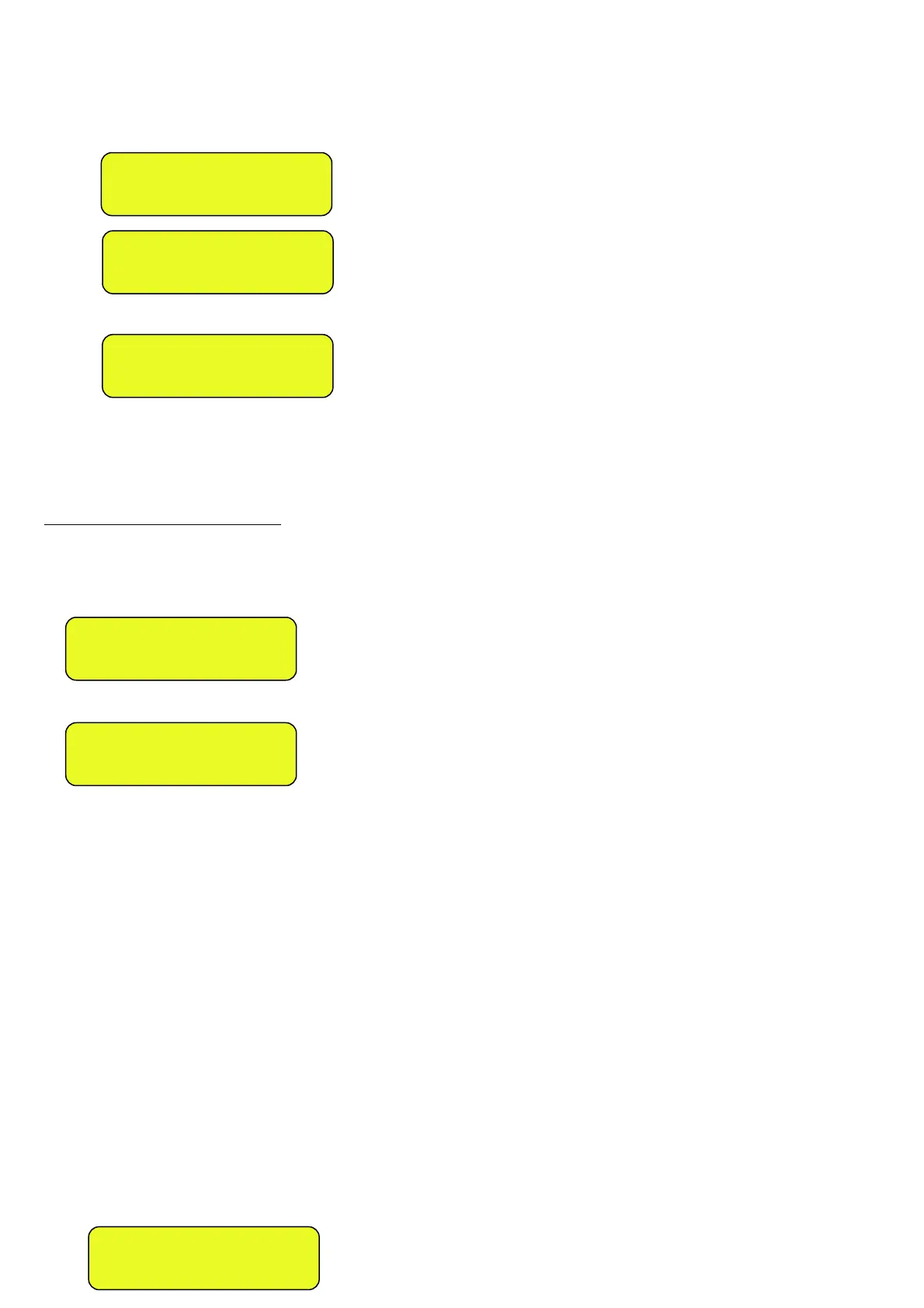
1) Press F7, the LCD display will show:
Press ENTER, one enters the menu of the “open” input weighs:
Select the desired weigh using the arrow keys .
Confirm with ENTER or press C to exit.
- In both cases, the indicator executes the printout (if configured) and then displays the weight on the scale.
13.3.2.2 VEHICLE WITH TRAILER
(F.ModE >> totAL >> WEi.Mod step of the setup set on “SEC.WGt”, TECHNICAL MANUAL.)
- Proceed the same way as with the weigh of the single vehicle (see previous section).
- The LCD display will show:
Or, if one has configured TWO SCALES:
At this point one should position the trailer on the scale, wait a few instants for the weight stability.
By pressing ENTER it is possible to:
- CONFIRM THE SAME If in the F.Mode >> totAL >> C.EntEr parameter of the setup one has set
PLATFORM “ConFEr” (CONFIRM SCALE), TECHNICAL MANUAL.
- CHANGE PLATFORM If in the F.Mode >> totAL >> C.EntEr parameter of the setup one has set “inVErt”
(INVERT SCALE), TECHNICAL MANUAL.
Note: It is in any case possible to change the platform by pressing the 1 key for platform 1 or the 2 key for platform 2.
In the printout, the trailer weight will be shown separately (“TRAILER” item), right below the tractor weight (“OUTPUT” item).
By pressing C the weigh is cancelled and the indicator returns to the weighing mode (“OUTPUT” item).
NOTES ON THE OUTPUT WEIGH
• If there is a tare, a SINGLE WEIGH is executed.
• By entering an incorrect license plate or not linked to a weigh, the indicator will show on the LCD display
“PLATE NOT PRESENT” emitting a prolonged sound; then it will cancel the weigh and return to weighing.
• By entering the plate of an already executed weigh, the LCD display will show:
CM884FK
IN: 995kg
SECOND WEIGH?
ENTER=YES C=NO
SECOND WEIGH? C=NO
1=SCL.1 2=SCL.2
INSERT
PLATE
_
W E I G H A L R E A D Y
D O N E , C O N T I N U E ?



 To Next Page