IPE100 indicator NU-IPE100-IO-USER-E-0212
20
5.1 FUNCTIONING WITH REMOTE SCALE
PREMISE: the functioning of the remote scale is foreseen with the use of independent channels (nuM.SCA step,
TECHNICAL MANUAL.).
The remote scale transmits in a continuous mode the weight string on a dedicated serial port (optional), in a unidirectional
(from scale to indicator).
It is possible to use the serial ports on the indicator’s motherboard simultaneously with the use of the remote scale.
In the normal scale status, press the 2ndF and 0 keys to pass to the display of the weight on the remote scale.
If just the remote scale is connected, after the start-up phase, the indicator positions itself directly on it.
If the remote scale allows this, it is possible to carry out the ZERO and TARE operations directly from the indicator.
It is possible to carry out all the weighing procedures described in section 13 (also using the databases), or print the
displayed weight.
For the connection refer to the technical manual of the instrument (TECHNICAL MANUAL.).
CONFIGURATION OF THE REMOTE SCALE
See the manual of the remote scale.
CONFIGURATION OF THE INDICATOR
Refer to the technical manual for programming the indicator (SEtuP >> SEriAL >> CoMAuX >> rEM.SCA step
TECHNICAL MANUAL.).
5.2 “A+B” FUNCTION
“A+B” function allows you to perform weighing operations on each scale or on their sum; the function have to be enable in
step F.ModE >> totAL >> WEi.Mod >> nor.WGt (TECHNICAL MANUAL.).
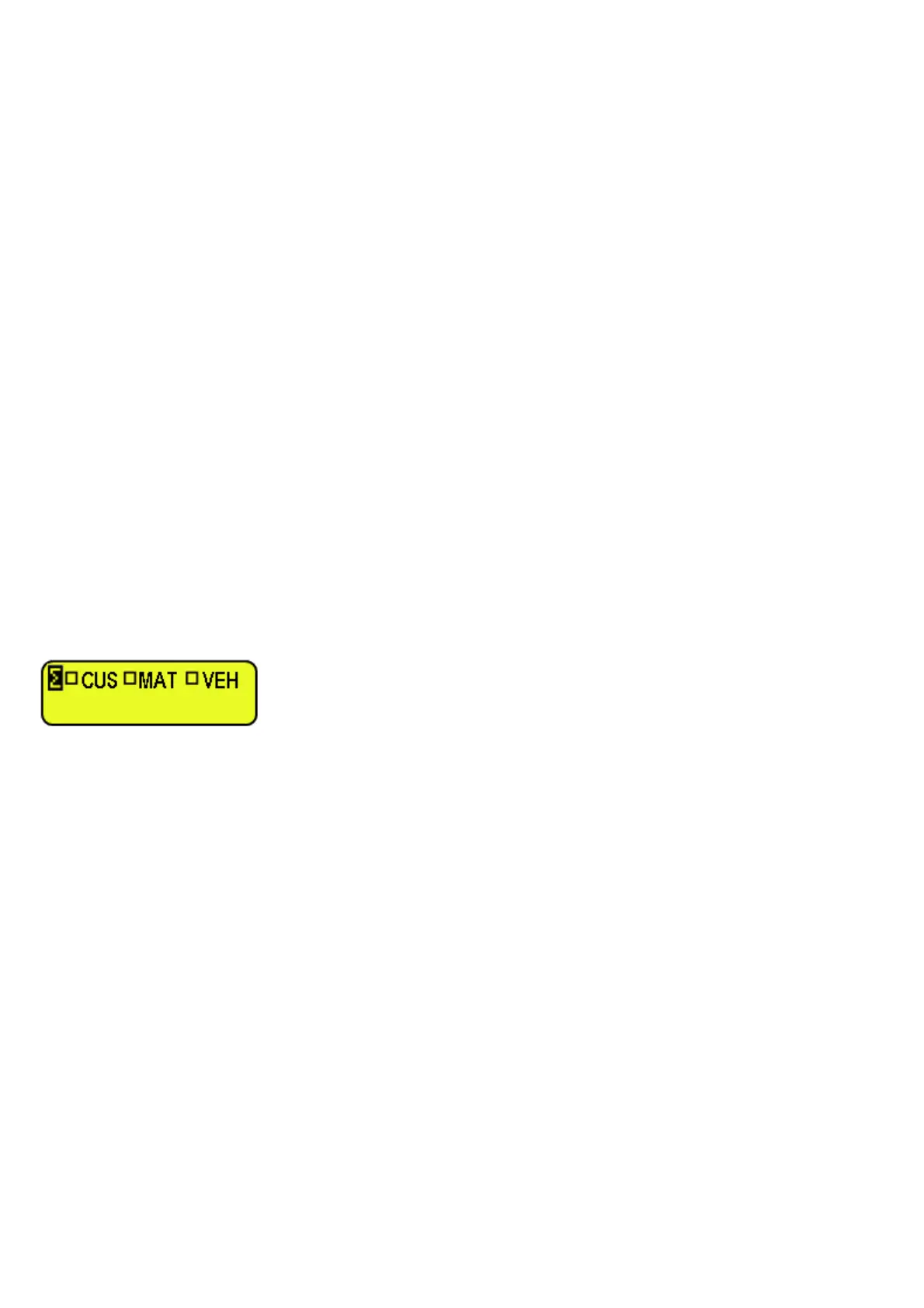
To display the sum of two scales, press in sequence the 2ndF and 3 keys, the LCD display shows:
where “Σ” indicates the sum of two scales.
NOTES
• One can select in every time scale 1 or scale 2 by pressing in sequence 2ndF and 1 or 2ndF and 2 keys.
• The total capacity corresponds to the sum of each scale capacity.
• The total division corresponds to the highest division of each scale.
• The overload signalling always corresponds to individual scale overload detection (individual scale capacity + 9e).
• The function is available for “single vehicle” functioning mode
.
• The maximum entering value of manual tare is always equal to each scale capacity.
• The manual tare is the same for all the scales: the value is shown on LCD display, while display always shows the
gross weigh.
• The semi-automatic tare is disabled (on each scale too).
• The 316 function switch the visualization between Preset Tare and the weight values.
• At start-up the indicator places itself on A+B status.
5.3 WEIGHING WITH TWO SCALES: SELECTING INPUT/OUTPUT SCALES
Since it is possible to connect a second scale, in the F.ModE >> totAL >> i.o.SCA SET INPUT/OUTPUT SCALES”
parameter of the TECHNICAL SETUP (TECHNICAL MANUAL.), one sets how to use the two scales:
• By selecting “SEt.i.o1” one sets the first scale as INPUT, and the second one as OUTPUT.
• By selecting “SEt.i.o2” one sets the first scale as INPUT as well as OUTPUT.
• By selecting “FrEE” one can freely use the two scales as: INPUT in the first / OUTPUT in the second, and vice
versa, or INPUT/OUTPUT in the first or INPUT/OUTPUT in the second.



 To Next Page