IPE100 indicator NU-IPE100-IO-USER-E-0212
42
GRAND TOTAL - Programmable printout -
By pressing the F10 key the PARTIAL TOTAL is printed and then cleared as well as the printing of the format linked to the
S.F.04 function.
START-UP PRINTOUT - Programmable printout -
When turning on the indicator, the printout of the format linked to the S.F.11 function is made; this function can be used, for
example, to unlock the pincers of the TM295 printer (when this last is turned on the pincers are always locked).
CALCULATOR RESULT - Programmable printout -
Once terminated the operation with the “CALCULATOR” function, the format linked to the S.F.12 function is printed. See
section 18.1.
14.1 LINKING OF THE FORMATS TO THE PRINT FUNCTIONS
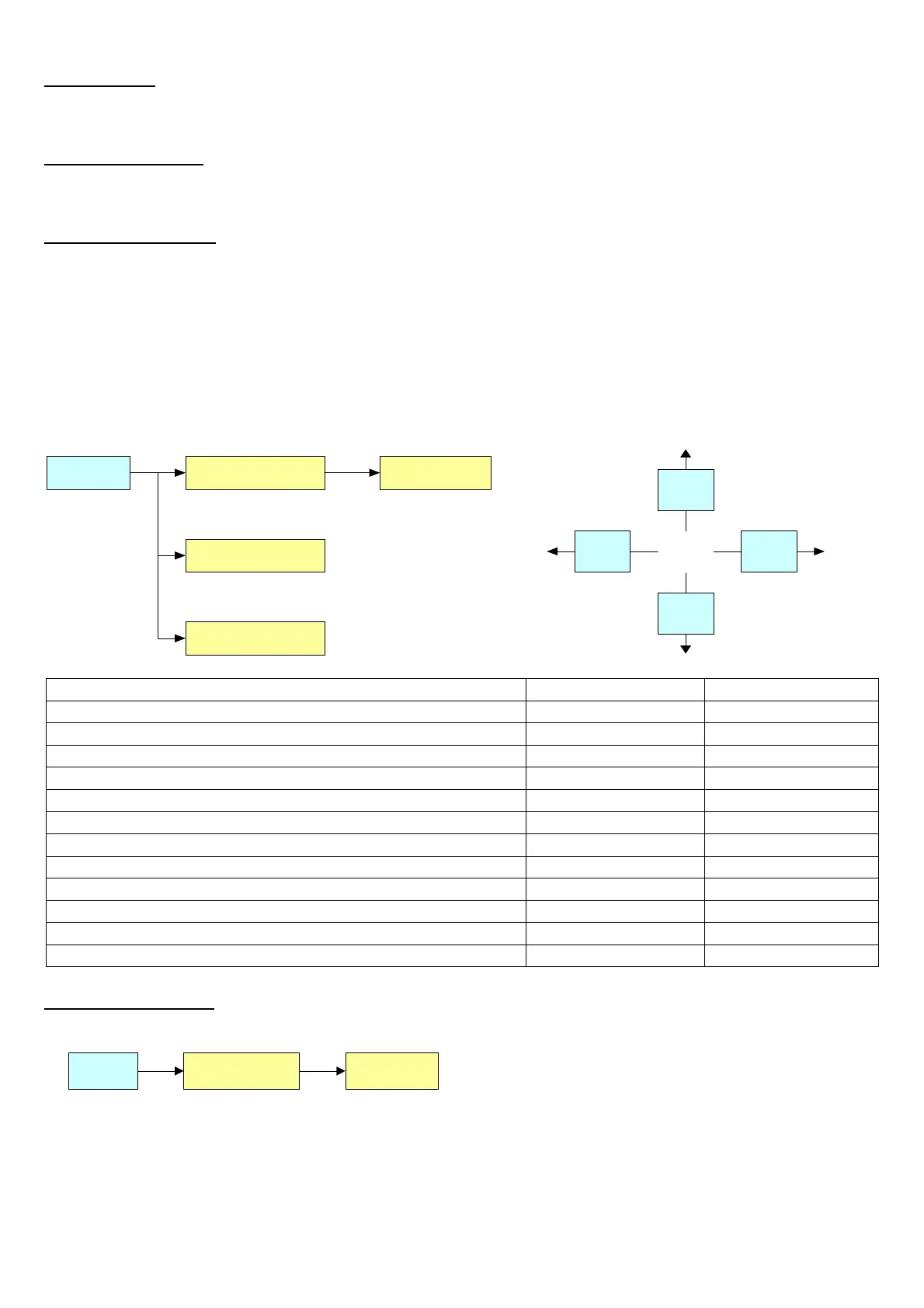
Through function 200, combinable with the desired key (<< F.KEYS >> step, TECHNICAL MANUAL.), one accesses the
linking of the print formats (configurable in the SEtuP >> SEriAL >> Prn.FMt step TECHNICAL MANUAL.) to the 12
programmable print functions:
Print function Linked format
S.F. 01 (*) F. 01
...
S.F. 08
Fn 200
F7
ENTER
F6
C
Print Functions Key Linked step
PRINT KEY F5 S.F. 01
PARTIAL TOTAL F8 S.F. 02
GENERAL TOTAL F9 S.F. 03
GRAND TOTAL F10 S.F. 04
SINGLE WEIGH F6 or F7 S.F. 05
INPUT WEIGH F6 S.F. 06
OUTPUT WEIGH F7 S.F. 07
CUSTOMER TOTAL 2nd F followed by F1 S.F. 08
MATERIAL TOTAL 2nd F followed by F2 S.F. 09
VEHICLE TOTAL 2nd F followed by F3 S.F. 10
START-UP PRINTOUT Automatic entry S.F. 11
RESULT OF THE CALCULATOR Automatic entry S.F. 12
TO LINK THE FORMAT:
• Recall function 200, combinable with the desired key (<< F.KEYS >> step, TECHNICAL MANUAL.).
S.F. 01 F. 01200
• The LCD display shows:
S.F. XX in which:
XX indicates the number of the function (from 01 onwards) to which the print format is linked.
• Select the print function (for example S.F. 01) through the arrow keys and press the ENTER key.
• Once entered, the display shows:



 To Next Page