IPE100 indicator NU-IPE100-IO-USER-E-0212
30
11.3 VEHICLES
The database is made up of 500 memory storages, identified by an index from 0 to 499, each having a license plate of 10
characters, one 20-character description and a tare value; the entry / modification / cancellation of an element can be
protected by a password; the unlocking procedure is described in section 12.
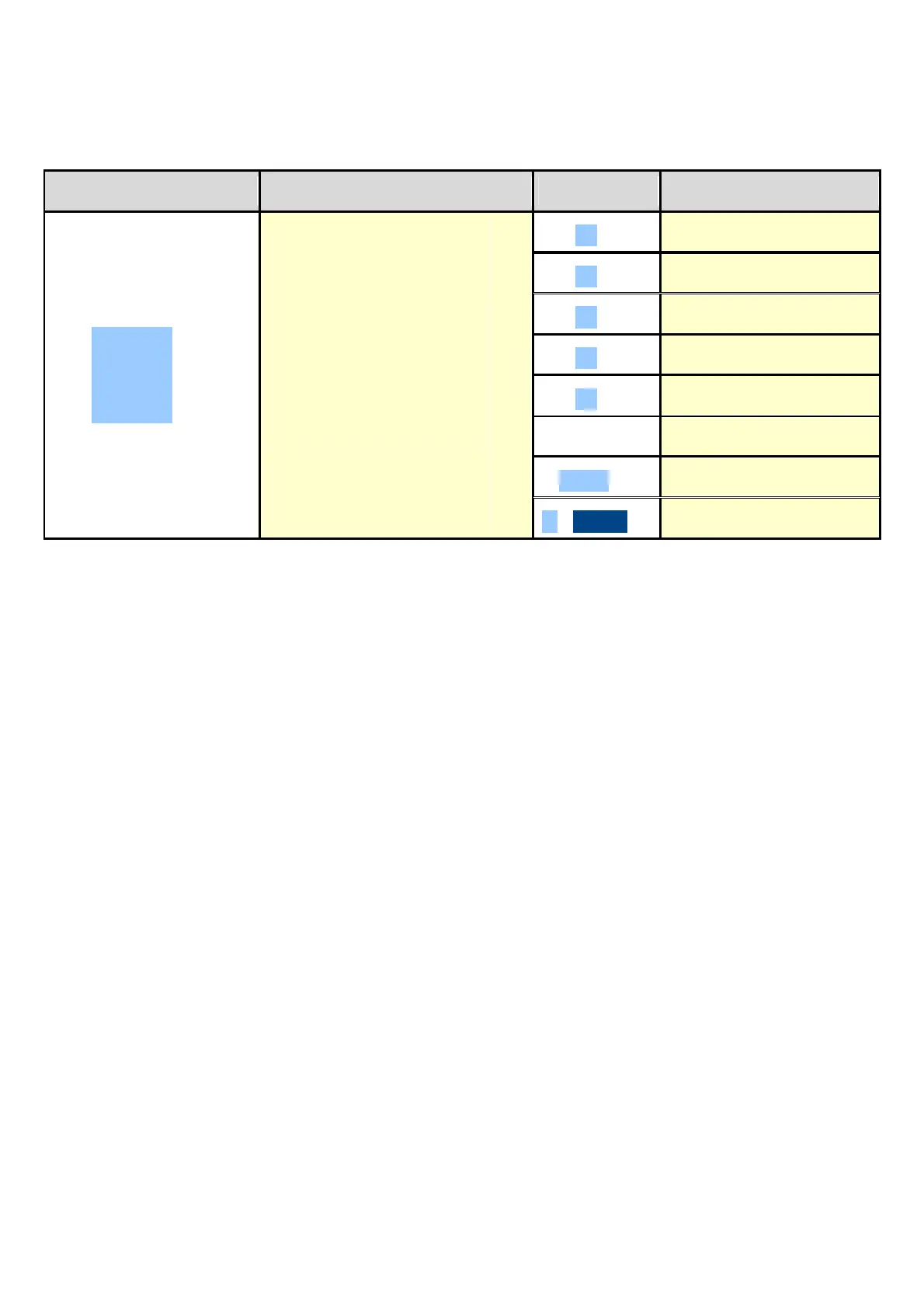
KEYS ACCESS KEY MENU
F3
►
Vehicle
Database
Veh.dtb
V X
►
F1 ► New
F2 ► Edit
F3 ► Delete
F4 ► Research
F5 ► Print
Fn ► Select
2nd F ► Deselect
. / HELP ► Help
11.3.1 ENTRY
1) Press the F3 key to access the database.
NOTE: it is advisable to leave empty the 0 memory storage, since it is used for the temporary entry (see
section “11.3.6 TEMPORARY ENTRY”).
2) Select the eventual desired position using the arrow keys (or with the keyboard type the position number).
3) Press F1 to insert the vehicle in the desired position, or with the first free position, if an already occupied position has
been selected.
4) One should fill in the following fields (only the necessary ones are requested); press ENTER to confirm:
• "PLATE": plate value(up to 10 characters);
• "DESCRIPTION": description line (up to 20 characters);
• "TARE" : tare value
NOTE: the “DESCRIPTION” and “TARE” fields request can be disabled (see F.ModE >> dtb >> En.V.FLd step,
TECHNICAL MANUAL.).
5) Restart from point 2) or press C to return to weighing.
11.3.2 MODIFICATION
1) Press the F3 to access the database.
2) Select the storage to be modified:
- by using the arrow keys
- by typing the storage number with the keyboard (the LCD display shows the first corresponding PLATE line)
- by searching the plate (see section 11.3.7)
3) Press F2.
4) Select the field to be modified by using the arrow keys and press ENTER.
5) Modify the value and press ENTER to confirm.
6) Restart from point 4) to modify other fields or press C to return to the list of storages.
7) Restart from point 2) to modify other storage or press C to return to the weighing phase.



 To Next Page