Page 27
Initial Operation 3
User guide External DC supply and Battery Operation 3.1
Art. no.: 0-48-0227 Rev.: g
DEFIGARD/PHYSIOGARD Touch 7
3.1.2 Battery Operation
Charging the battery
Battery status
Press on the battery icon. The following information will be displayed:
• Charge level in %
• Estimated autonomy in hours and minutes
• Estimated number of shock possible with the remaining capacity
• Safety Cell Voltage level
Important
The power battery is automatically recharged when the device is connected to the
external DC supply via the docking station (LED 2). The power battery requires
approx. 2 hour to be recharged at 90%.
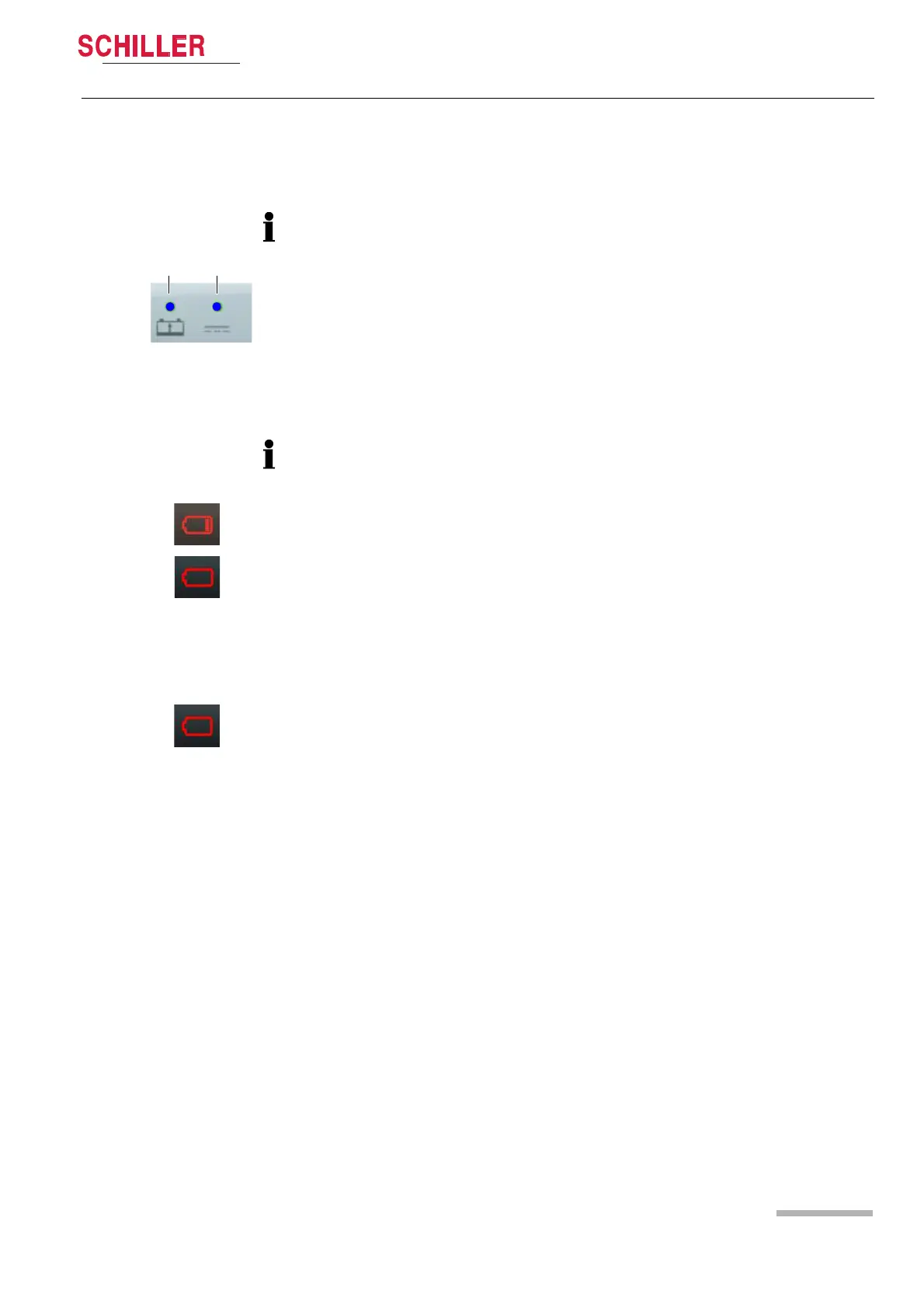
The recharging of the battery is indicated by the LED above the battery symbol.
– LED (1) is continuously on = battery problem
– LED (1) is blinking = battery is charging
– LED (1) is continuously off = battery is fully charged
Fig. 3.2 LED battery operation
If the temperature in the device becomes too high, the charging is stopped. As soon
as the temperature has decreased to an acceptable level, the charging resumes.
Low battery indication
When the battery is below 20 %, a red battery symbol with one bar is displayed in the
top right corner of the screen.
When the battery is below 10%, a red empty battery symbol is displayed in the top
right corner of the screen and a technical alarm is displayed and a voice prompt
reminds to check the battery.
The device shuts-down automatically when the battery is below 5%.
Fig. 3.3 Battery low indication
Battery status unknown
• When the battery is unknown, a red battery symbol with a question mark is
displayed in the top right corner of the screen.
• This indicator is also displayed in case of a new battery. Any new battery has to be
placed into the device and fully charged before use.
Fig. 3.4 Battery defect indication















 To Next Page