4 Monitoring
4.3 Operator-Defined Alarm Thresholds
Page 40
Art. no.: 0-48-0227 Rev.: g
DEFIGARD/PHYSIOGARD Touch 7
4.3 Operator-Defined Alarm Thresholds
Access the threshold menu by pressing the alarm icon and selecting Wide Quick set
or Narrow quick set.
Make sure that the patient’s vital parameters are not critical before pressing the
button Wide Quick set or Narrow quick set.
Make sure that the right patient is selected (adult, child or neonate).
The defined alarm thresholds are not a substitute for regular checking of vital
functions.
Setting the Audio OFF is only allowed if the patient is permanently observed.
Standard or user-defined alarm limits as well as quick settings may vary for
similar or the same devices. Therefore, always check the set alarm limits for the
current patient.
30 seconds after main battery power interruption, the alarm threshold Wide
Quick set or Narrow quick set is set to default.
•With the Default key, the default threshold values are activated.
•With the Quick Set selection, all values are derived from the current measured
values. See table on the following page.
Make sure that the patient’s vital parameters are not critical before pressing the
button Quick Set.
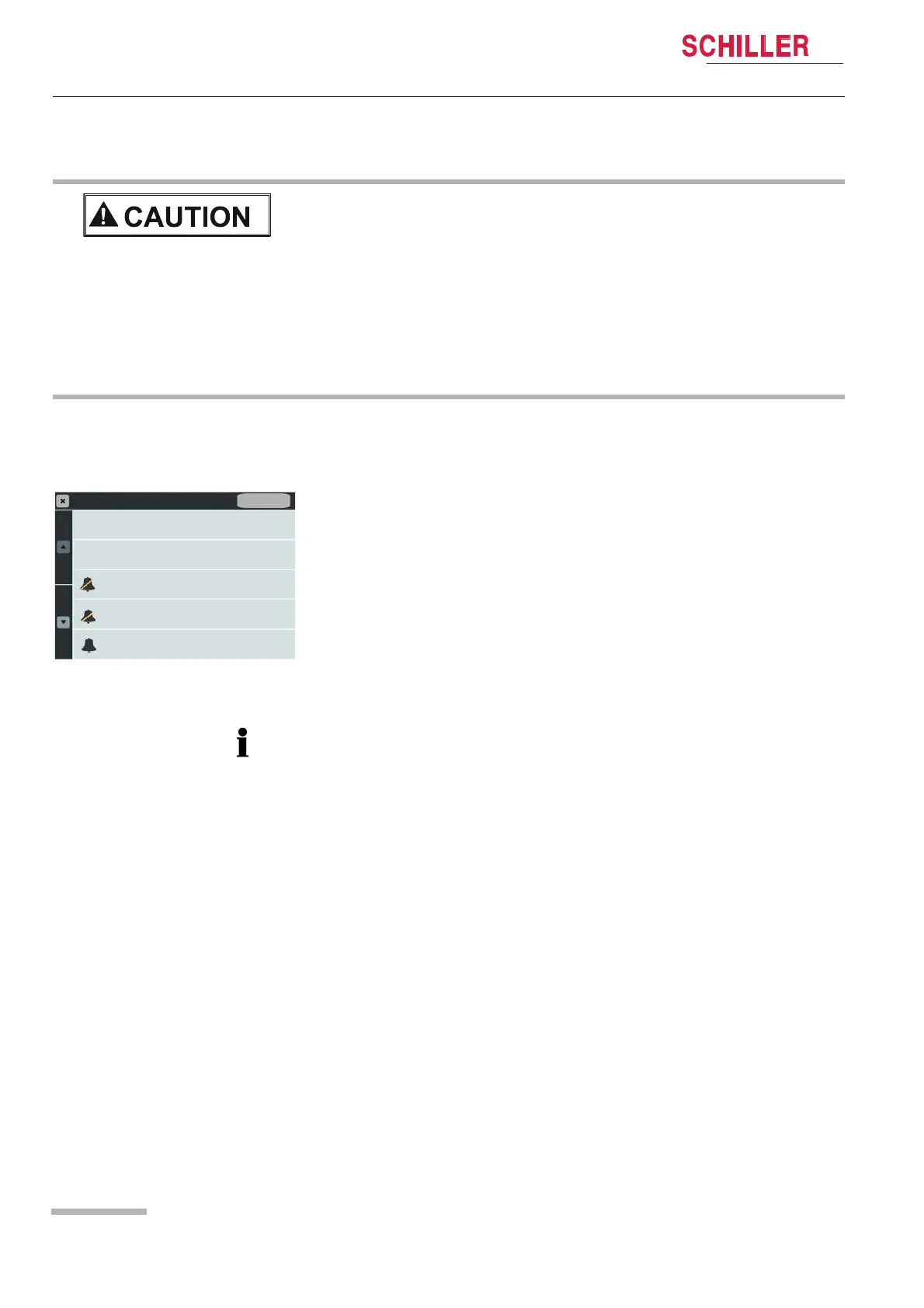
Fig. 4.2 Alarm Setting menu
• The operator-defined Quick set thresholds will be set to the default values after
switching off the device.
Alarm Settings
Wide Quick Set
Narrow Quick Set
Audio Pause
Audio OFF
Reset Alarm / Audio On
Default















 To Next Page