4 Monitoring
4.1 Soft keys, Waveforms and Measurement Fields
Page 36
Art. no.: 0-48-0227 Rev.: g
DEFIGARD/PHYSIOGARD Touch 7
4 Monitoring
4.1 Soft keys, Waveforms and Measurement
Fields
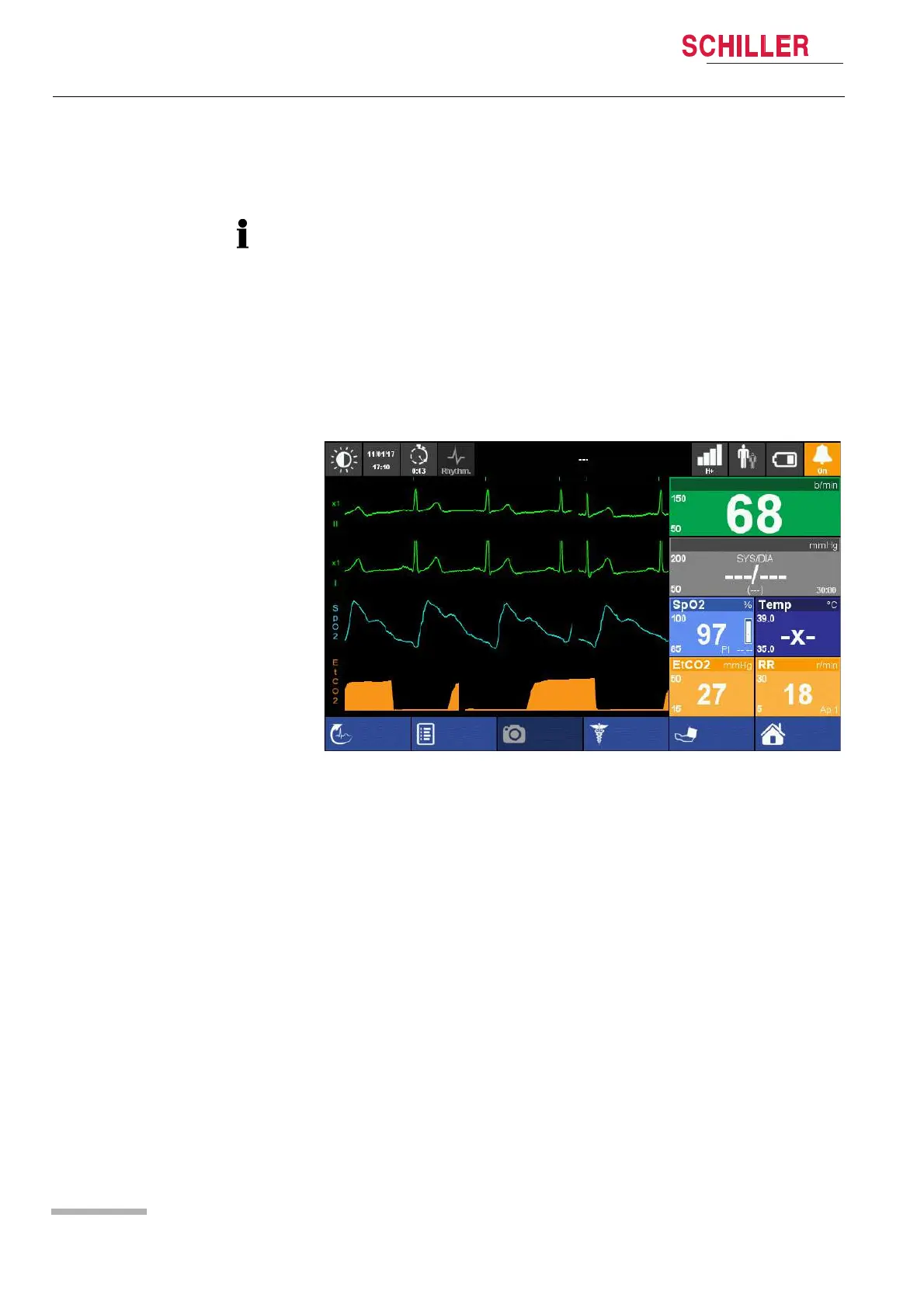
The waveform and measurement fields are automatically displayed when the device
is switched on (if options are installed). The device can basically be operated via the
touch screen. The functions of the soft keys vary according to the selected screen.
Settings
The settings that are defined in the menus are set to default when the unit is switched
off.
Operation and menu access is detailed on page 33.
Screenshot
Manual Def
Start
Menu
HR
Off
NIBP
Event
R-ECG
Adult
Advanced monitoring view















 To Next Page