Page 67
Monitoring 4
User guide CO2 mainstream 4.10
Art. no.: 0-48-0227 Rev.: g
DEFIGARD/PHYSIOGARD Touch 7
4.10.6 Sensor LED indications
4.10.7 Settings etCO
2
menu
Access the etCO
2
menu via the etCO
2
display field as shown on page 65.
The default settings are printed bold.
4.10.8 Curve list
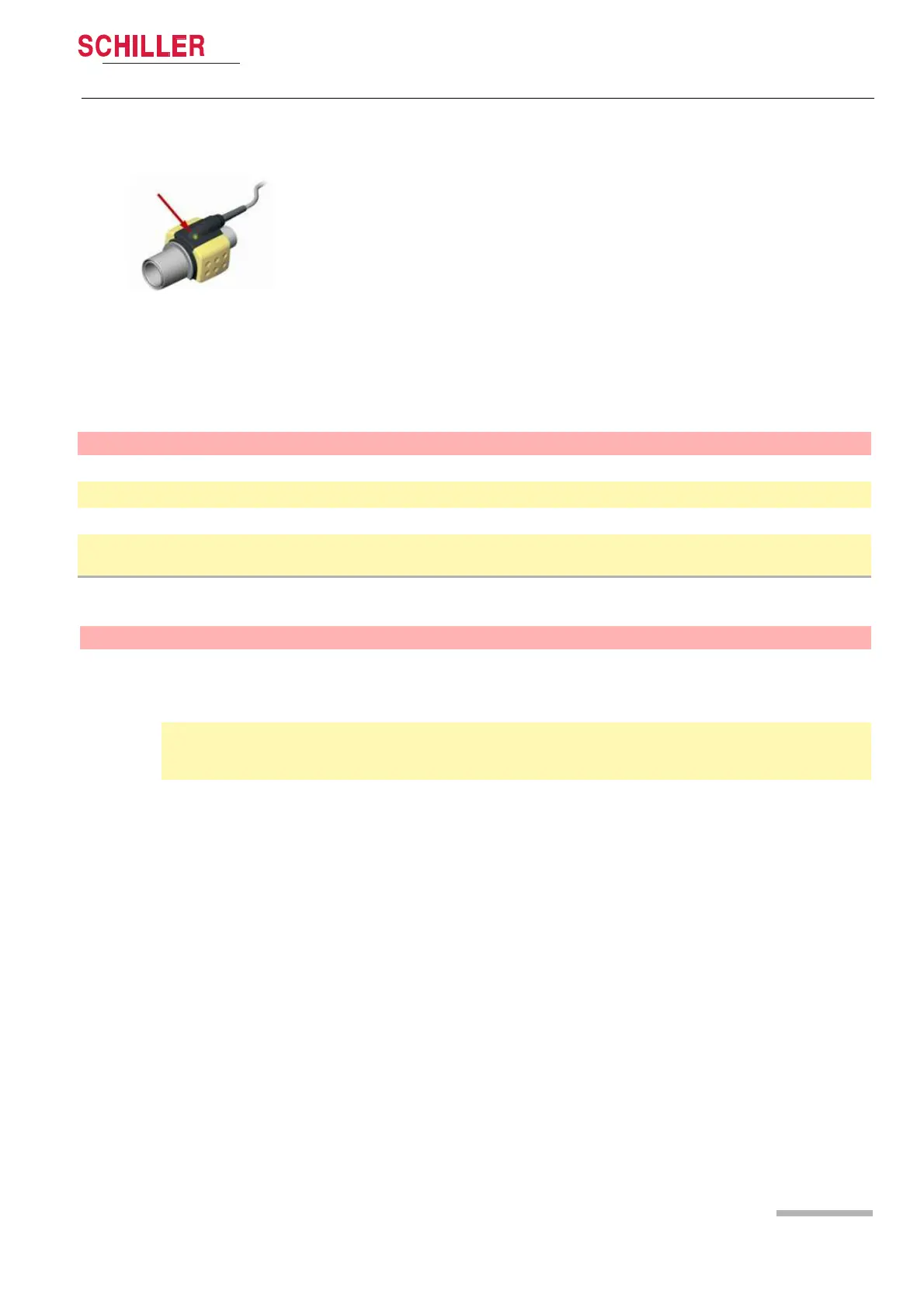
Apart from the indications on the screen, the LED on the sensor gives the following
indications:
Steady green: System OK
Steady red: Sensor error
Flashing red: Check the adapter
Flashing green: Zeroing in process
Menu item Parameter Description
Start measurement On or OFF
Curve amplitude (%) 8, 12 or 15 %
Perform zeroing Zeroing the sensor to ambient air
Type of ventilation
Air = patient ventilated only with air
Air + O2 = patient ventilated with Air and O2
MENU Parameter Description Value
Curve list Touch first curve
Selection of the displayed first curve. The
first display curve is used to calculate the
Heart rate unless the HR source is set to
Pleth.
II or Defi
Default:
Touch the curves 2,3,4 Selection of the displayed curve
Defi/I, II, aVR, aVL, aVF, SpO2
plethysmograph,
EtCO2:Respiration















 To Next Page