4 Monitoring
4.13 View Trend, R-ECG and Screenshots
Page 76
Art. no.: 0-48-0227 Rev.: g
DEFIGARD/PHYSIOGARD Touch 7
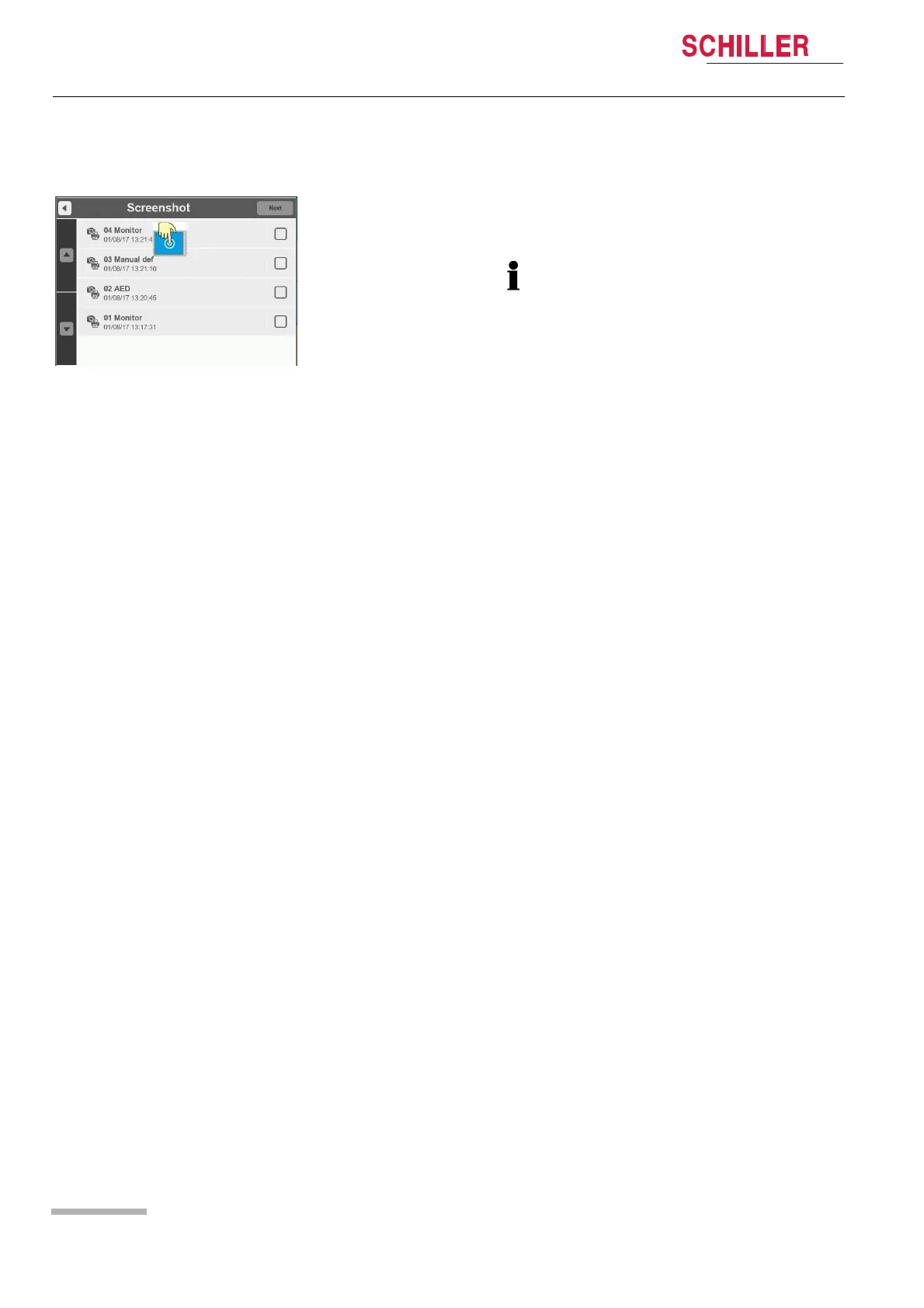
4.13.3 View /Print Screenshots
1. Enter the main menu and select Screenshots.
2. Select one of the screenshot on the list.
3. The screenshot appears with a watermark.
4. Exit the viewing mode by pressing the Red X button on the top left corner.
To print a screenshot, tick the box on the right and click on "next".
Several screenshots can be selected and printed.
The screenshot is available for printout only when the icon has switched from
camera to camera + printer
The printout files may take some time to be generated.















 To Next Page