3 Initial Operation
3.4 Printing
Page 34
Art. no.: 0-48-0227 Rev.: g
DEFIGARD/PHYSIOGARD Touch 7
3.4 Printing
3.4.1 Pairing Bluetooth devices
3.4.2 Brother Printer Overview
The following data can be printed on the Bluetooth printer:
• Recorded Resting ECG (incl. patient data, patient vitals, interpretation and ECG
curves)
• Screenshots (+/- 5 sec from the moment of the screenshot that contains all
displayed curves, patient data and vital data)
• Intervention report.
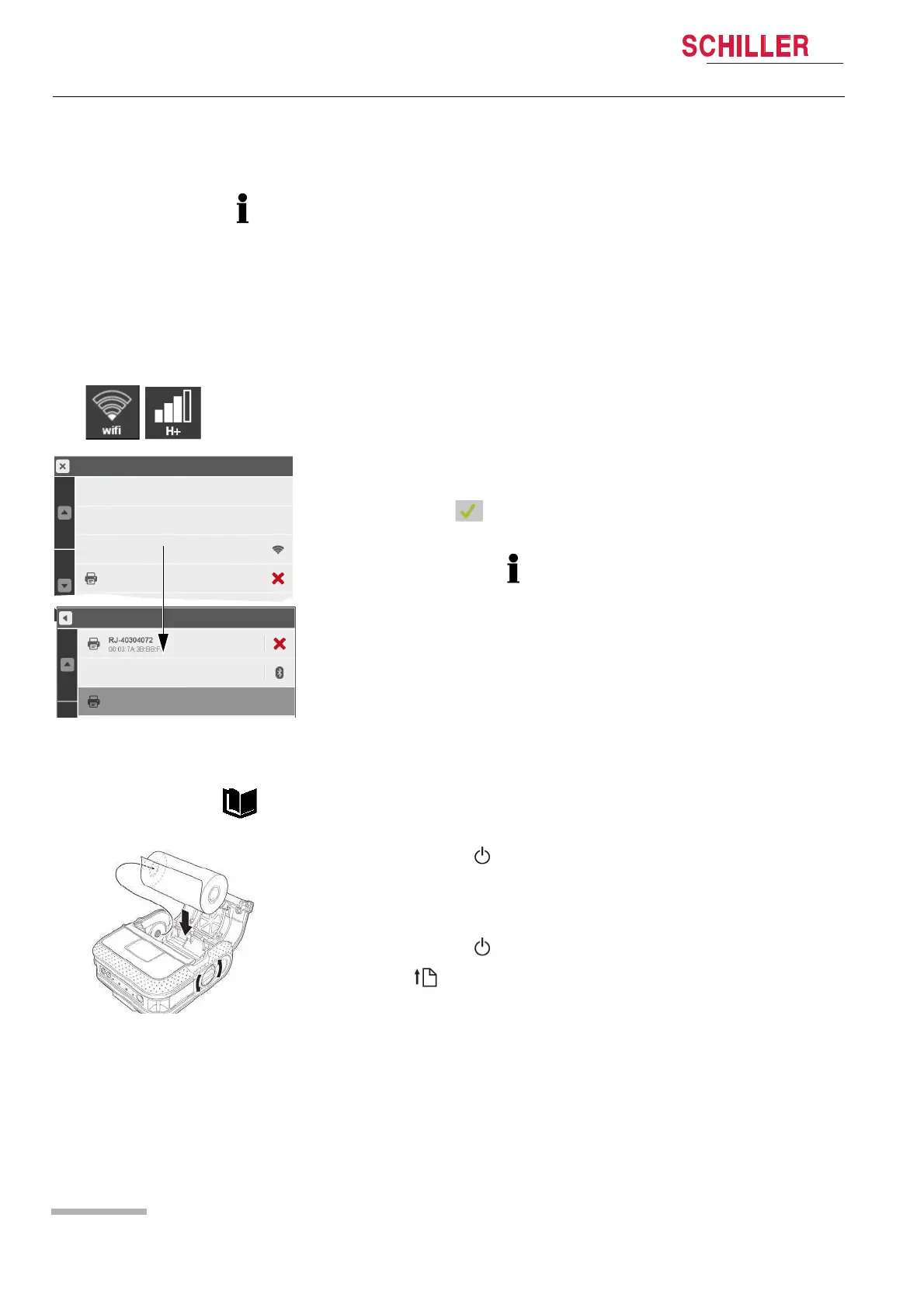
1. Select the transmission icon to display the Data transmission menu.
2. Select menu Printer to display the pairing menu.
3. Switch on the Bluetooth printer and make sure that Bluetooth is activated.
4. Select “Scan for Printer”. As soon as the printer is found, the printer’s identification
number is displayed e.g. RJ-40304072.
5. As soon as the printer pairing is done, printer status in the Data transmission
menu indicates .
6. Select “Printer test page” to check the printing function.
In case of communication problem with a Bluetooth device, switch it off and on again.
Scan again for the Bluetooth device.
For detailed information, refer to the Brother P4030 printer user guide.
1. Press and hold the (Power) button to switch off the printer.
2. Open the cover (1).
3. Insert the RD Roll into the compartment (2).
4. Close the cover.
5. Press and hold the (Power) button to turn the printer on.
6. Press the (feed) button to set the paper in the right starting position.
Data Transmission
Transmission list
Communication media
Printer
idle
Data Transmission
Printer test page
Scan for printer
eCPR system















 To Next Page