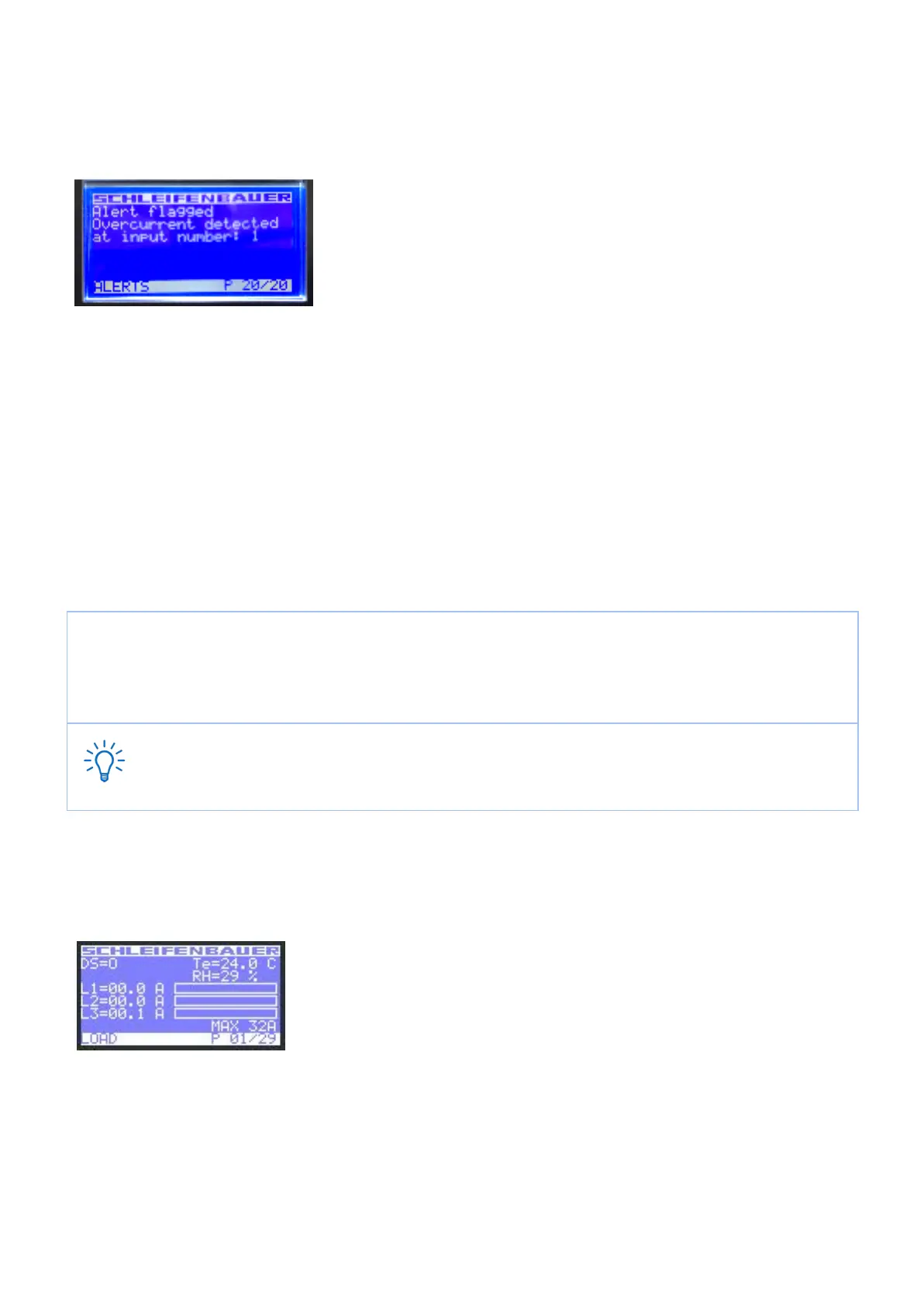
How to stop a blinking display? … local alert reset
Since FW2.50 alerts are represented on both display and web interface. For example:
The displayed text shows directly what kind of an alert has occurred.
Why do alerts occur?
Alerts are signal flags after an event occurred. For example, if you measure temperature and the environmental conditions
exceeded a configured level - threshold - the PDU will generate an alert. This resolves in:
- SNMP trap (optional)
- The screen of the PDU will start blinking.
- The screen of the PDU will jump to the Alert page which provides information on what happened.
After the temperature has come down again, the event is cleared but the alert still exists. The display will blink until you
“reset” (=clear) the alert.
The LCD display only flashes when an alert is active.
● press any button to stop blinking for a short period: blinking will stop so you can read the display
● resetting the alert can be done by pressing both scroll buttons simultaneously; when cleared the
display will stop blinking (Note: this possibility must be activated on your device; see Admin part of
this manual)
Remember: you can reset the alert but by doing so, you do not resolve the cause of the alert!
If the alert condition is still present the alert will fire again.
How to check the load balance, the temperature / humidity or the status of the NO/NC
contact?
In the picture you see 3 phases (L1, 2 and 3). The actual information is given in
amperes but also graphically displayed. The higher the load, the more the bar is
filled.
The graphical bar is related to the maximum PDU rating (in the picture it is 32A).
In this picture, there is nearly no load, only on L3 there is a small 0.1A.
DS = status of NO/NC contact [ 0 = open; 1 = closed ]
Te = temperature [degrees C] *
RH = relative humidity [%] *
*only visible when the corresponding sensor has been connected.
V252_User manual
Schleifenbauer PDU



 To Next Page