NETWORK CONFIGURATIONS
DHCP and default address
In general, the Dynamic Host Configuration Protocol (DHCP) protocol can dynamically configure the:
● IP address
● subnet mask
● gateway address
● Domain Name System (DNS) servers
By default, the PDU is configured to get the IP address from DHCP automatically. If the PDU does not receive an IP address
within a set time, it will proceed using the default address:
192.168.1.220
(subnet mask: 255.255.255.0)
How to configure the IP settings manually?
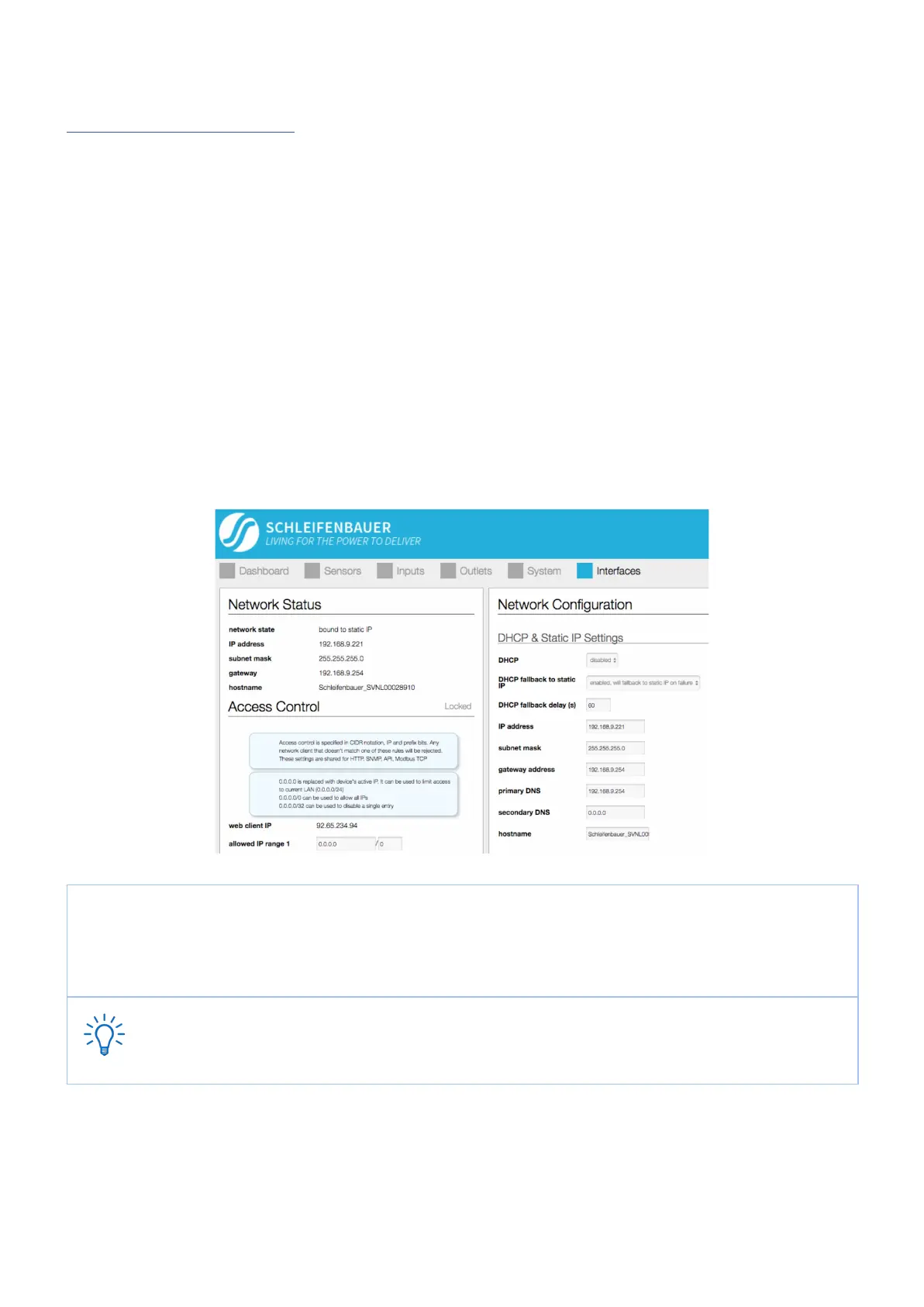
The IP settings can be manually configured by using the web interface:
● go to the <web interface> , tab < Interface >, block < Network Configuration >
● disable DHCP
● Fill in the “Static IP Settings”
● Restart the CPU: go to tab < System >, block “Reset”
When using ‘DHCP fallback to static IP’, it is recommended to enter a unique IP address for each PDU. This
approach prevents all of the PDUs from being assigned the same IP address in the event of a faulty DHCP
server.



 To Next Page