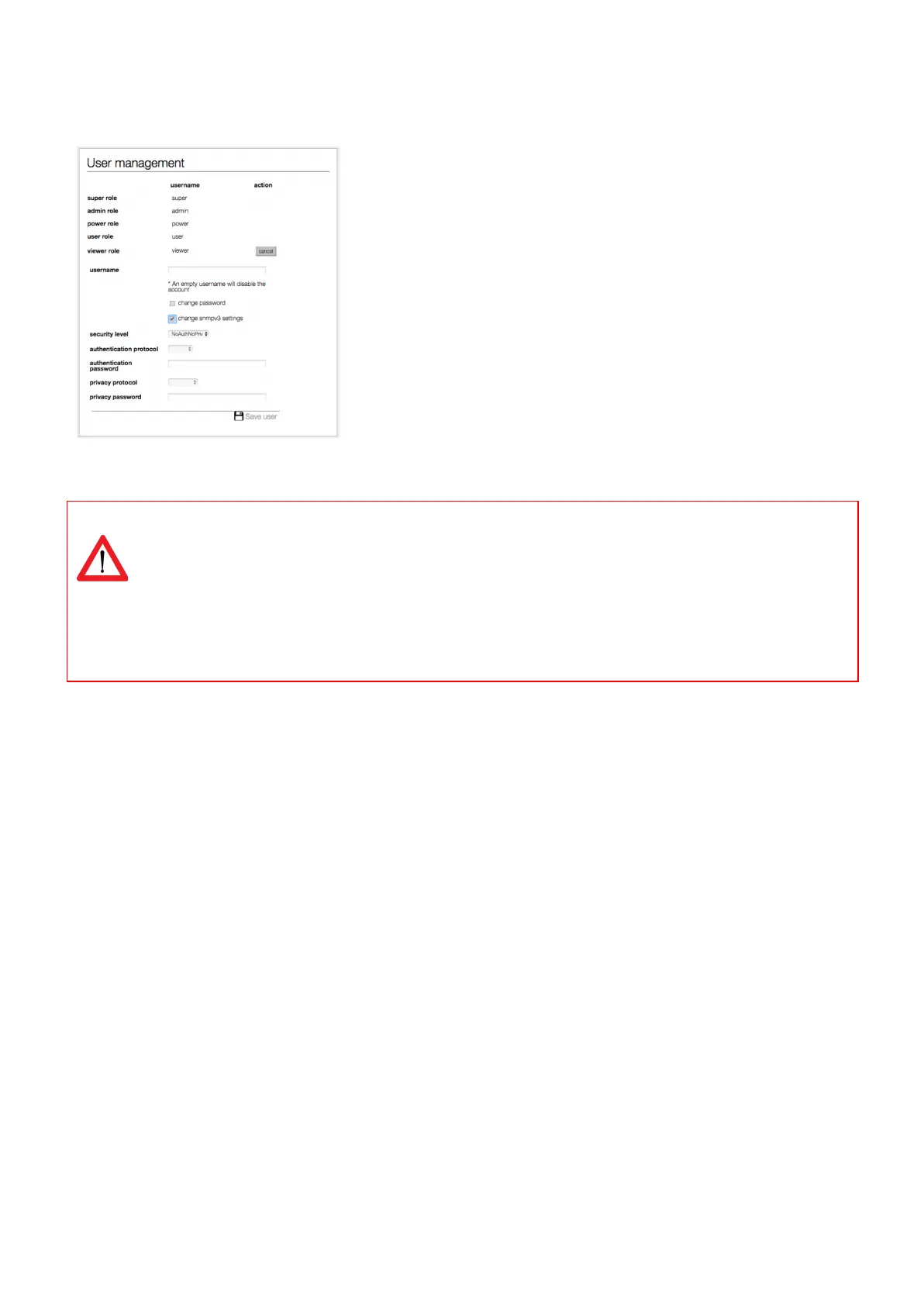
How to change SNMPv3 settings?
SNMPv3 user settings can be configured in the web interface: tab
“Interfaces”, block “User management”.
To change the settings of a specific user click the ‘edit’ button. Then check
the ‘change snmpv3 settings’ checkbox to edit the snmpv3 settings. When
finished, click the ‘save user’ button.
Classic PDU, so without ethernet connector and running on firmware 1.xx , don’t have a device type
register. That is why some things do not work using SNMP
Not working using SNMP on a Classic PDU
- input subtotal reset per phase
- outlet reboot
- Power (W) and Power (VA), invalid value (0.0)
V252_User manual
Schleifenbauer PDU



 To Next Page