How to upgrade the firmware? ...using USB
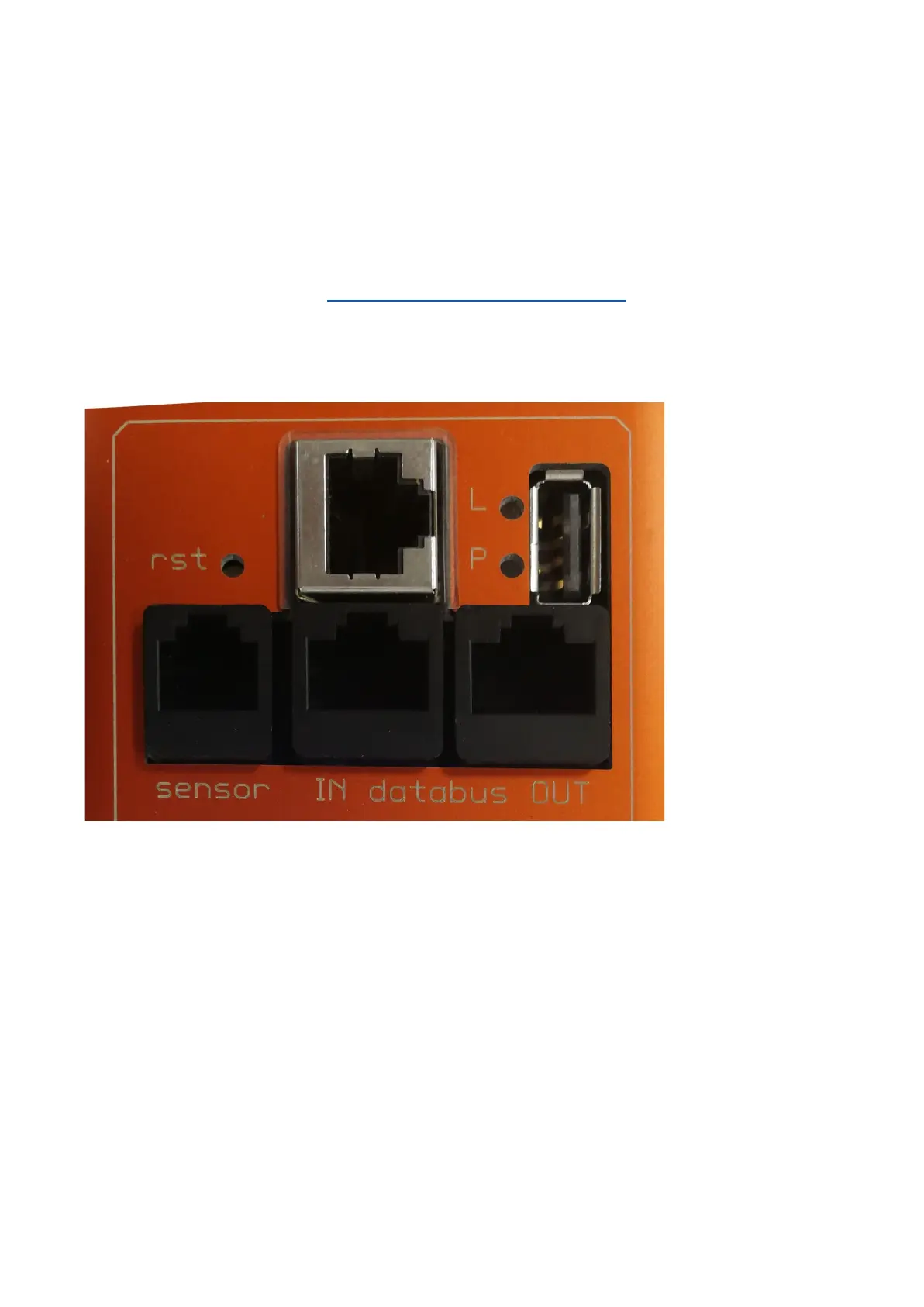
All G3 products have an USB port near the LCD screen.
USB support is enabled by default so if it hasn't been explicitly disabled by the user, enabling it is unnecessary.
To start the update process make sure you have USB support enabled in the web interface. This can be found under
<system> -> settings in the web interface. Alternatively you can write 1 to modbus register 220 (make sure modbus is set to
read/write) or use SNMP.
Next download the latest firmware from https://docs.schleifenbauer.eu/?dir=Firmware.
The firmware is provided as a single .zip archive.
Please extract the entire contents of this archive onto a blank FAT32-Formatted USB pendrive.
Then safely remove this pendrive from the PC and insert it into a PDU. The upgrade will start automatically.



 To Next Page