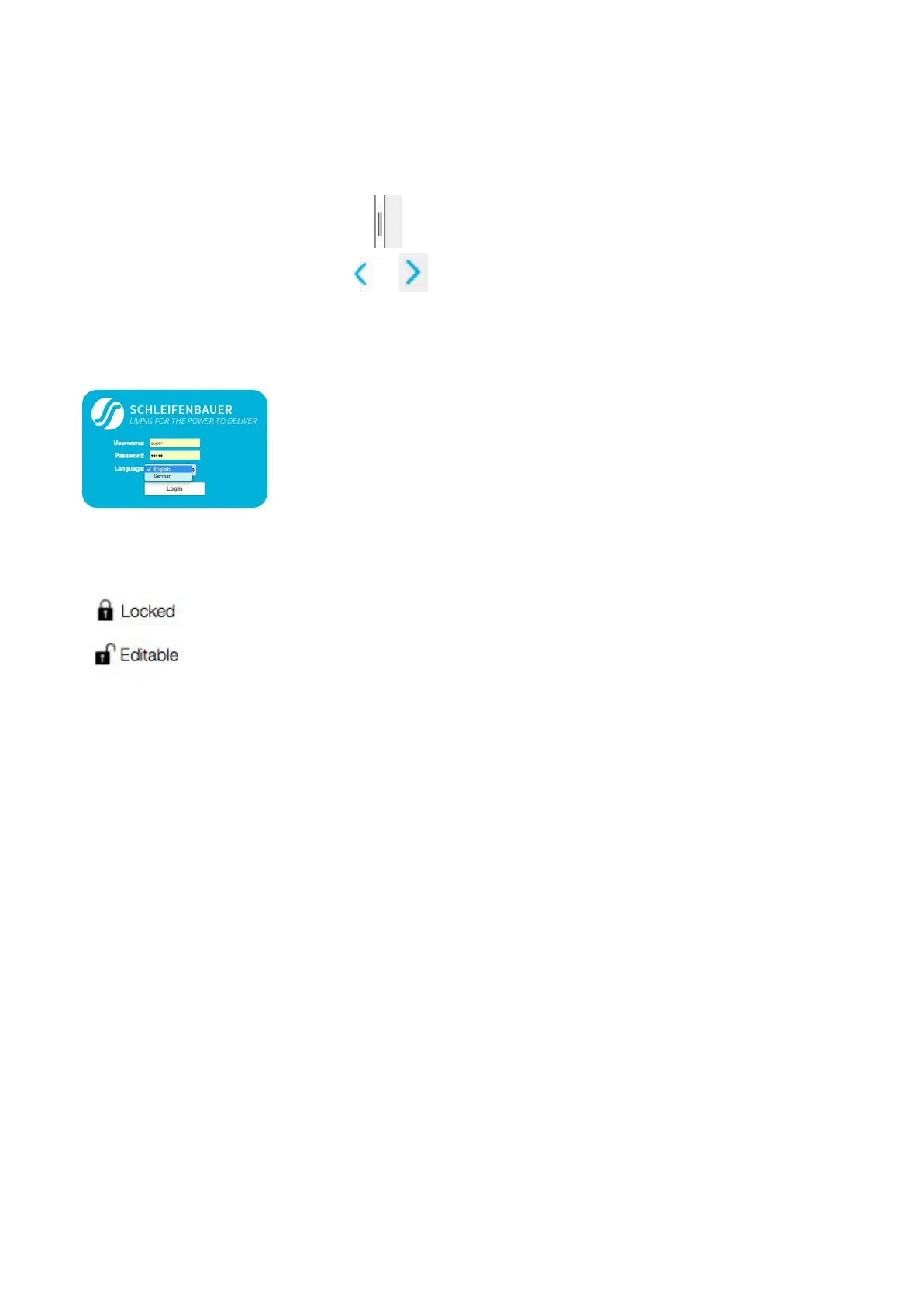
How to enlarge a pane in L sized screens?
There are two possibilities:
● using the pane separator:
● using the < or > signs : or
How to select English or German language?
The login screen makes it also possible to select English or German as language
Note: in this manual, only the English screens will be shown.
How to change and save settings in the web interface?
The web interface is protected against accidentally changing settings. Related to your
profile, you might have permission to change information: see the “Permission
model”.
To open protected cells, you first have to click the “Locked” sign and the status will
change to “Editable”.
When ready, click “Editable” or click the “Save changes” icon if shown, and the sign
will turn into “Locked”.
V252_User manual
Schleifenbauer PDU



 To Next Page