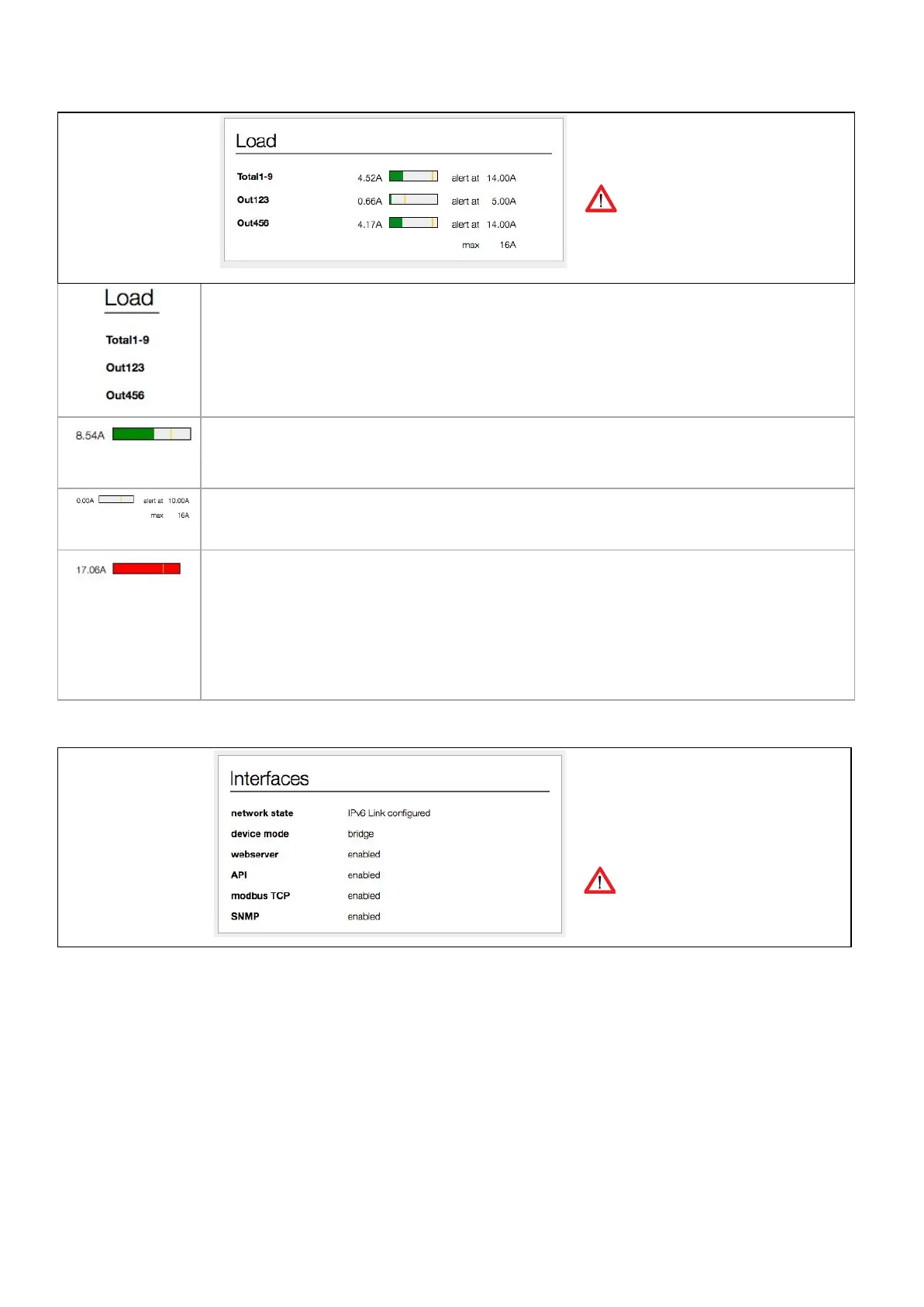
Shows the name, load and alert
threshold of each input.
The way loads are visualised depend on
the configuration of your PDU
See tab < Input > when you want to change
the name of an input.
By default, the name field has an 8 character limit. With the “extended name”-option enabled, you
can make use of 18 characters
➢
See also chapter: System tab > Settings
In a graphical bar the load is presented.
As long as the load is under the “alert threshold” the bar will be green
The alert threshold is visualised as a yellow, vertical line.
➢
See also chapter: System tab > Settings
However, when the load passes the alert threshold, the bar will turn red. In the meantime 2 things
will happen:
1) an alert occurs in the “System status” block
➢
See also chapter: Web Interface > Dashboard tab > System status
2) at the same time the display of the PDU will blink
➢
See also chapter: Operating the PDU > Alerts: blinking display
Data shown is read-only and gives an
overview of the statuses of the
interfaces.
This block is only shown for devices in
BRIDGE mode
V252_User manual
Schleifenbauer PDU



 To Next Page