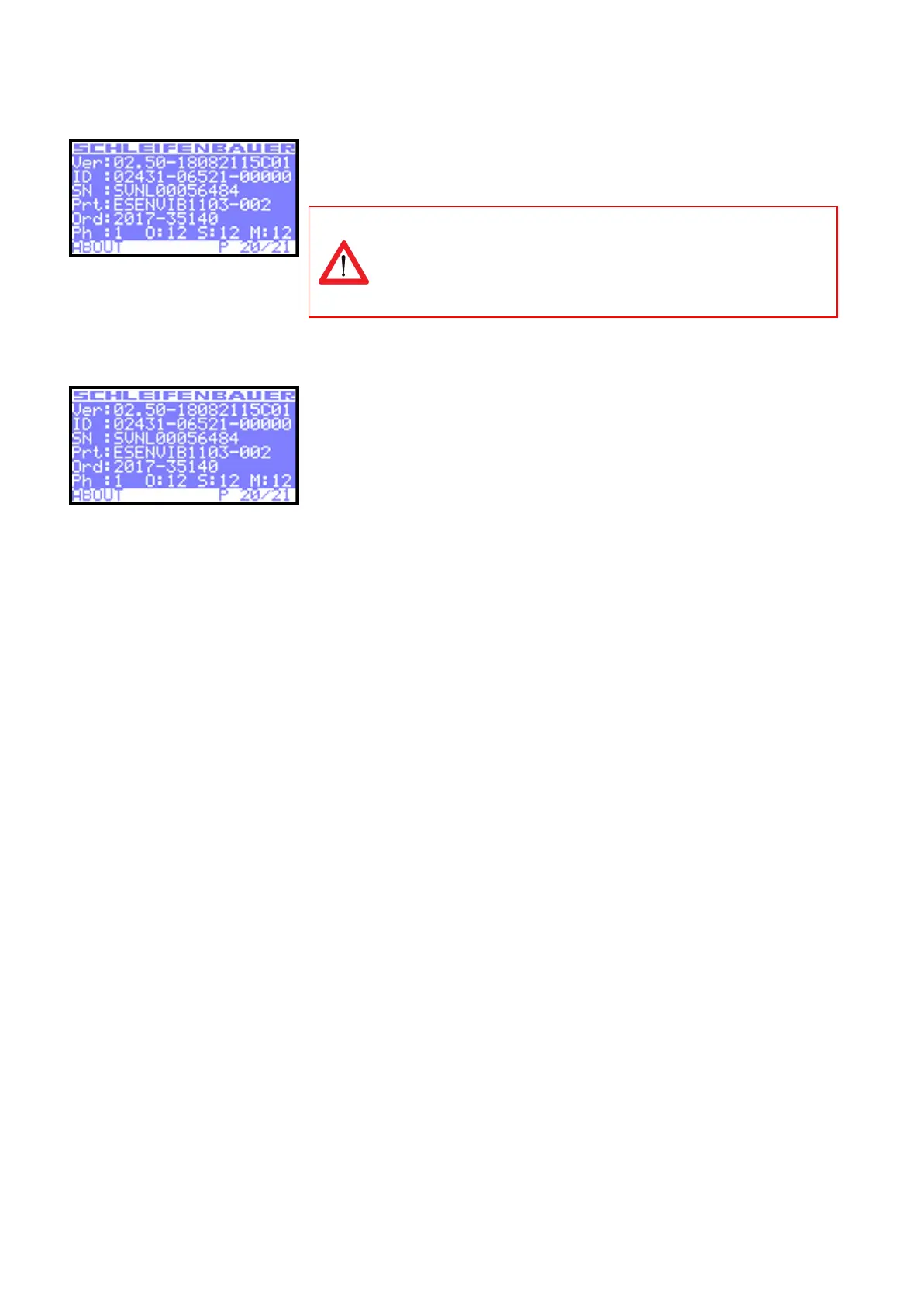
In the “About” display you can find the installed firmware version of the device. In
this example it is FW02.50.
It is important that the most recent firmware version is running on
the devices. This to ensure good working of the device and databus.
Firmware and service tools can be found on “downloads” page of the
Schleifenbauer website
In the “About” display you can find information regarding serial number, product
information and Schleifenbauer order number.
● ID = unique hardware address of this device’s controller
● SN = serial number (also found on the PDU housing)
● Prt = product identification (also found on the PDU housing)
● Ord = order number for internal Schleifenbauer uses
● Ph = number of phases of this device
● O = total number of outlets on this device
● S = number of switchable outlets on this device.
● M = number of metered outlets on this device



 To Next Page